
Tag: create wordpress theme
-

How do I create new WordPress pages?
When you are designing a website, the design isn’t limited to just the homepage. Elements like the header, footer, logo, and styles carries through to the other pages on the site. This is exactly why we added a multi-page builder into PressMeGPT. Now users can not only design the homepage (often the starting point and…
-
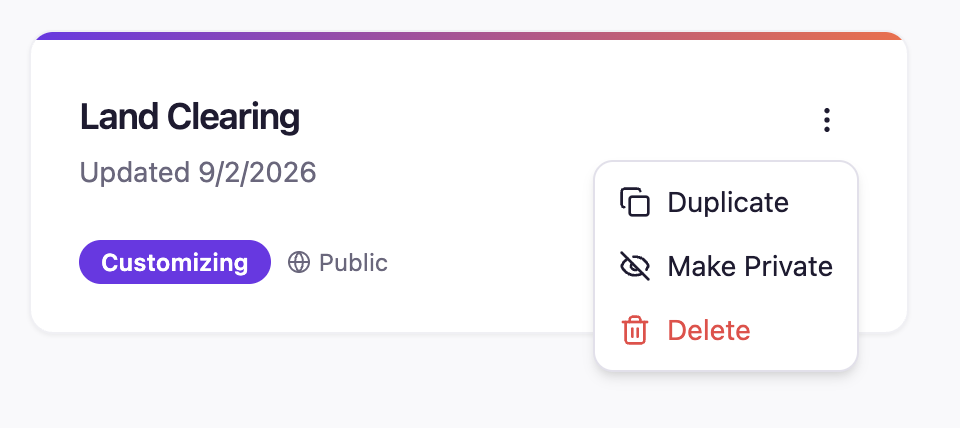
How do I make my WordPress theme private
Yes, any paid users can make the themes they generate with AI private from the public WordPress theme directory, which allows other users to view, remix, and download derivative themes and website designs. There are three places to do this: 1: On the initial Describe screen When you are initially describing what you want AI…
-

Why AI Generated Websites Need a CMS Like WordPress
AI can generate a polished website in minutes. It can suggest a layout, write starter copy, choose colors, create sections, and produce a convincing homepage before you have finished your coffee. But a homepage is not the same thing as a complete website system. As a business grows, the website needs to do more than…
-

How to Create a Law Firm Website with AI (WordPress Theme)
A law firm’s website has one job above all others: make a stressed, uncertain visitor feel like they’ve found someone they can trust. That’s a tall order for a template. Prospective clients are usually searching for a lawyer during one of the more difficult moments in their life — a divorce, an injury, a criminal…
-

10 Best Website Color Combinations for Modern Website Design
Your website colors speak before your headline does. Before visitors read your offer, check your pricing, or click your menu, they already get a feeling from your design. A soft beige and sage palette feels calm. Navy and gold feels premium. Black and neon green feels bold and futuristic. The right website color combination can…
-

Introducing Instant WordPress Website Preview for Your AI-Generated Themes
One of the biggest frustrations with AI website builders is the difference between the preview and the actual installed website. You generate something that looks great, but once it reaches WordPress, the experience changes. Settings, plugins, layouts, and theme behavior can all make the final result feel different from what you expected. That’s why we…
-
We Fixed the Most Annoying Thing About AI Website Builders: Credit Transparency
There was something that kept bothering me with AI builders in general….Credits. Most AI products make you guess. You click something… generate… experiment a little… and only then find out how many credits you just burned through. I’ve run into this constantly myself with many products including Claude, Gemini, Lovable, Base44 and others. I understand…
-
Otter Blocks + PressMeGPT: Build Conversion-Focused Business Websites Faster
Comprehensive review of Otter Blocks, the business-focused Gutenberg plugin. Learn how 300,000+ users build lead-generating websites with forms, pricing tables, and testimonials with PressMeGPT integration.
-

Unlimited Elements for Elementor + PressMeGPT: Two Different Ways to Create Custom WordPress Sites Together
Comprehensive review of Unlimited Elements for Elementor. Learn how 200+ creative widgets, multiple builder compatibility, and PressMeGPT integration create unique design workflows.
-
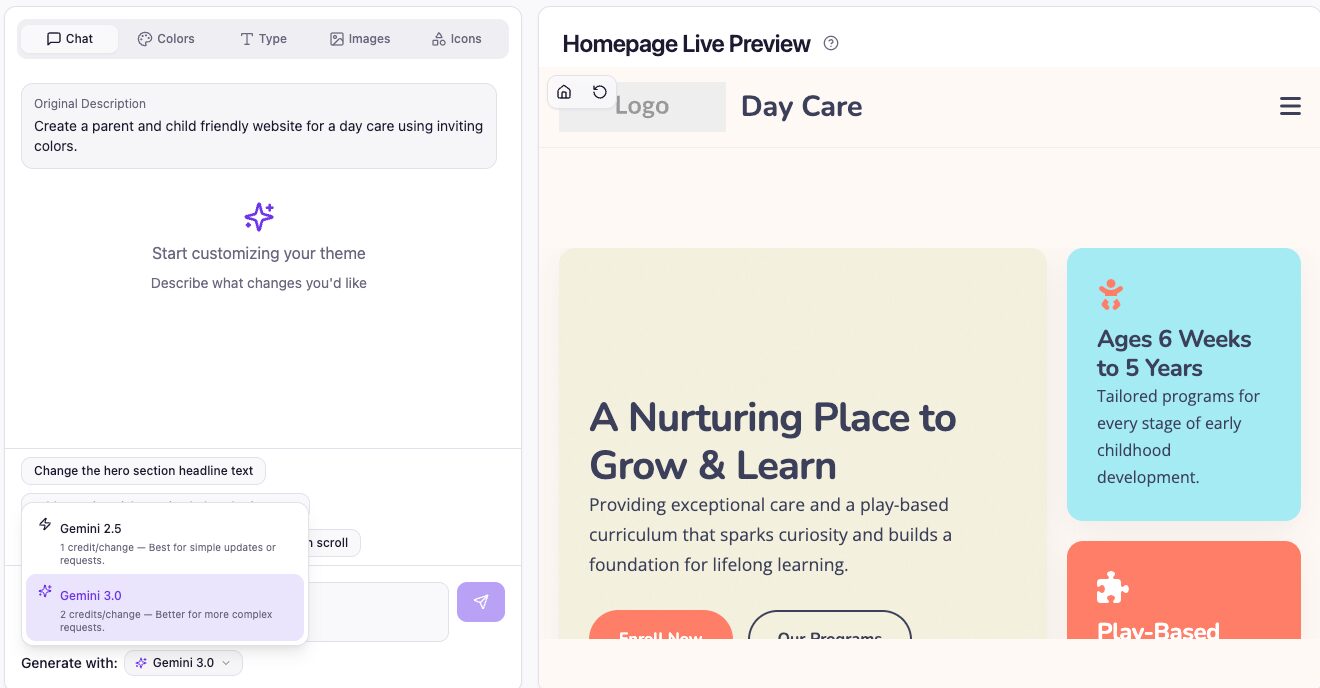
🚀 New Release: Gemini 3.0 + Model Switching in PressMeGPT
We’ve just rolled out one of the most impactful upgrades to PressMeGPT yet: This gives you more control than ever—use cutting-edge AI when you need it, and save credits when you don’t. Gemini 3.0 Is Here (And It’s a Big Leap) Gemini 3.0 represents a meaningful jump forward in how AI understands, generates, and structures…