
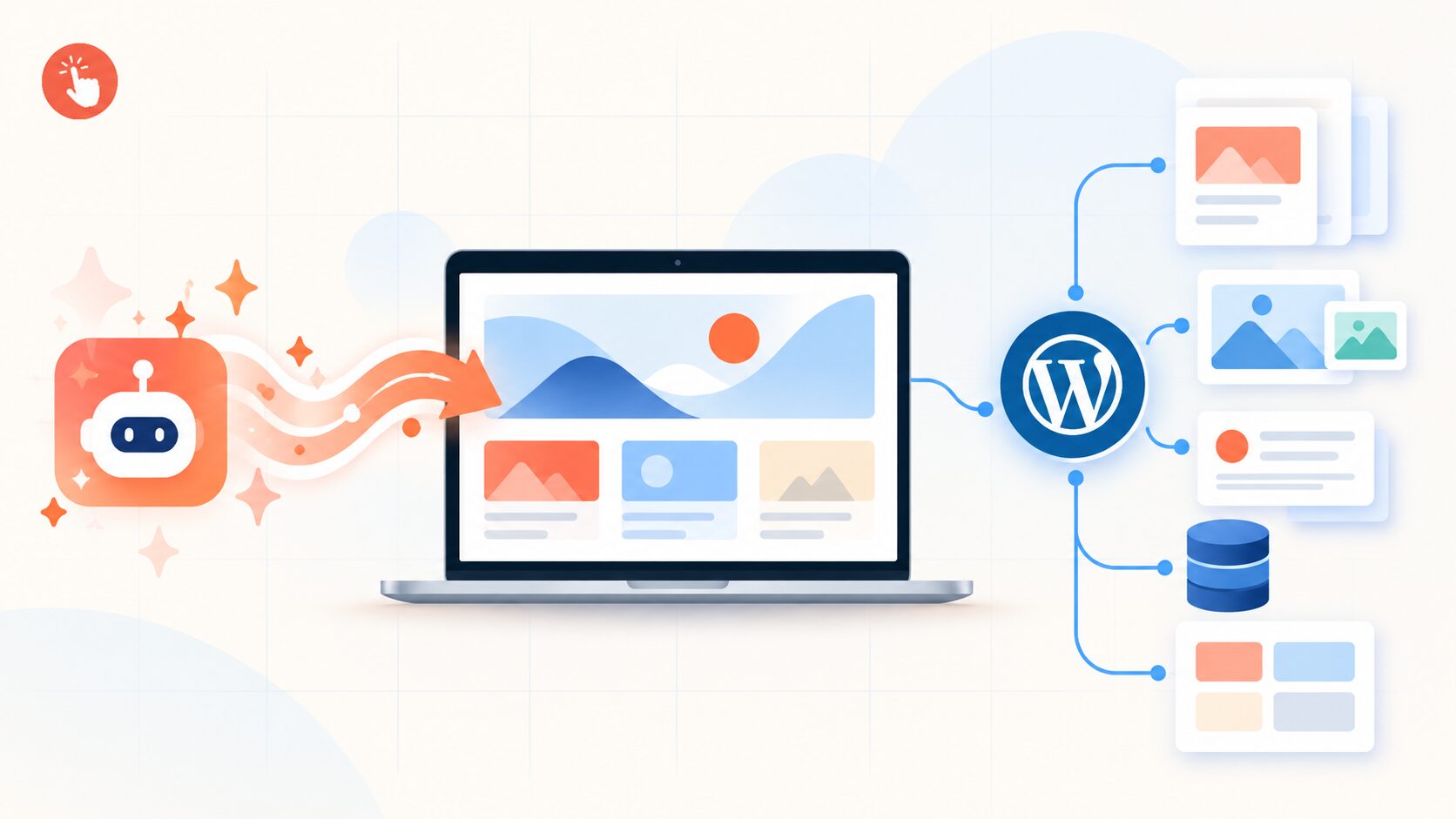
AI can generate a polished website in minutes. It can suggest a layout, write starter copy, choose colors, create sections, and produce a convincing homepage before you have finished your coffee.
But a homepage is not the same thing as a complete website system.
As a business grows, the website needs to do more than look good. It needs to store and organize content, publish new pages, manage images, support multiple contributors, preserve earlier versions, connect with other tools, and adapt when the business changes direction.
That is where a content management system—usually called a CMS—becomes important.
The short answer is this: AI is excellent at creating the first version of a website, while a CMS manages the website after the first version exists. WordPress is one of the most flexible CMS platforms for turning an AI-generated design into a website that can be edited, expanded, owned, and maintained over time.
At PressMeGPT, this is the distinction we care about. The goal is not to generate a design that looks finished for one moment. The goal is to give people a faster starting point for a real WordPress website they can continue to control.
What does a CMS add to an AI-generated website?
An AI website generator (like pressmegpt) usually begins with a prompt such as:
“Create a modern website for a small photography studio with a dark portfolio, booking call to action, and an about section.”
The AI can turn that description into a visual layout. That is useful, but the generated layout is only the presentation layer. A long-lasting website also needs an underlying system for handling the content inside that presentation.
A CMS provides that system. It lets you:
- – save pages, posts, images, and other content in an organized way;
- – edit content without rebuilding the entire website;
- – create repeatable content types and templates;
- – control who can draft, review, publish, or manage the site;
- – preserve earlier versions and recover from unwanted changes;
- – expand the website without creating a collection of unrelated pages.
Some AI website builders already include their own CMS features. The important question is not simply whether a product uses AI. The better question is whether the generated website has a durable, editable content foundation behind it—and whether you can keep using that foundation if your needs change.
AI creates the starting point; WordPress manages the website
It helps to separate three things that are often treated as one:
- The design is what visitors see: layout, colors, typography, spacing, and visual style.
- The theme or front end controls how that design is displayed.
- The CMS stores and manages the content that appears inside the design.
An AI tool can help with all three, but they do not perform the same job.
For example, a generated homepage may contain a hero section, three service cards, testimonials, and a contact form. Later, the business may need twenty service pages, a regularly updated blog, a case-study library, staff profiles, a resource center, or an online store.
If every new item must be designed manually as a separate page, the website quickly becomes slow to maintain and inconsistent to browse. With WordPress, the content can be managed through its native pages, posts, templates, taxonomies, and—when needed—custom post types.
That is the difference between generating a page and building a website that can keep producing useful pages.
Pages, posts, and structured content
WordPress gives different kinds of content different jobs.
Pages for stable information
Pages are generally used for information that does not change every week, such as:
- – About;
- – Services;
- – Contact;
- – Pricing;
- – Frequently asked questions;
- – Privacy and terms pages.
An AI tool can help create the first draft of these pages. WordPress then gives the owner a familiar place to revise the copy, change images, update links, or add new sections later.
Posts for ongoing publishing
Posts work well for content that is published over time, including blog articles, company news, announcements, tutorials, and updates. WordPress can organize these posts by date, category, tag, author, and archive pages.
This matters for businesses that want to publish consistently. Instead of adding a new one-off page every time there is an update, the team follows an established publishing structure.
Custom post types for repeatable collections
Some content does not fit neatly into a normal page or blog post. A portfolio item, property listing, event, team member, course, recipe, testimonial, or case study may need its own fields and display rules.
That is where structured content types become useful. A case study, for example, might contain a client name, industry, challenge, solution, results, featured image, and related service. Once that structure exists, the site can display many case studies with a consistent template rather than designing each one from scratch.
WordPress supports custom post types and custom templates for these kinds of collections. The exact setup may require a plugin or development work, depending on the project, but the underlying CMS is designed to support this growth.
Templates and dynamic content prevent design drift
When a website is small, manual editing can seem harmless. But as the number of pages increases, small differences begin to accumulate:
- – headings use different sizes;
- – buttons appear in different positions;
- – images have inconsistent proportions;
- – calls to action use different wording;
- – navigation and internal links become harder to maintain.
Templates help solve this problem. A template defines how a type of content should appear. A single case-study template can display every case study in the same visual pattern. An archive template can show all case studies, services, or posts in a consistent collection.
Dynamic fields add another layer. Instead of hard-coding a client name or price into a design, the template can display the relevant value from the content record. Change the content once, and the template can show the update wherever that information appears.
This is especially useful for ecommerce, directories, portfolios, listings, and resource hubs. WooCommerce is a familiar example: products can have structured information such as price, stock status, SKU, images, categories, and tags, while templates control how products are presented.
The practical benefit is simple: AI can help create the design language, but structured content and templates make that design reusable.
A CMS makes AI-assisted editing safer
AI speeds up changes. That is one of its biggest advantages—and one of its biggest risks.
An AI editor can rewrite a homepage, shorten a paragraph, create a new section, change a color palette, or generate several layout variations very quickly. But fast editing can also remove an important message, introduce an inaccurate claim, break a layout, or weaken a page that was already performing well.
A CMS gives teams ways to control that speed. WordPress includes draft and publishing workflows, user roles, and revision history. Users can be assigned different responsibilities: a contributor may prepare a draft, an author may publish their own posts, an editor may review content from multiple writers, and an administrator may manage wider site settings.
Revision history is equally important. If a new AI-assisted edit is not an improvement, the site owner can compare earlier versions and restore a better one instead of trying to recreate it from memory.
AI makes experimentation faster. A CMS provides the review, accountability, and recovery tools that make that experimentation practical.
WordPress reduces dependence on a single AI platform
There is another reason a CMS matters: ownership.
Some AI website products keep the design, content, hosting, and editing tools inside one closed platform. That can be convenient, especially for a quick launch, but it may become limiting if the pricing changes, a feature is removed, the business needs a new integration, or the owner wants to move to another host.
WordPress is widely supported by hosting providers, developers, agencies, themes, plugins, and third-party services. The site can be hosted in different environments, extended with additional functionality, and managed with tools that are not tied to one AI vendor.
This does not mean that every hosted AI builder is a bad choice. A hosted platform may be perfectly suitable for a simple brochure site. It does mean that businesses should understand what they own and what they can export before building something important.
At PressMeGPT, exportability is part of the product philosophy. PressMeGPT generates an installable WordPress theme rather than leaving the design as a screenshot or an isolated mockup. Depending on the chosen workflow, themes can be exported for Gutenberg, the Classic Editor, or Elementor, then installed on a WordPress site and customized there. That gives users the speed of AI-assisted design while keeping the website connected to WordPress’s broader ecosystem.
Where PressMeGPT fits
PressMeGPT is designed to improve the most time-consuming part of many WordPress projects: getting from a blank screen to a strong, usable design foundation.
You describe the site you want, select a direction, refine it with AI prompts, and export a WordPress theme. You can also use PressMeGPT to turn an existing design or a site built with another platform into a WordPress-ready theme, subject to the rights and permissions you have for that design.
That workflow is useful for several types of users:
- – Small businesses that want a professional starting point without learning theme development;
- – Freelancers who want to reduce repetitive design work;
- – Agencies that need to create consistent client foundations faster;
- – Developers who want to start with a clean theme instead of rebuilding common layouts;
- – Creators and bloggers who want a design they can continue editing inside WordPress.
The key point is what happens after export. PressMeGPT handles the design starting point. WordPress remains the place where the owner can manage pages, posts, menus, media, users, and future content.
That division of responsibility is valuable. AI does not have to replace the CMS. It can make the CMS easier and faster to use.
Does every AI-generated website need WordPress?
No. A small, temporary landing page may not need the full capabilities of WordPress. A hosted builder may be a good fit when speed and simplicity matter more than portability or complex content management.
But as soon as a website needs regular publishing, multiple contributors, reusable content types, ecommerce, integrations, detailed permissions, or a long-term redesign path, a real CMS becomes much more important.
WordPress is not the only CMS available. The best choice depends on the team, budget, technical requirements, hosting preference, and type of content. The principle is broader than WordPress:
An AI-generated website should have a content system that the owner can understand, edit, expand, and move when necessary.
What to check before choosing an AI website builder
Before committing to a tool, ask these questions:
- Is the output a real website or only a visual mockup?
- Can you export the design and content, or are you locked into the platform?
- Can you add pages, posts, media, and structured content later?
- Does it support templates and consistent global styles?
- Can different team members have different permissions?
- Can you preview, revise, and restore important changes?
- What happens if you stop paying for the AI tool?
- Will the site still be maintainable when the business doubles in size?
These questions reveal more than a polished demo. A website should not only be easy to generate; it should remain useful after the launch excitement is over.
Final takeaway
AI-generated websites need a CMS when they are expected to become more than one-time designs.
AI is excellent at accelerating ideas, layouts, copy drafts, and theme creation. A CMS provides the persistent structure that lets a website publish, organize, collaborate, recover from mistakes, and grow. WordPress is a strong option because it combines a mature content-management system with a large ecosystem and flexible hosting choices.
The best workflow combines both technologies:
- – use AI to move faster from idea to design;
- – use a WordPress theme to carry that design into a real site;
- – use WordPress to manage content and future growth;
- – keep ownership and portability in mind from the beginning.
That is the role PressMeGPT aims to play: not replacing WordPress, but making the path into WordPress faster, cleaner, and more accessible.
AI can help you start a website in minutes. A CMS is what helps you keep building it.