Yes, any paid users can make the themes they generate with AI private from the public WordPress theme directory, which allows other users to view, remix, and download derivative themes and website designs. There are three places to do this:
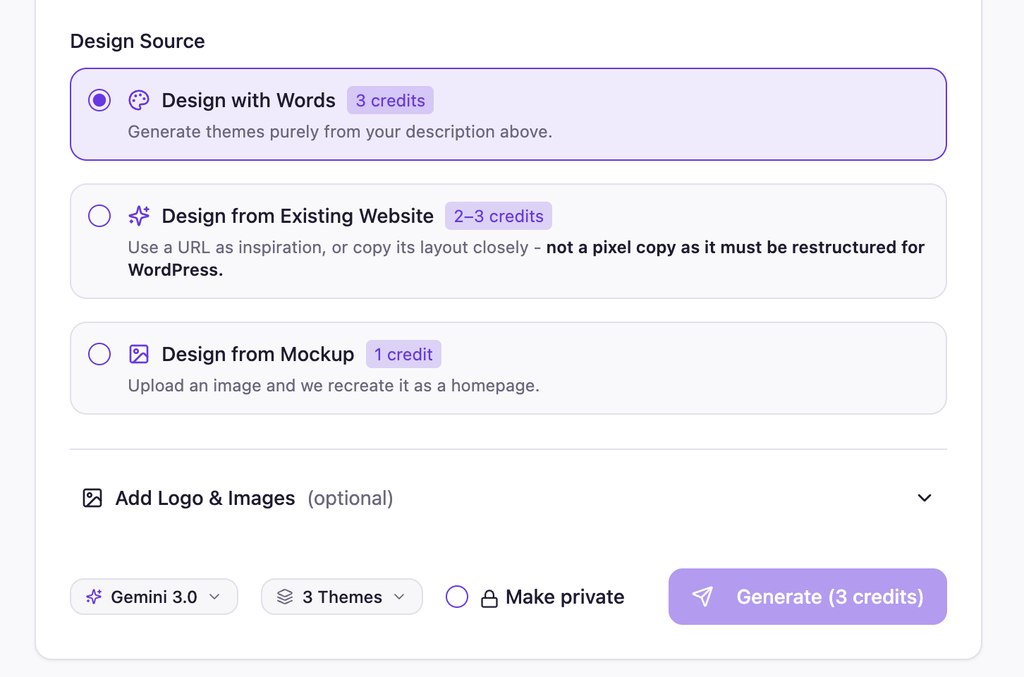
1: On the initial Describe screen
When you are initially describing what you want AI to design, there is a radio button next to the Generate button that will allow you to keep your theme private.
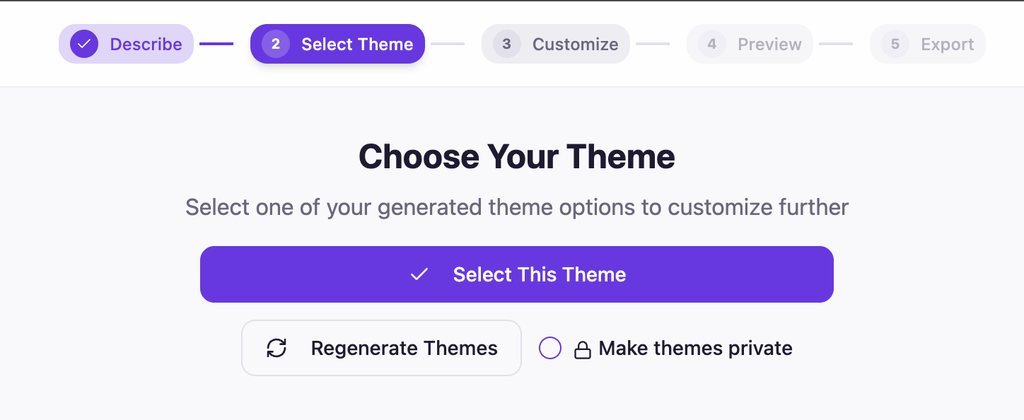
2: On the theme selection screen (not available for website copies or image conversions)
When selecting which theme you’d like to build upon, you’ll also see the same radio button to make the theme private if you forgot on the previous screen.
Although it is important to note that this option is not available on website copies, inspired by, or image to WordPress conversions since this page is bypassed for those types of website generates.
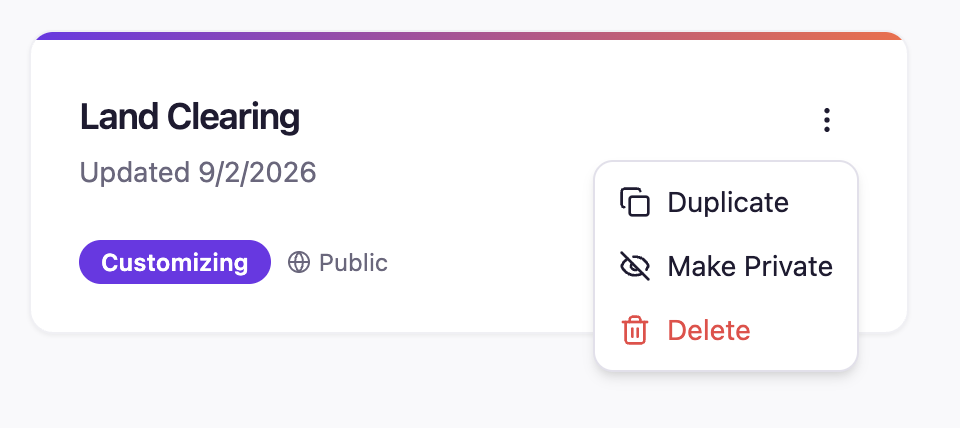
3: On your dashboard
If you forget to make your theme private while you are designing it, you can simply visit your dashboard, locate the project you want to make private, click on the action menu for that project, and select “Make Private”.
Free Users
Free users cannot make themes private at this time. In order to do so you’ll need to upgrade to any paid account. See our pricing page for more details.