
Tag: wordpress theme builder software
-

How do I create new WordPress pages?
When you are designing a website, the design isn’t limited to just the homepage. Elements like the header, footer, logo, and styles carries through to the other pages on the site. This is exactly why we added a multi-page builder into PressMeGPT. Now users can not only design the homepage (often the starting point and…
-
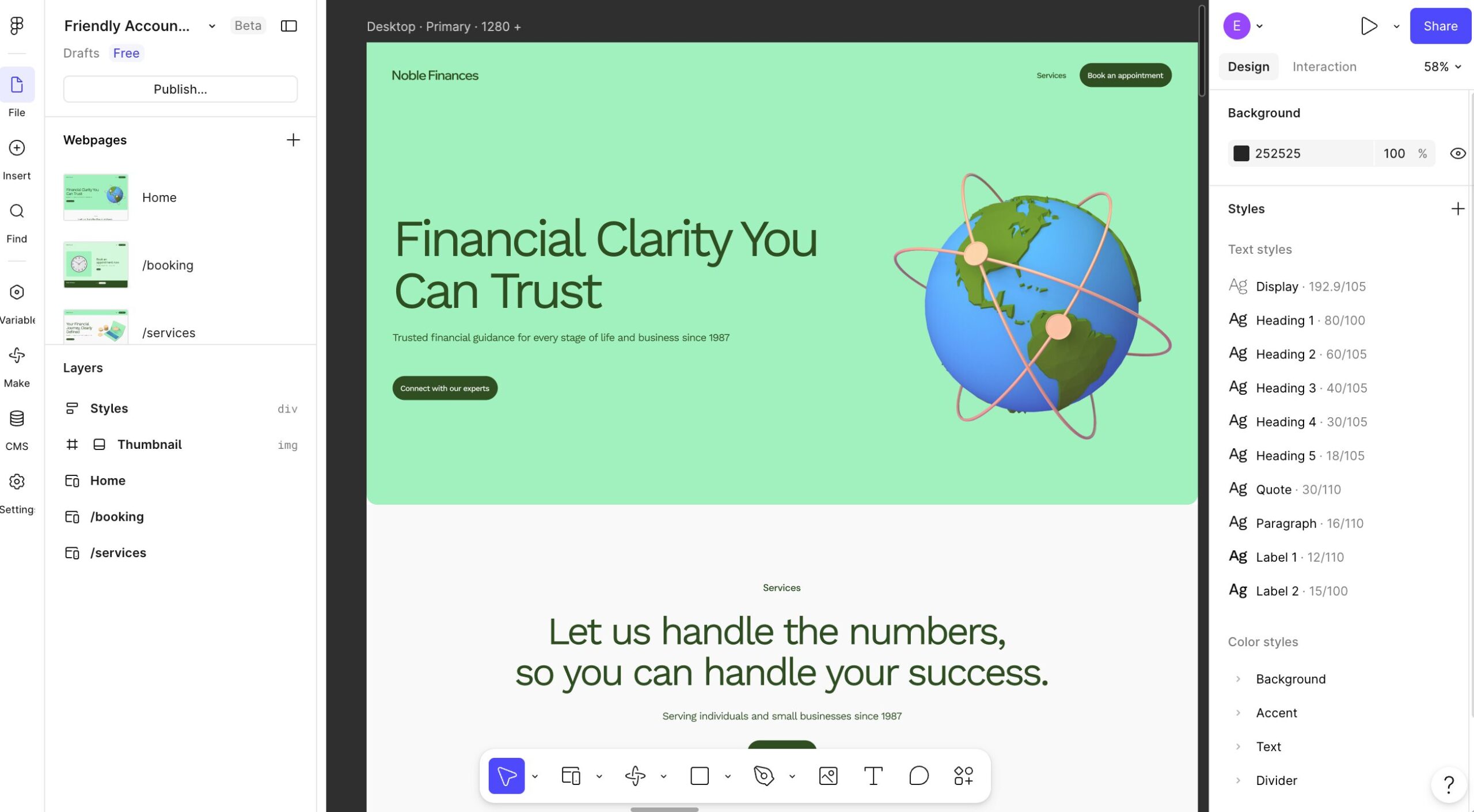
How to Convert Figma to WordPress Using PressMeGPT
Have a website design in Figma and want to see it working in WordPress? PressMeGPT lets you start with an image of your design, generate a WordPress theme, and test the result in a temporary WordPress site before you download it. In the video below, you’ll see the full Figma to WordPress workflow: export your…
-

Introducing Instant WordPress Website Preview for Your AI-Generated Themes
One of the biggest frustrations with AI website builders is the difference between the preview and the actual installed website. You generate something that looks great, but once it reaches WordPress, the experience changes. Settings, plugins, layouts, and theme behavior can all make the final result feel different from what you expected. That’s why we…
-
We Fixed the Most Annoying Thing About AI Website Builders: Credit Transparency
There was something that kept bothering me with AI builders in general….Credits. Most AI products make you guess. You click something… generate… experiment a little… and only then find out how many credits you just burned through. I’ve run into this constantly myself with many products including Claude, Gemini, Lovable, Base44 and others. I understand…
-
Otter Blocks + PressMeGPT: Build Conversion-Focused Business Websites Faster
Comprehensive review of Otter Blocks, the business-focused Gutenberg plugin. Learn how 300,000+ users build lead-generating websites with forms, pricing tables, and testimonials with PressMeGPT integration.
-

Unlimited Elements for Elementor + PressMeGPT: Two Different Ways to Create Custom WordPress Sites Together
Comprehensive review of Unlimited Elements for Elementor. Learn how 200+ creative widgets, multiple builder compatibility, and PressMeGPT integration create unique design workflows.
-
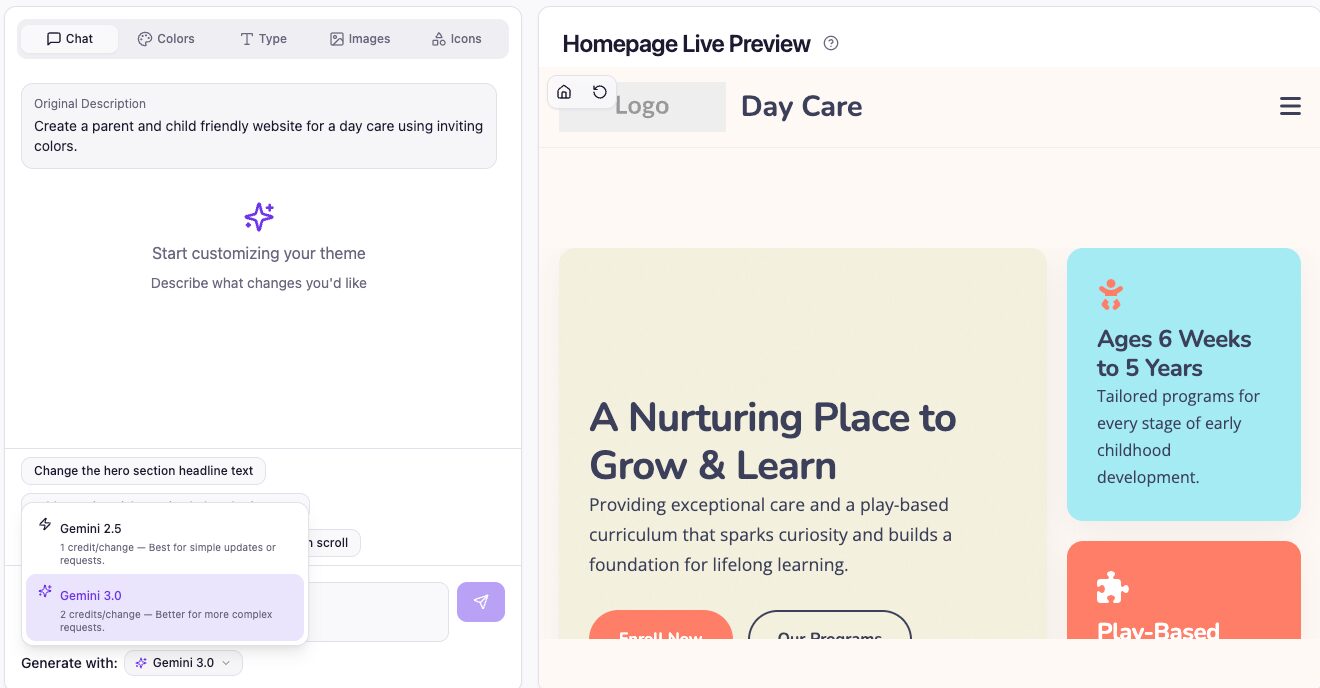
🚀 New Release: Gemini 3.0 + Model Switching in PressMeGPT
We’ve just rolled out one of the most impactful upgrades to PressMeGPT yet: This gives you more control than ever—use cutting-edge AI when you need it, and save credits when you don’t. Gemini 3.0 Is Here (And It’s a Big Leap) Gemini 3.0 represents a meaningful jump forward in how AI understands, generates, and structures…
-
Generate a WordPress Theme with AI in 5 Minutes
In this post we’ll walk you through step-by-step how easy it is to create a custom WordPress theme with AI in minutes and export to the theme ecosystem of your choice. Step 1) Create a free account or sign in Step 2) From the dashboard, click “New Project” > “New Theme” Step 3) Enter a…
-
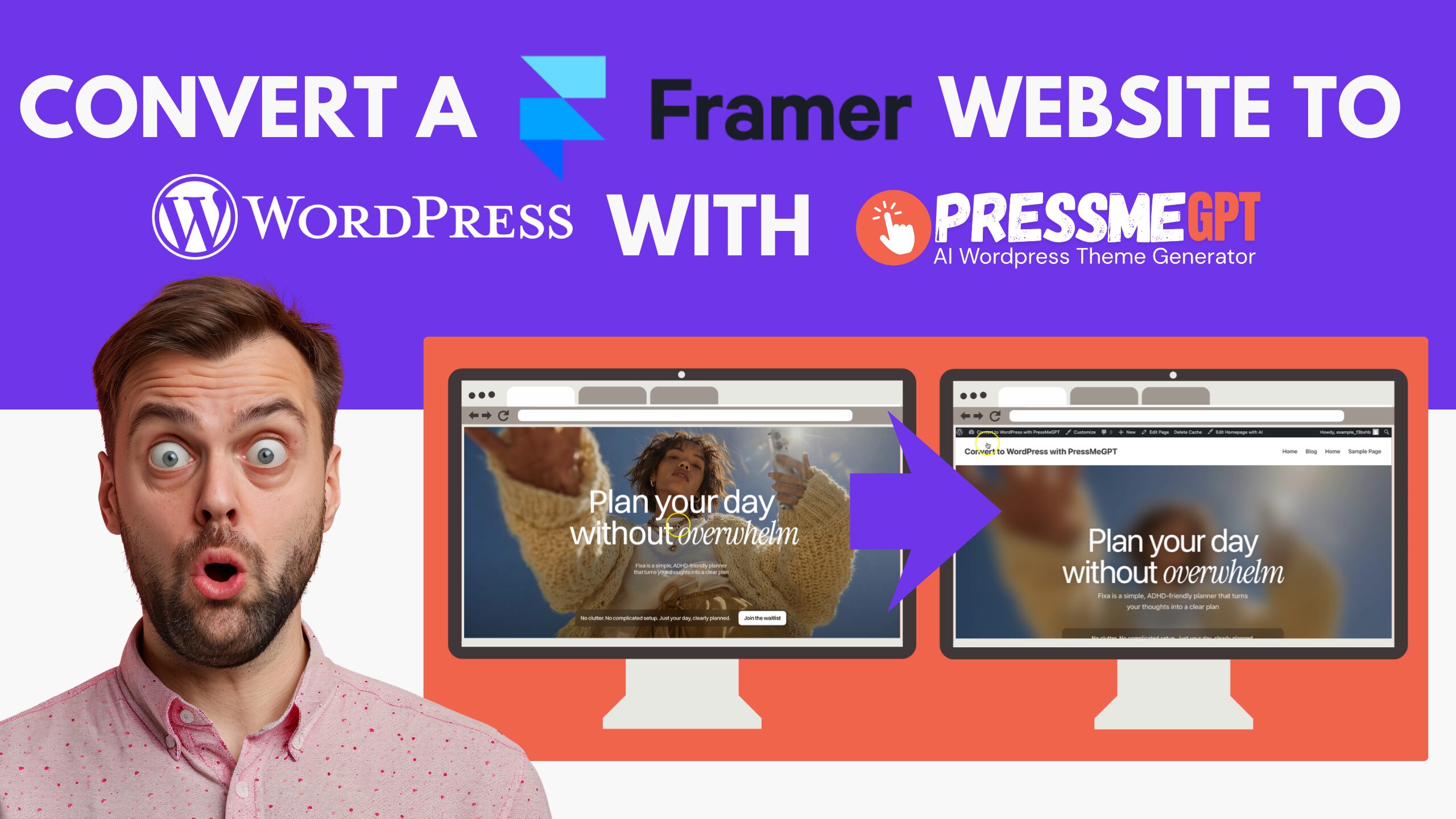
How to Migrate a Framer Website to WordPress with AI & PressMeGPT
Framer has become one of the go-to tools for launching a beautiful marketing site or landing page fast, without touching code. But plenty of businesses eventually outgrow it and look toward WordPress for more control. Framer doesn’t offer a direct HTML export, so until recently, moving off it meant paying a developer to rebuild your…
-

Generate Gutenberg WordPress Themes Instantly with AI
TL;DR: PressMeGPT doesn’t replace Gutenberg or extend it like the many Block plugins available. It just makes it faster and easier to build Gutenberg themes by generating a web theme with AI instead of tinkering with traditional drag-and-drop builders. Building WordPress websites has always involved a balance between flexibility and speed. WordPress is incredibly powerful,…