
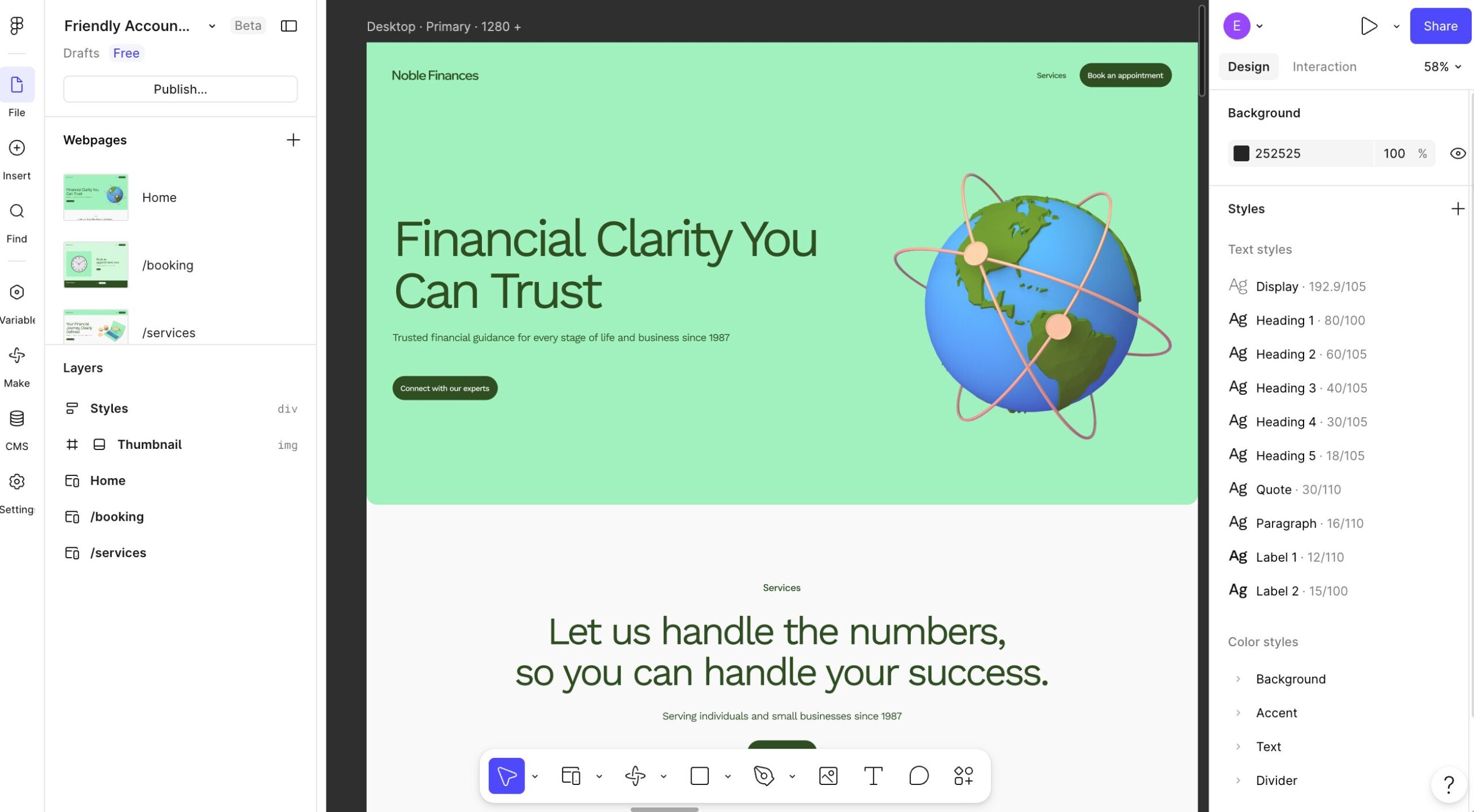
Have a website design in Figma that you’d like to turn into a working WordPress theme?
This video demonstrates how easy it is to take a design from Figma and convert it into a WordPress website using PressMeGPT.
First, export your design from Figma as a PNG image. Then upload the image to PressMeGPT, where AI analyzes the design and recreates it as a WordPress theme.
Unlike traditional design-to-code tools, PressMeGPT gives you multiple export options. You can generate your website as a Classic WordPress theme, a Gutenberg theme, or an Elementor-compatible theme depending on your preferred workflow.
The video also showcases one of PressMeGPT’s newest features: Preview in WordPress. With a single click, PressMeGPT launches a temporary WordPress instance, installs your generated theme, and gives you access to both the front-end website and WordPress admin area. This allows you to see exactly how your converted design looks and functions before downloading or deploying it.
Whether you’re a designer creating mockups in Figma, a freelancer building client websites, or an agency looking to speed up WordPress development, PressMeGPT can dramatically reduce the time required to go from design to working website.
Watch the Tutorial
In this tutorial you’ll learn how to:
- Export a Figma design as a PNG image
- Upload the design to PressMeGPT
- Generate a WordPress theme with AI
- Export to Classic, Gutenberg, or Elementor formats
- Preview the generated theme in a temporary WordPress installation
- Access WordPress Admin with one-click login
If you’ve ever wondered how to convert a Figma design into WordPress without manually coding a theme, this workflow can help you go from design to a working WordPress website in minutes.