
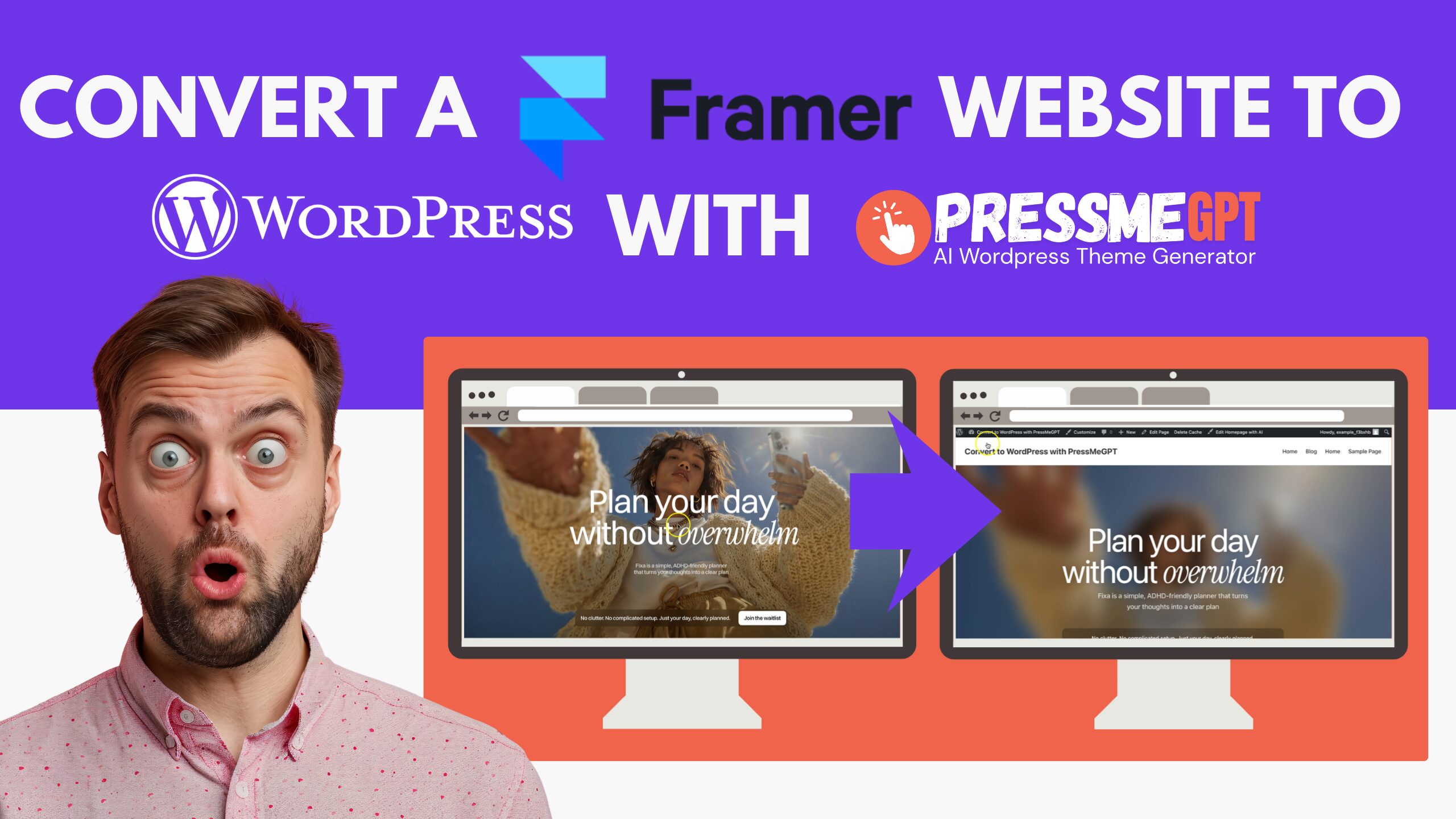
Framer has become one of the go-to tools for launching a beautiful marketing site or landing page fast, without touching code. But plenty of businesses eventually outgrow it and look toward WordPress for more control.
Framer doesn’t offer a direct HTML export, so until recently, moving off it meant paying a developer to rebuild your design from scratch.
AI tools like PressMeGPT have changed that — they can scan your live Framer site and turn it into a real, installable WordPress theme in minutes. Here’s how it works.
Why Migrate From Framer to WordPress?
The most common reason is cost. Framer, like most modern site builders, runs on a monthly subscription — fine at first, but many businesses eventually prefer owning their hosting outright instead of paying an ongoing platform fee indefinitely.
There’s also the stability angle. WordPress has been around for over two decades and isn’t going anywhere, which means there’s a massive pool of developers and agencies who know it well — so finding help down the line is easier than with a newer, more niche builder.
That maturity also shows up in SEO: WordPress gives you full control over page structure, metadata, and schema, backed by mature plugins built specifically for technical SEO. And once you’re on WordPress, you’re not limited to what one platform decided to build — its plugin ecosystem covers everything from forms and e-commerce to memberships and marketing automation, so the site can keep evolving as your needs change.
It’s also common for the switch to happen simply because a business changes agencies or developers. Most agencies would rather work in WordPress than get locked into a client’s specific site-builder subscription.
The part that used to make this switch painful — rebuilding a polished Framer design by hand — is exactly what PressMeGPT is built to handle.
How to Migrate a Framer Website to WordPress with PressMeGPT
1. Sign in and start a new project Create a free PressMeGPT account (or log in), then click New Project from your dashboard and choose the option to generate a theme from an existing website.
2. Paste your Framer site’s URL Copy your live, published Framer URL and paste it into the project field. PressMeGPT will scan the site’s layout, structure, and styling so it can rebuild it as a WordPress theme.

3. Add optional instructions (recommended) Before generating, you can add notes like “keep the hero section as-is” or “optimize for mobile” to steer the AI’s output more precisely.
4. Generate the theme Hit Generate Theme. PressMeGPT builds out the template files, stylesheets, and theme configuration behind the scenes — this usually takes just a minute or two.
5. Refine with prompts Once the base theme is ready, use follow-up prompts to adjust spacing, fonts, layout sections, or add anything that didn’t translate perfectly the first time.
6. Export your theme When you’re happy with it, export. PressMeGPT lets you choose between Classic, Gutenberg, or Elementor formats, depending on how you prefer to keep editing the site going forward.
7. Install it on WordPress Install a fresh copy of WordPress on your domain, then go to Appearance → Themes → Add New → Upload Theme, upload the file you exported, install it, and activate it.
A Few Things to Keep in Mind
These apply to pretty much any site migration, not just this workflow — worth keeping on your checklist regardless of which tool builds your theme:
- – Design and content are separate. PressMeGPT recreates your site’s look and structure — if your Framer site has a CMS collection (like a blog), you’ll likely need to move that content into WordPress separately.
- – Forms need rebuilding. Framer’s native forms won’t carry their backend logic over automatically. Recreate them with a WordPress forms plugin and test the notification emails.
- – Set up 301 redirects for any URLs that change, so you don’t lose search rankings or break inbound links.
- – Back up your Framer site before you start, just as a safety net.
- – Test on staging first, and only point your domain’s DNS at the new WordPress host once everything checks out.
- – Resubmit your sitemap to Google Search Console after launch and keep an eye out for crawl errors.
Final Thoughts
Framer is great for getting something live quickly, but WordPress is where a lot of businesses land once they need more control, more plugins, and more long-term flexibility.
With PressMeGPT, you don’t have to choose between keeping your design and making that move — you can carry the design over and spend your time on the parts that actually need attention.