
Category: AI WordPress Theme Generator
-

What makes a good AI prompt when creating a WordPress website?
More and more developers and non-coders are creating their own websites by using AI instead of traditional drag-and-drop builders. But AI is still new and people have a wide range of what they think is a good prompt for AI to understand. The short answer is that it depends on what AI you are using…
-
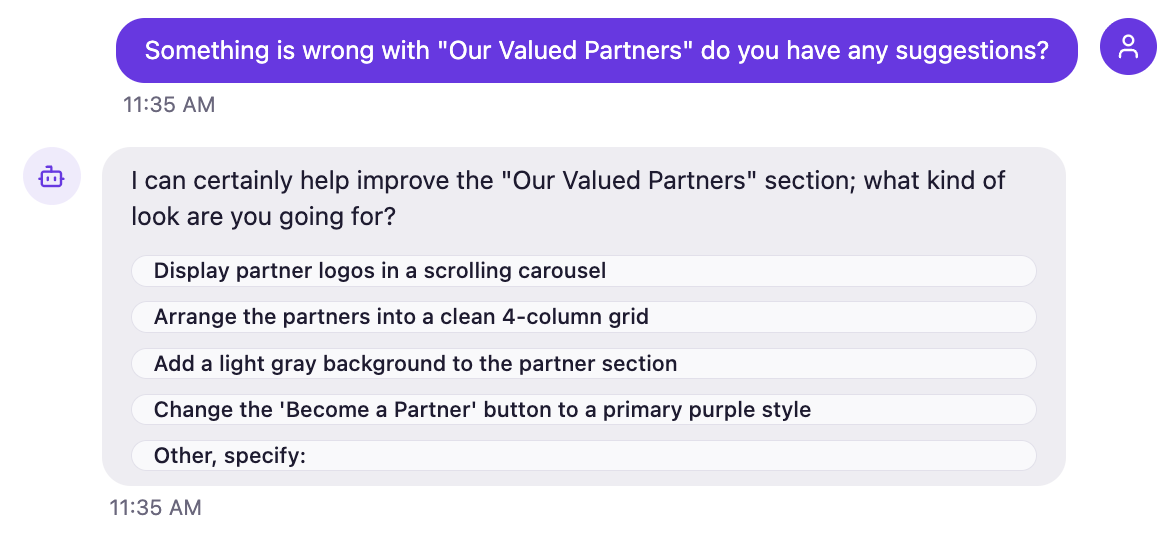
Our biggest update yet: Improved AI Website Copies, Instant WP Previews, Multi-Image, Expandable Intelligent Chat
We just shipped the largest PressMeGPT update since launch — with major improvements to how websites are copied, edited, previewed, and shared. Update 1: More Accurate Website Copies Previously, PressMeGPT relied primarily on one method to understand and recreate a website originally built on AI sites like Base44, Lovable, Bolt.new, and and Claude. Now, we…
-
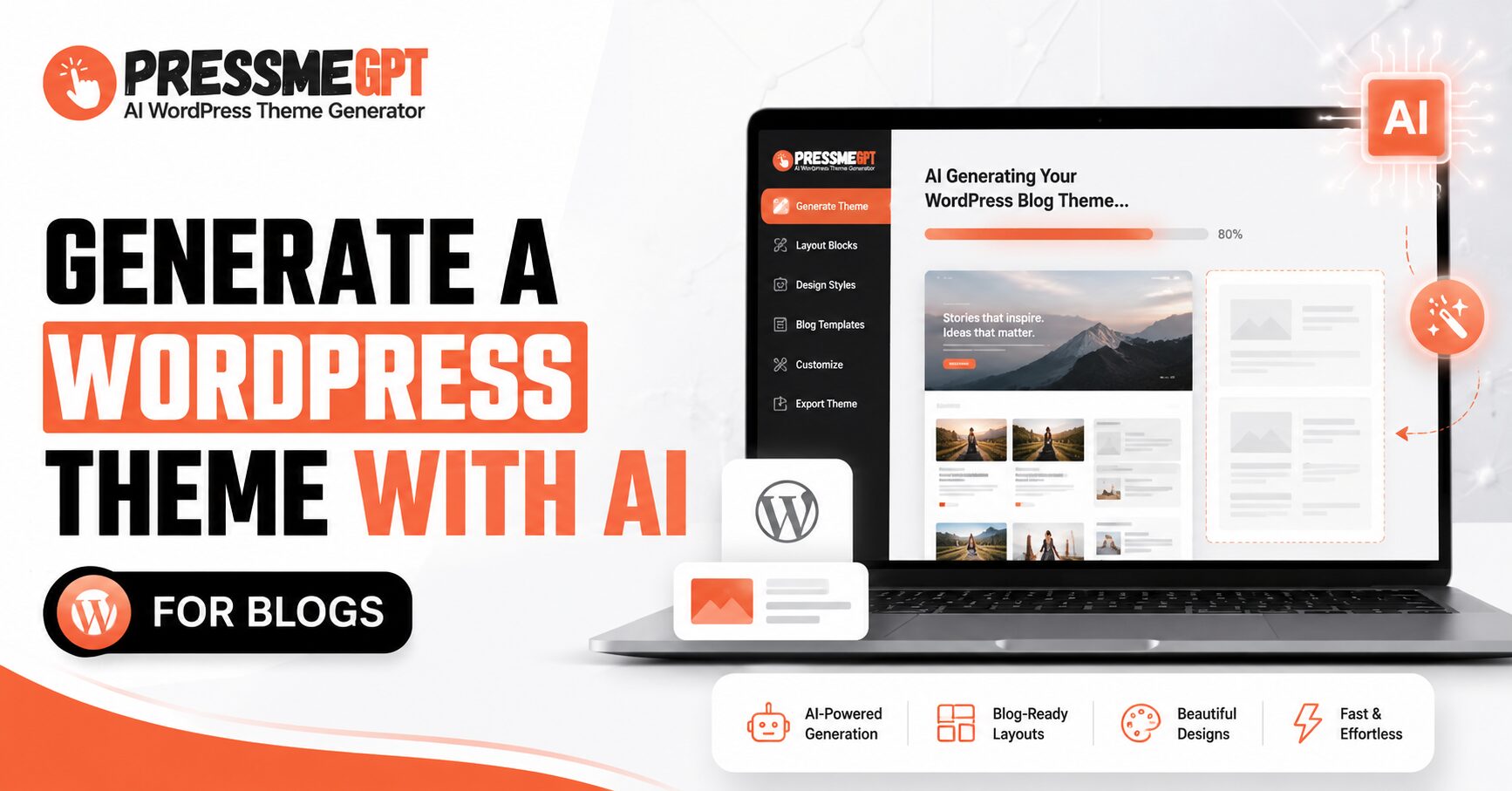
How to Generate a WordPress Theme with AI for Blogs
Building a WordPress theme used to mean one of three things: hiring a developer, wrestling with page builders for a weekend, or settling for a generic template that looks like everyone else’s blog. AI theme generators have quietly changed that equation. Instead of starting from a blank Gutenberg canvas or digging through thousands of ThemeForest…
-

How to Create an Ecommerce Website with AI in Minutes
Starting an ecommerce website sounds exciting, but the actual process can feel overwhelming. You need a good design, product sections, a homepage that looks professional, mobile-friendly pages, clear buttons, and a layout that makes people trust your store. A few years ago, this usually meant hiring a designer, buying a WordPress theme, installing multiple plugins,…
-

How to Create an AI WordPress Theme for a Travel Website in Minutes
Building a travel website used to take a lot of time. You had to choose a theme, customize the layout, edit pages, adjust colors, add images, set up booking sections, and sometimes hire a developer just to make everything look professional. But now, with AI WordPress theme generators like PressMeGPT, you can create a custom…
-
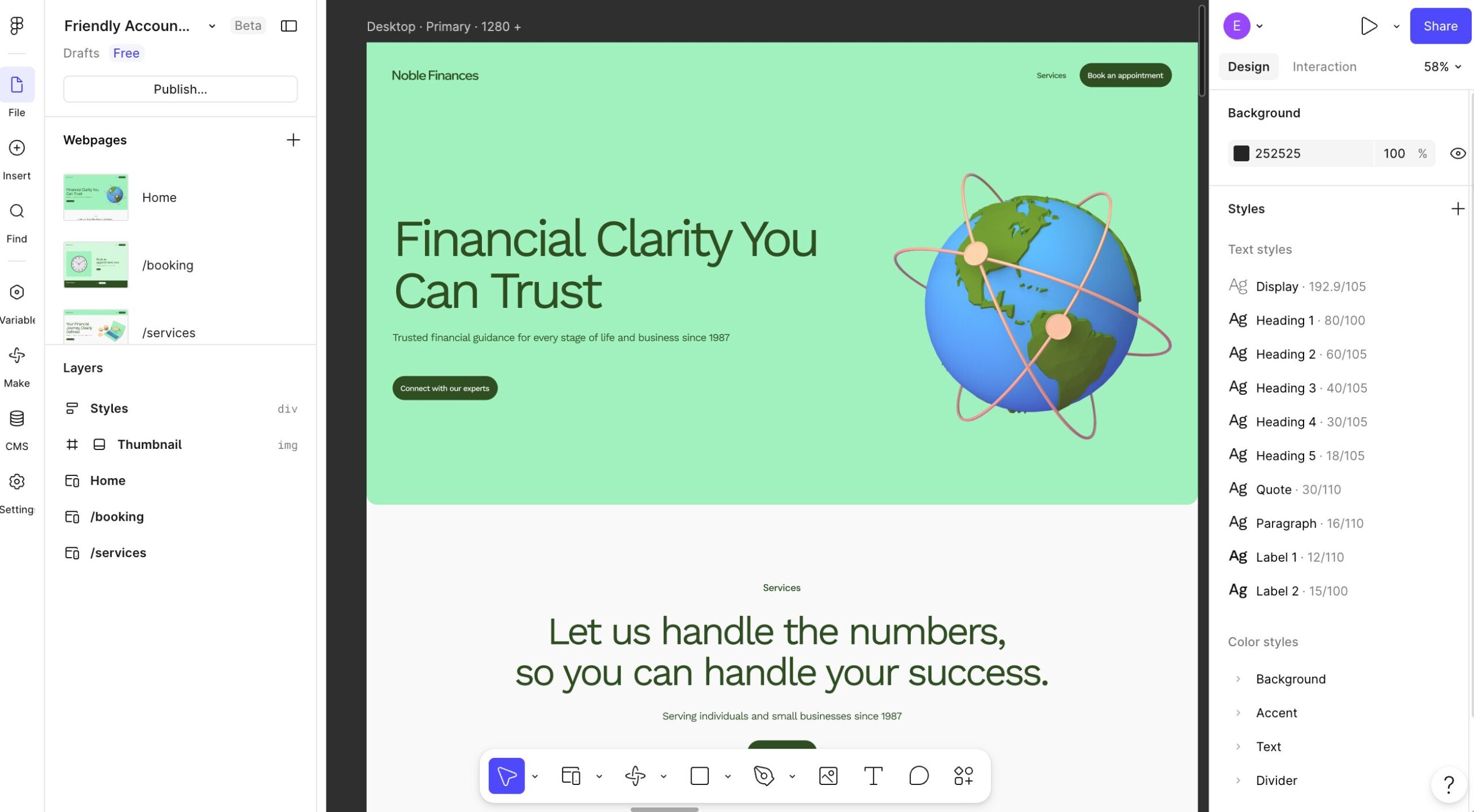
How to Convert Figma to WordPress Using PressMeGPT
Have a website design in Figma and want to see it working in WordPress? PressMeGPT lets you start with an image of your design, generate a WordPress theme, and test the result in a temporary WordPress site before you download it. In the video below, you’ll see the full Figma to WordPress workflow: export your…
-

WooCommerce + AI: How to Build an Online Store with a PressMeGPT-Generated WordPress Theme
Setting up an online store has always involved a tradeoff. Hosted platforms make it easy to get started but charge ongoing fees and limit how much you can customize. WordPress and WooCommerce give you full control and no transaction fees, but historically meant starting from a generic template, then spending hours adjusting layouts, product grids,…
-
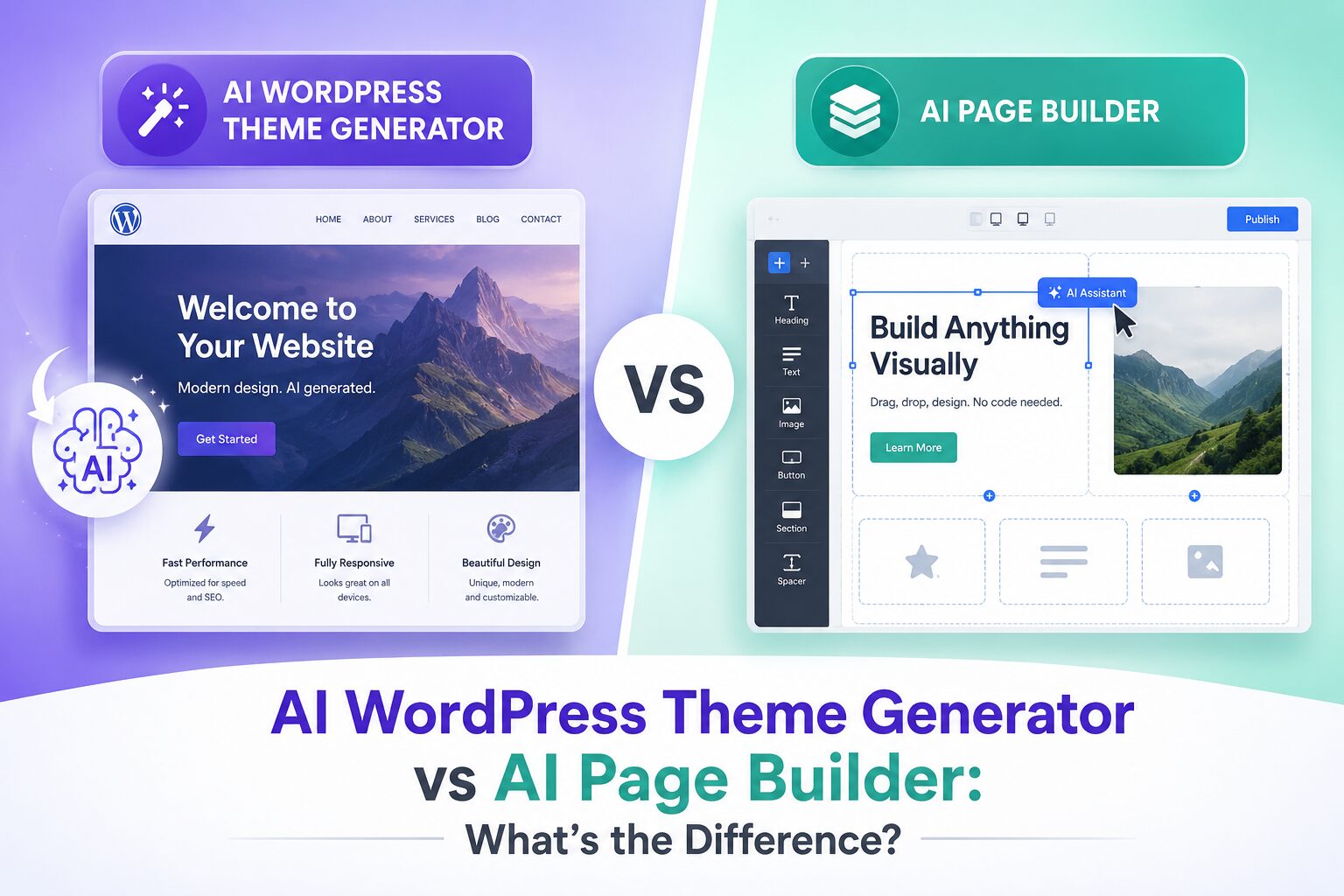
AI WordPress Theme Generator vs AI Page Builder: What’s the Difference?
If you’ve been exploring ways to build WordPress websites faster, you’ve probably come across two buzzworthy tools: AI WordPress theme generators and AI page builders. They both promise to save time, cut costs, and make web design accessible to everyone — but they do very different things. Confusing the two is one of the most…
-

Create a WordPress Site Inspired by Another Website Design
One of the hardest parts of building a website is starting with a blank page. You may know the type of site you want to create, but explaining the layout, colors, spacing, typography, and overall feel from scratch can still take hours. That’s why we added one of the most requested features to PressMeGPT: the…
-
Convert a Vibe Coded Gemini Website to WordPress in Minutes
If you’ve created a website using Google Gemini and want to move it into WordPress without rebuilding everything manually. This tutorial walks you through the entire process using AI. Google Gemini allows you to generate websites, landing pages, and structured layouts using AI prompts. First, build it with Gemini You simply describe the structure, style,…