
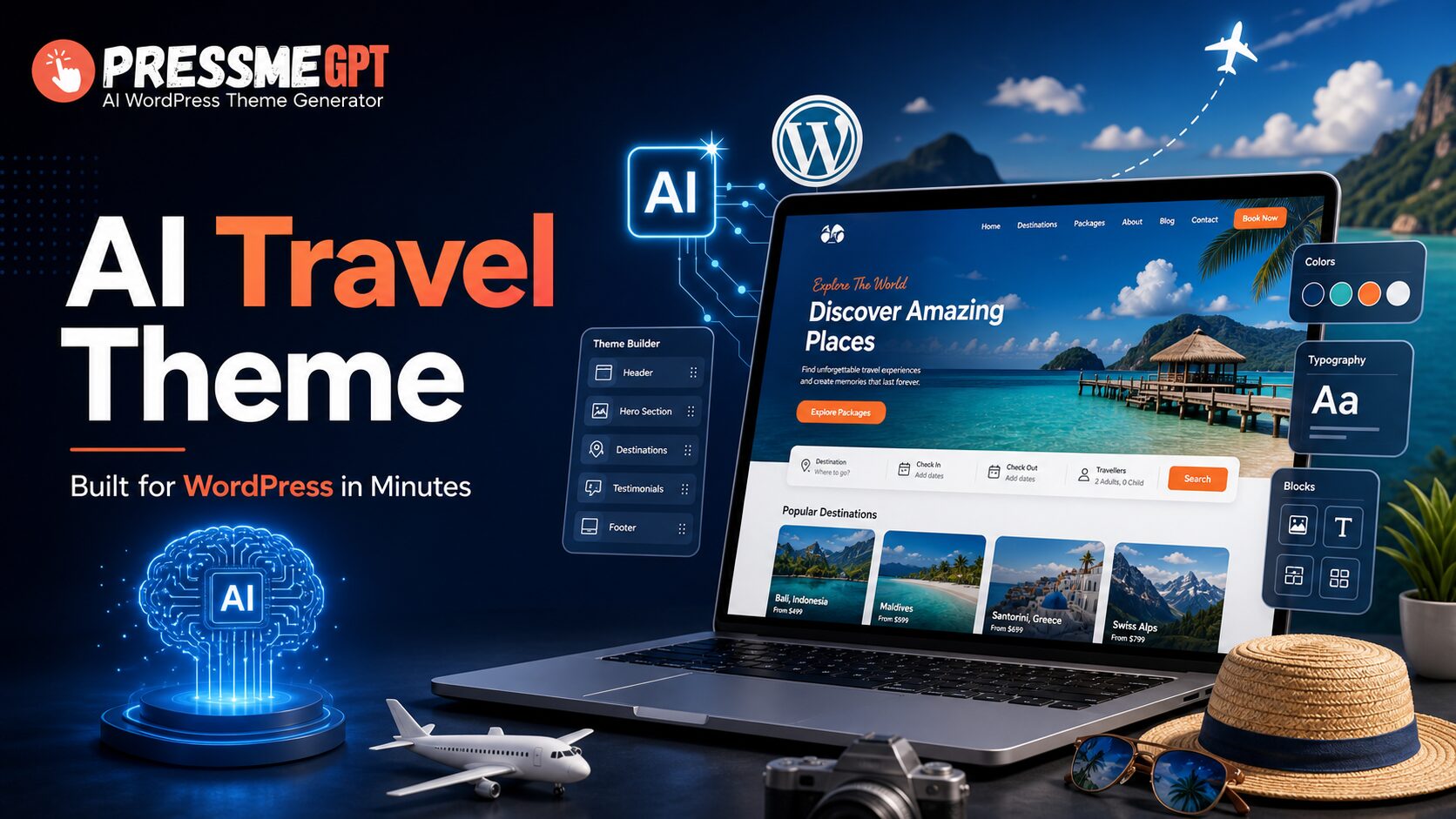
Building a travel website used to take a lot of time. You had to choose a theme, customize the layout, edit pages, adjust colors, add images, set up booking sections, and sometimes hire a developer just to make everything look professional.
But now, with AI WordPress theme generators like PressMeGPT, you can create a custom travel website theme in minutes — without writing code.
Whether you are building a website for a tour company, travel agency, Umrah package business, golf tour brand, destination blog, or travel booking service, PressMeGPT can help you generate a ready-to-use WordPress theme from a simple prompt.
In this post, I’ll show you how AI can be used to create travel WordPress themes quickly. I’ll also share a few real travel website themes created with PressMeGPT, plus a video demo that shows how to create the theme and upload it to WordPress.
Why Use AI to Create a Travel WordPress Theme?
Travel websites need to look visual, trustworthy, and easy to navigate. Visitors usually want to see destinations, packages, prices, itineraries, contact details, booking options, and beautiful images before they take action.
The problem is that most ready-made WordPress themes are either too generic or require a lot of customization.
With PressMeGPT, you can describe the type of travel website you want, and the AI creates a custom WordPress theme based on your idea. You can generate layouts, sections, colors, images, content blocks, headers, footers, and call-to-action areas much faster than building everything manually.
For example, you can ask for:
“Create a modern travel agency WordPress theme for Morocco golf tours with luxury design, destination sections, package cards, testimonials, and a booking call-to-action.”
Or:
“Create a clean Umrah packages website with pricing sections, itinerary details, hotel information, and a contact form.”
The AI understands the website type and creates a theme that matches the business.
Real Travel WordPress Themes Created with PressMeGPT
Here are a few examples of travel-style themes that can be created with PressMeGPT.
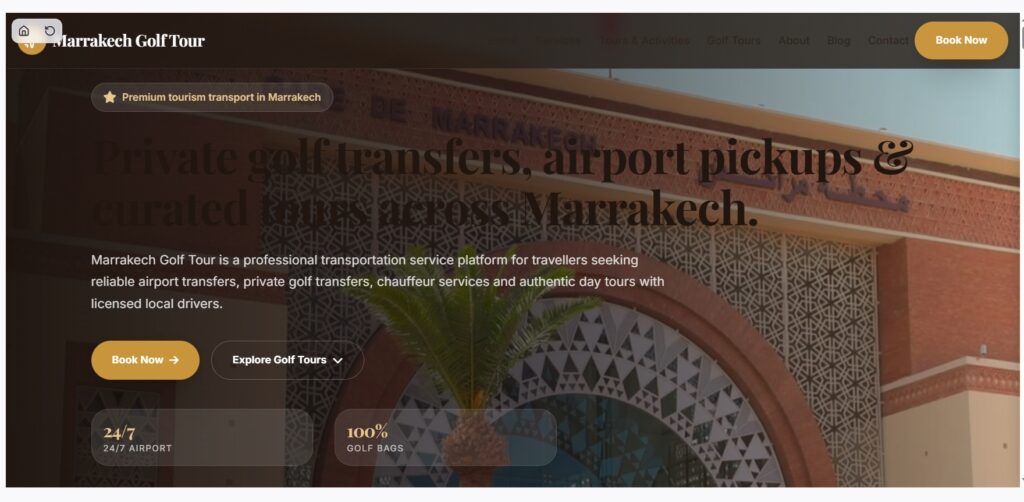
1. Marrakech Golf Tour Theme
Theme link:
https://pressmegpt.com/themes/marrakech-golf-tour-1778369227238-0
This theme is a great example of how PressMeGPT can create a niche travel website for a specific destination and activity.
A golf tour website needs more than just a pretty homepage. It should highlight the destination, show the travel experience, promote tour packages, and make visitors feel confident enough to book.
A theme like this can be useful for:
- – Golf tour operators
- – Luxury travel agencies
- – Morocco travel packages
- – Destination-based tour websites
- – Sports tourism businesses
The design direction works well because it focuses on a specific audience. Instead of creating a general travel site, it speaks directly to people interested in golf trips in Marrakech.
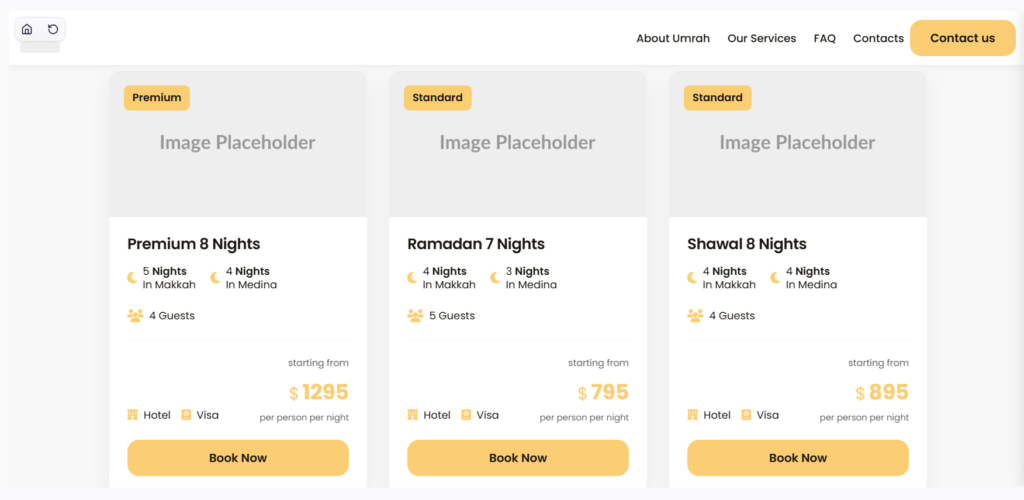
2. Umrah Packages Theme
Theme link:
https://pressmegpt.com/themes/umrah-packages-1778695836514-0
This is another strong example of a travel website generated with AI. Umrah package websites usually need to be clear, trustworthy, and easy to understand.
Visitors want to know what packages include, which hotels are available, travel dates, pricing, visa support, transport details, and how to contact the agency.
A theme like this can include sections for:
- – Umrah package details
- – Economy, standard, and premium plans
- – Makkah and Madinah hotel information
- – Flight and transport details
- – Customer testimonials
- – Contact or inquiry form
- – WhatsApp booking call-to-action
This type of website is perfect for travel agencies that sell religious travel packages and want a professional online presence without spending weeks on design.
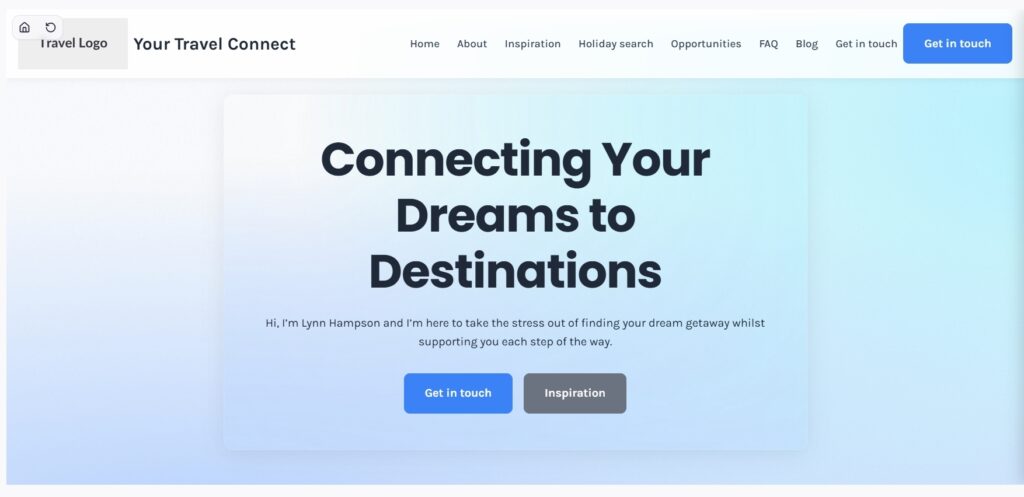
3. Your Travel Connect Theme
Theme link:
https://pressmegpt.com/themes/your-travel-connect-1772930305857-2
This theme is more suitable for a broader travel agency or travel service brand. A general travel website can promote multiple destinations, services, packages, and booking options.
This kind of theme can work well for:
- – Travel agencies
- – Tour booking companies
- – Destination planners
- – Holiday package businesses
- – Travel consultants
- – Local tour operators
The benefit of using AI here is flexibility. You can generate one version for luxury travel, another for budget tours, another for family vacations, and another for adventure trips — all from different prompts.
Watch the Demo: Create and Upload an AI WordPress Theme
In the video demo, you can see how PressMeGPT helps create a custom WordPress theme with AI and then upload it to WordPress.
The general process is simple:
- Describe the website you want.
- Generate the theme with AI.
- Preview the design.
- Make changes if needed.
- Download the WordPress theme file.
- Upload it inside your WordPress dashboard.
- Activate the theme and customize it further.
This makes the process much easier for beginners, agencies, freelancers, and business owners who want to move fast.
How to Create an AI Travel WordPress Theme with PressMeGPT
Here is a simple step-by-step process.
Step 1: Choose Your Travel Website Type
Before generating the theme, decide what type of travel website you want to create.
For example:
- – Travel agency website
- – Tour package website
- – Umrah or Hajj package website
- – Destination guide website
- – Adventure travel website
- – Luxury tour website
- – Hotel and resort website
- – Travel blog
- – Local tour operator website
The more specific your idea is, the better the AI output will be.
Instead of writing “create a travel website,” you can write:
“Create a modern WordPress theme for a luxury travel agency offering Morocco tours, desert trips, golf packages, and private guided experiences. Use elegant colors, large destination images, package cards, testimonials, and a strong booking call-to-action.”
Step 2: Generate the Theme with AI
Once your prompt is ready, enter it into PressMeGPT and let the AI generate the theme.
The software can create a complete WordPress theme structure, including important sections like:
- – Hero section
- – Services or packages
- – Destination cards
- – About section
- – Testimonials
- – Gallery
- – Booking call-to-action
- – Contact section
- – Header and footer
This saves a lot of time because you don’t have to start from a blank page.
Step 3: Preview and Improve the Design
After the theme is generated, review the design carefully.
Check things like:
- Does the homepage look professional?
- Is the travel niche clear?
- Are the call-to-action buttons visible?
- Do the colors match the brand?
- Are the package sections easy to read?
- Is the layout mobile-friendly?
- Does the website feel trustworthy?
If something needs improvement, you can adjust the prompt or make changes before exporting.
Step 4: Download the WordPress Theme
Once you are happy with the design, download the theme file.
PressMeGPT gives you a WordPress theme that can be uploaded to your website. This is useful because you are not stuck inside a page builder or locked into a complicated setup.
Step 5: Upload the Theme to WordPress
Now go to your WordPress dashboard.
Follow these steps:
- Go to Appearance.
- Click Themes.
- Click Add New.
- Click Upload Theme.
- Select the theme ZIP file.
- Click Install Now.
- Activate the theme.
After activation, visit your website and check how everything looks.
Step 6: Customize Your Travel Website
After uploading the theme, you can still customize it inside WordPress.
You can update:
- Logo, Menu links, Images, Destination names, Package details, Pricing, Contact information, Booking buttons, Footer text, Blog posts
This gives you the speed of AI and the flexibility of WordPress.
Best Prompt Example for a Travel Website Theme
Here is a prompt you can use inside PressMeGPT:
“Create a modern and professional WordPress theme for a travel agency website. The agency offers international tour packages, family vacations, honeymoon trips, and adventure travel. Design a beautiful homepage with a large hero image, destination cards, package pricing sections, customer testimonials, about section, travel gallery, contact form, and strong booking call-to-action. Use a clean layout, modern typography, mobile-friendly design, and colors inspired by beaches, sky, and nature.”
You can also make it more niche:
“Create a WordPress theme for an Umrah travel agency offering economy, standard, and premium Umrah packages. Include sections for package details, hotels in Makkah and Madinah, transport, visa support, testimonials, FAQ, and WhatsApp inquiry button.”
Final Thoughts
AI is changing how WordPress websites are built. Instead of spending days searching for the perfect theme, you can now describe your idea and generate a custom WordPress theme in minutes.
For travel websites, this is especially useful because every travel business has a different audience, offer, and destination style. A golf tour website needs a different design than an Umrah packages website. A luxury travel agency needs a different layout than an adventure tour company.
With PressMeGPT, you can create themes for all of these use cases quickly and then upload them directly to WordPress.
If you want to see what’s possible, check out the example themes above and watch the demo video to learn how the full process works — from AI theme creation to WordPress upload.