
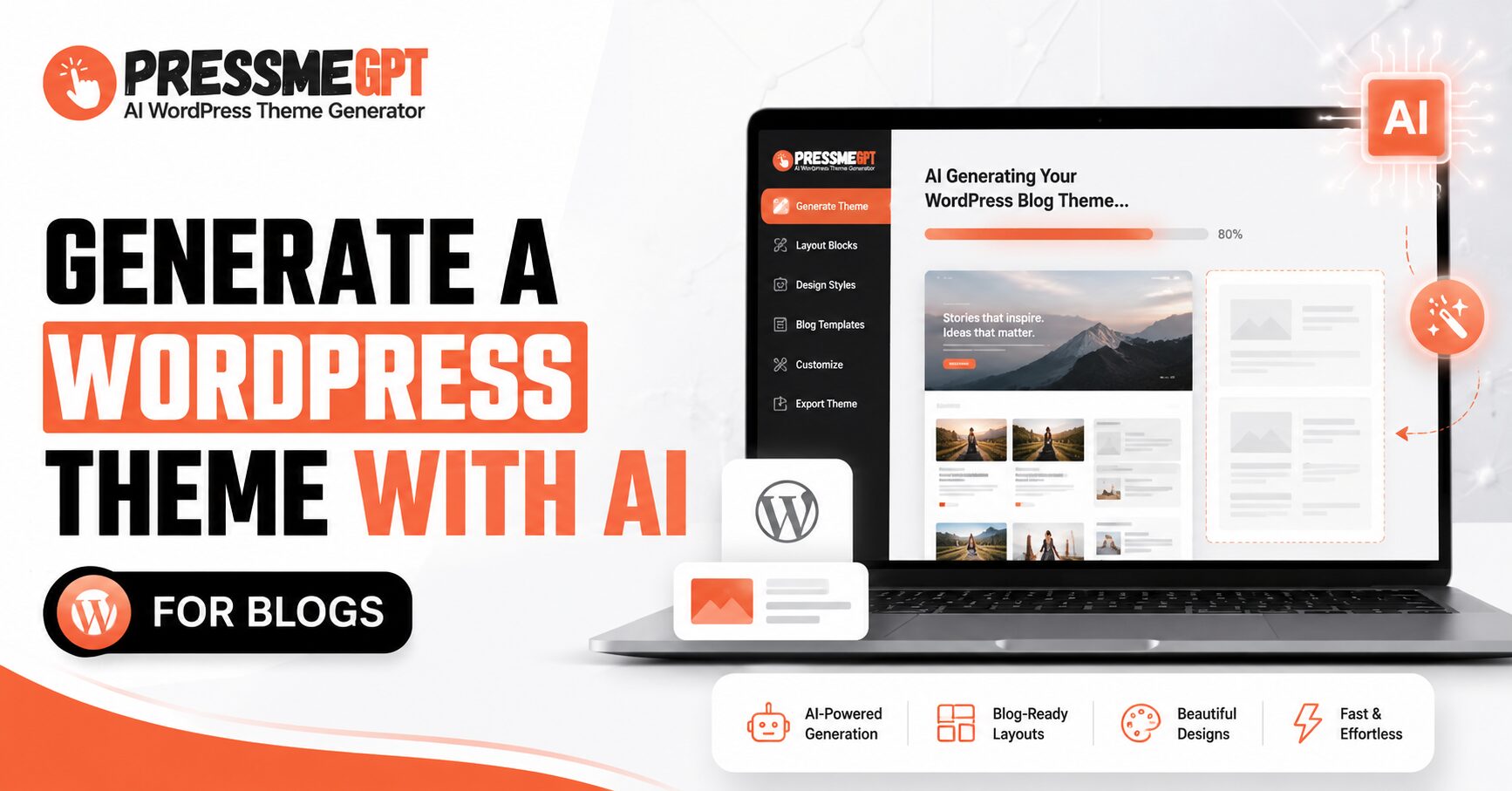
Building a WordPress theme used to mean one of three things: hiring a developer, wrestling with page builders for a weekend, or settling for a generic template that looks like everyone else’s blog. AI theme generators have quietly changed that equation. Instead of starting from a blank Gutenberg canvas or digging through thousands of ThemeForest listings, you can now describe the blog you want and get a working, exportable theme in minutes.
This post walks through how that process actually works, using PressMeGPT, an AI WordPress theme generator, and three real themes it produced — a gaming editorial site, a personal “beacon” blog, and a writing-focused blog called Owl Writes — to show what’s possible.
Why Use AI to Build a WordPress Theme?
A blog’s theme is more than decoration. It sets the tone before a single word is read: a gaming site needs energy and contrast, a personal blog needs warmth and readability, a writing blog needs quiet, typography-first calm. Traditionally, getting that tone right meant either learning CSS and PHP or paying someone who already had.
AI theme generation collapses that gap. You describe the vibe, the niche, and the features you need, and the AI translates that description into an actual design system — colors, typography, layout, and blocks — rather than a mood board. With a tool like Press Me GPT, the output isn’t a static mockup either; it’s a complete, Gutenberg-ready WordPress theme you can export and install.
How the Process Works with Press Me GPT
The general workflow looks like this:
- Describe your blog. You tell the AI what your blog is about — the niche, the audience, and the feeling you want (bold and energetic, calm and literary, minimal and modern, and so on).
- Review AI-generated designs. The generator produces theme options based on that description, each with its own color palette, typography choices, and layout structure.
- Preview and refine. You can look at the generated theme in context — homepage, post layout, sidebar or sidebar-free design — before committing to it.
- Export a Gutenberg-ready theme. Once you’re happy with the result, you export the theme so it can be installed directly on a WordPress site and edited further in the block editor if needed.
The advantage of this approach is that you’re not customizing a one-size-fits-all starter theme after the fact — the design is generated around your specific blog concept from the start. Below are three examples that show how differently that process plays out depending on what you ask for.
Example 1: A Gaming Editorial Blog
The Gaming Editorial Blog theme is built for content that needs to feel current and high-energy — reviews, news, and opinion pieces aimed at readers who scroll fast and expect visual punch. Gaming blogs live or die on their ability to showcase screenshots, trailers, and ratings without the layout feeling cluttered, and an editorial gaming theme needs a homepage that can surface breaking news alongside long-form reviews.
This is a good example of how AI theme generation handles a niche with strong visual expectations: readers already have a mental picture of what a gaming site should look like, and the generator has to hit that expectation rather than produce something generic.
Example 2: Beacon — A Personal Blog Theme
The Beacon Blog theme takes the opposite approach. Where the gaming theme is loud, Beacon is built for a more personal, reflective kind of blogging — the sort of site where the writing itself is the main event and the design should stay out of its way while still feeling distinctive.
This is where AI-generated themes tend to prove their worth: a personal blog doesn’t need flashy modules or heavy visual branding, it needs clean typography, sensible spacing, and a layout that makes returning readers feel at home.
Example 3: Owl Writes — A Writing-Focused Blog
The Owl Writes Blog theme is aimed squarely at writers — essayists, journalers, and long-form bloggers who need a theme that treats text as the primary design element. For this kind of blog, line length, font pairing, and whitespace matter more than color or imagery.
Comparing this theme to the gaming editorial theme is a useful way to see how much range an AI generator can cover from a handful of prompts: same underlying tool, three completely different design languages, each matched to what its audience actually expects.
What This Means for Bloggers Choosing a Theme
Looking at these three themes side by side, a few things stand out about generating a WordPress theme with AI:
- – Niche-specific design, not generic templates. Each theme reflects its subject matter instead of being a repurposed all-purpose blog theme with different colors swapped in.
- – Speed without starting from scratch. Instead of hours of manual customization, you get a usable starting point almost immediately, then refine from there.
- – Gutenberg compatibility matters. A theme that exports cleanly into the block editor means you’re not locked into a proprietary builder — you can keep editing with native WordPress tools.
- – You can iterate. Because generating a theme is fast, you can try a few directions — bold vs. minimal, sidebar vs. full-width — before settling on one, which is harder to justify when each variation costs a developer’s time.
Getting Started
If you’re planning a new WordPress blog, the fastest way to see what this looks like for your own niche is to describe it to an AI theme generator and see what comes back. Tools like PressMeGPT let you go from a written description to a preview able, exportable theme without touching a line of code — whether you’re building something loud like a gaming editorial site, something quiet like Owl Writes, or something in between like Beacon.
The three themes above are a small sample of the range on offer, but they make the point: AI-generated WordPress themes aren’t a single generic style anymore. They’re shaped by what you tell them to be.