
Setting up an online store has always involved a tradeoff. Hosted platforms make it easy to get started but charge ongoing fees and limit how much you can customize. WordPress and WooCommerce give you full control and no transaction fees, but historically meant starting from a generic template, then spending hours adjusting layouts, product grids, and homepage sections to actually look like your store.
AI theme generation removes that middle step. Instead of picking a template and reshaping it, you describe the store you want — what you sell, your brand tone, your color palette — and get a homepage and structure already built around an e-commerce layout, ready to connect to WooCommerce.
In this article, we’ll look at how this works using two real store themes generated with PressMeGPT, and walk through what it actually takes to go from “AI-generated theme” to a working WooCommerce store.
Why E-Commerce Is a Strong Fit for AI-Generated Themes
Online stores have a layout logic that’s fairly consistent across niches — a hero section that sets the tone, featured or bestselling products, category highlights, trust elements (reviews, guarantees, shipping info), and clear paths to “shop now.” What changes from store to store is the tone and product focus — a tech accessories store needs a sleek, minimal feel; a print-on-demand shop needs to showcase customizable products; a general commerce brand needs flexibility across categories.
This is where describing your store in detail to an AI generator pays off. The layout structure stays e-commerce-appropriate, but the visual direction and section emphasis shift based on what you’re actually selling.
Example 1: EvolveCore — A General-Purpose Commerce Theme
The first example is EvolveCore, a theme built around a clean, modern commerce layout. This kind of theme works well as a flexible starting point — a homepage structured around featured products, category navigation, and brand-building sections, without being tied to one specific product type.
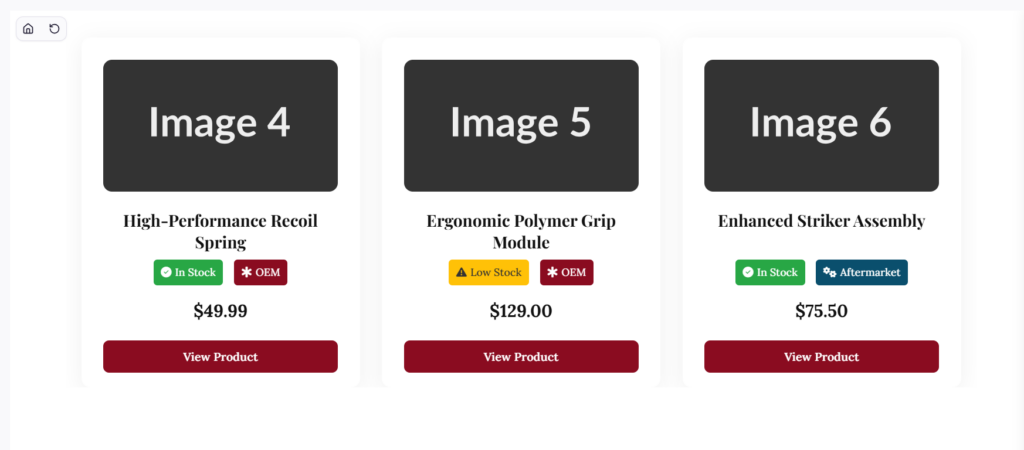
For store owners who are still defining their exact catalog, or who sell across multiple categories, a general-purpose commerce theme like this gives a strong foundation. The layout already speaks “store” — featured items, calls to action, trust-building sections — so the focus shifts to plugging in your actual products rather than designing the page structure from scratch.
Example 2: PrintOnline — A Niche-Focused E-Commerce Theme
The second example, PrintOnline, shows what happens when the AI is given a more specific brief — a store focused on print-on-demand or printing services. The layout and content emphasis shift toward showcasing customizable products, highlighting how the ordering process works, and building trust around quality and turnaround time — details that matter specifically to a printing business but wouldn’t be relevant to, say, a clothing brand.
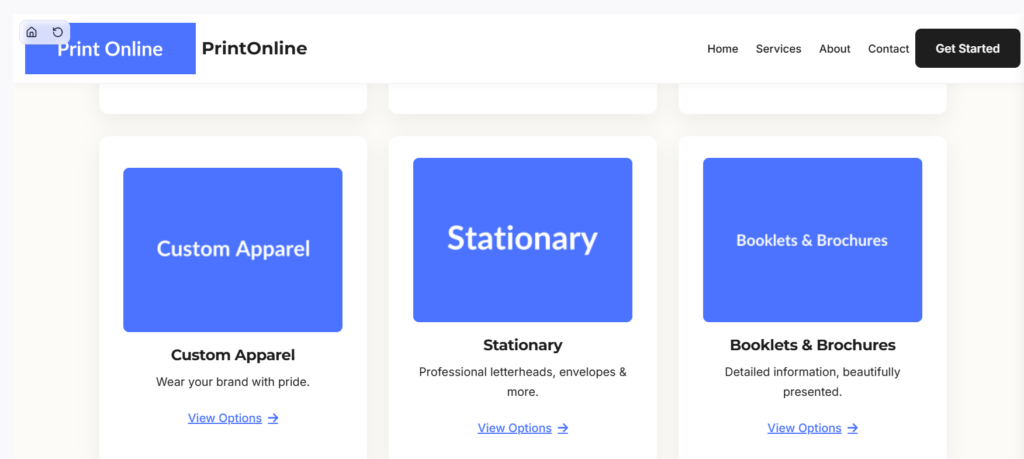
Comparing EvolveCore and PrintOnline side by side makes the same point we saw with restaurant themes: the more specific your description, the more the generated theme reflects the actual business — not just a generic “store” template with different colors.
How the Process Works, Step by Step
Step 1: Describe your store in detail
Go beyond “an online store.” Describe what you sell, who your customers are, the mood you want (minimal and modern, bold and colorful, premium and understated), and what action you want visitors to take first — browse categories, view bestsellers, or learn about your brand story.
Step 2: Review the generated variations
As with the restaurant examples, you’ll get multiple design directions from one description. This is a good moment to think about whether you want a general commerce layout (like EvolveCore) or something built around a specific product type (like PrintOnline) — both are valid starting points depending on how defined your catalog already is.
Step 3: Customize with natural language or built-in controls
Once you’ve picked a direction, refine it — swap placeholder product images for your own, adjust colors to match your branding, add or remove homepage sections, or describe changes directly, such as adding a “best sellers” section or changing the call-to-action text on the hero.
Step 4: Add supporting pages
A store typically needs more than a homepage — shop/category pages, an about page, shipping and returns information, and a contact page. These can be generated individually so each page is built for its purpose rather than reusing the homepage layout.
Step 5: Export to WordPress and connect WooCommerce
The theme exports as a standard WordPress theme — Gutenberg, Classic, or Elementor — so it installs on regular WordPress hosting. From there, installing WooCommerce and connecting your product catalog follows the normal WordPress workflow: your generated homepage and pages provide the design and structure, while WooCommerce handles products, cart, checkout, and payments.
This separation matters. The AI-generated theme gives you a store that looks finished from day one — instead of staring at a default WooCommerce storefront and wondering where to start, you’re customizing a layout that’s already shaped around selling.
What This Means If You’re Building a Store
The practical advantage here is starting from something that already looks like a real store, rather than a blank theme with WooCommerce bolted on. EvolveCore and PrintOnline show two different starting points — one general and flexible, one shaped around a specific business type — and both export into a WordPress setup you fully own, with no ongoing platform fees beyond your hosting and the plugins you choose.
If you’re planning a WooCommerce store, it’s worth describing your business as specifically as possible when generating your theme — the more detail you give about what you sell and who it’s for, the closer the first result will be to something you can launch with minimal changes.
You can browse more e-commerce examples in the PressMeGPT theme directory, or start describing your store directly to generate your first version.