

One of the biggest frustrations with AI website builders is the difference between the preview and the actual installed website.
You generate something that looks great, but once it reaches WordPress, the experience changes. Settings, plugins, layouts, and theme behavior can all make the final result feel different from what you expected.
That’s why we built Preview in WordPress for PressMeGPT.
Instant WordPress Website Previews on Desktop, Laptop, and Mobile
Now, after generating a theme, you can instantly launch a live WordPress website preview with your theme already installed and ready to explore.
No hosting setup. No manual uploads. No complicated configuration. Just click preview and your WordPress environment is ready in seconds.
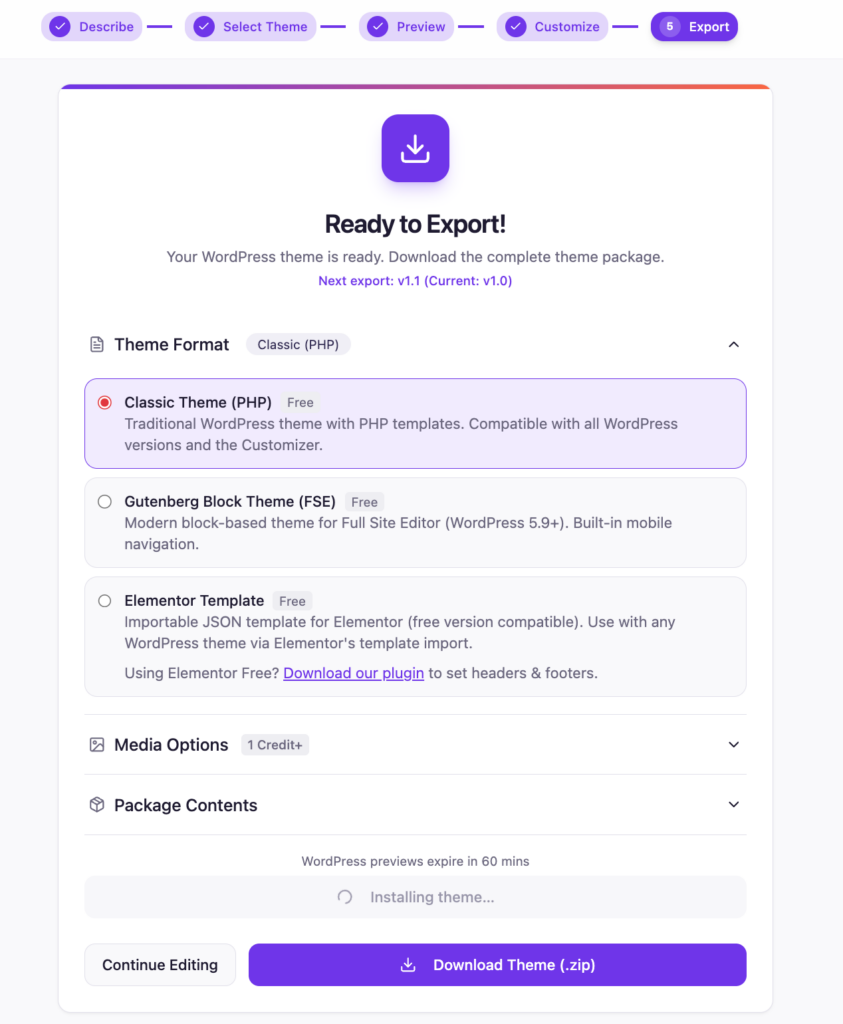
Currently, website preview supports both Classic WordPress themes and Gutenberg themes.
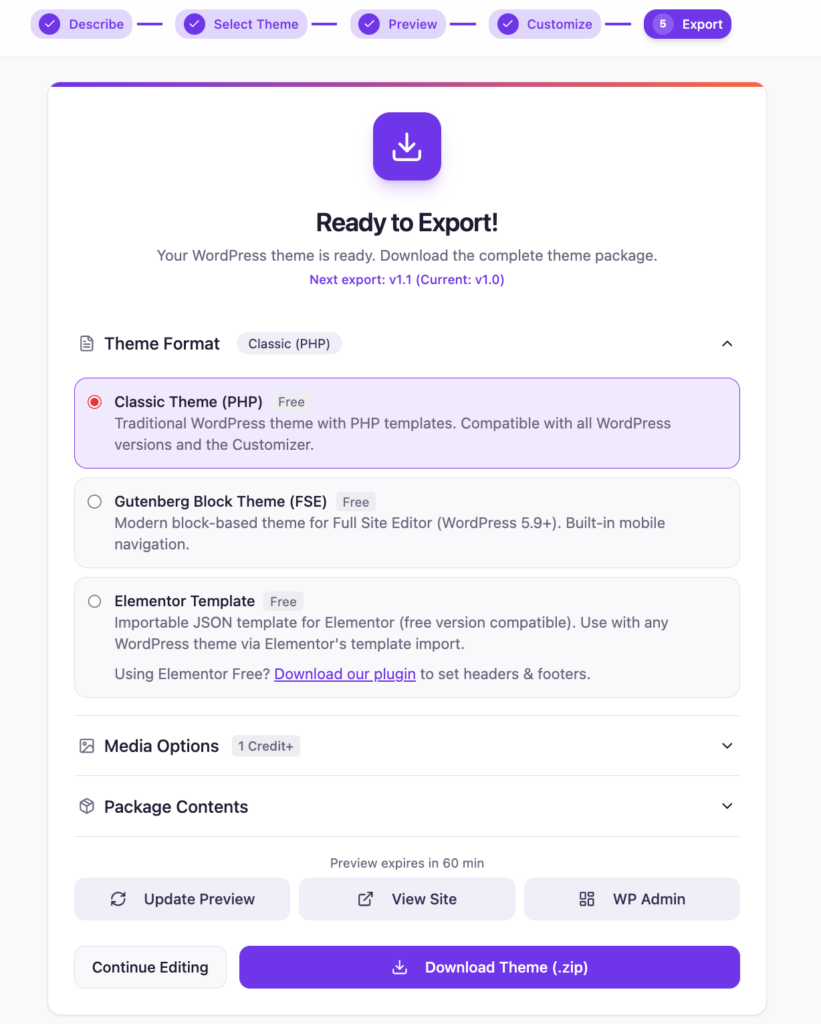
Each preview launches a temporary WordPress instance that stays active for 60 minutes, giving you time to test layouts, browse pages, check mobile responsiveness, and review the overall experience before exporting.
You can even access WP Admin instantly with one-click single sign on.
When we originally launched PressMeGPT, our goal was simple: generate native WordPress themes with AI that actually look like the demo.
As more people started using PressMeGPT for website conversions and full website generation, we realized users wanted more than screenshots and static previews. They wanted confidence that the final result would work properly inside WordPress itself.
Preview in WordPress closes that gap.
Instead of imagining how your theme will behave after export, you can now experience it directly inside a real WordPress environment.
This is especially useful for website conversions where accuracy matters. You can quickly review headers, footers, typography, layouts, and responsive behavior before deploying the final theme.
It also makes Gutenberg workflows much easier since you can validate how blocks, templates, and styling behave inside the actual WordPress editor.
For freelancers and agencies, this creates a much smoother approval process. Instead of exporting immediately, you can review the website preview first or share screenshots from a live environment before deployment.
One of our favorite parts of this feature is how seamless the workflow feels.
Generate a theme. Launch the website preview. Open WP Admin. Start exploring.
No passwords. No installs. No waiting.
The preview environments are temporary by design. After 60 minutes, the instance automatically expires to keep things lightweight and fast while still giving you enough time to work.
This release is another step toward making PressMeGPT a complete AI WordPress website builder experience instead of just a theme generator.
As we continue improving multi-page generation, website conversions, and AI-powered editing, having a true WordPress website preview becomes an important part of the workflow.
Preview in WordPress is available now inside PressMeGPT.