
Category: AI WordPress Themes
-

5 Best WordPress Themes for Marketing Agencies
A marketing agency’s website should demonstrate the same qualities it promises to clients: clear messaging, strong branding, persuasive design, and a smooth path toward conversion. Potential clients usually visit an agency website to understand its services, review previous results, meet the team, and decide whether the agency understands their business. A website that looks generic…
-

5 Best WordPress Themes for Hotels
A hotel website should help potential guests imagine their stay before they arrive. Strong photography, clear room information, visible amenities, and a simple path to booking can all influence whether a visitor continues exploring or leaves for another property. The best WordPress themes for hotels combine attractive presentation with practical navigation. Guests should be able…
-
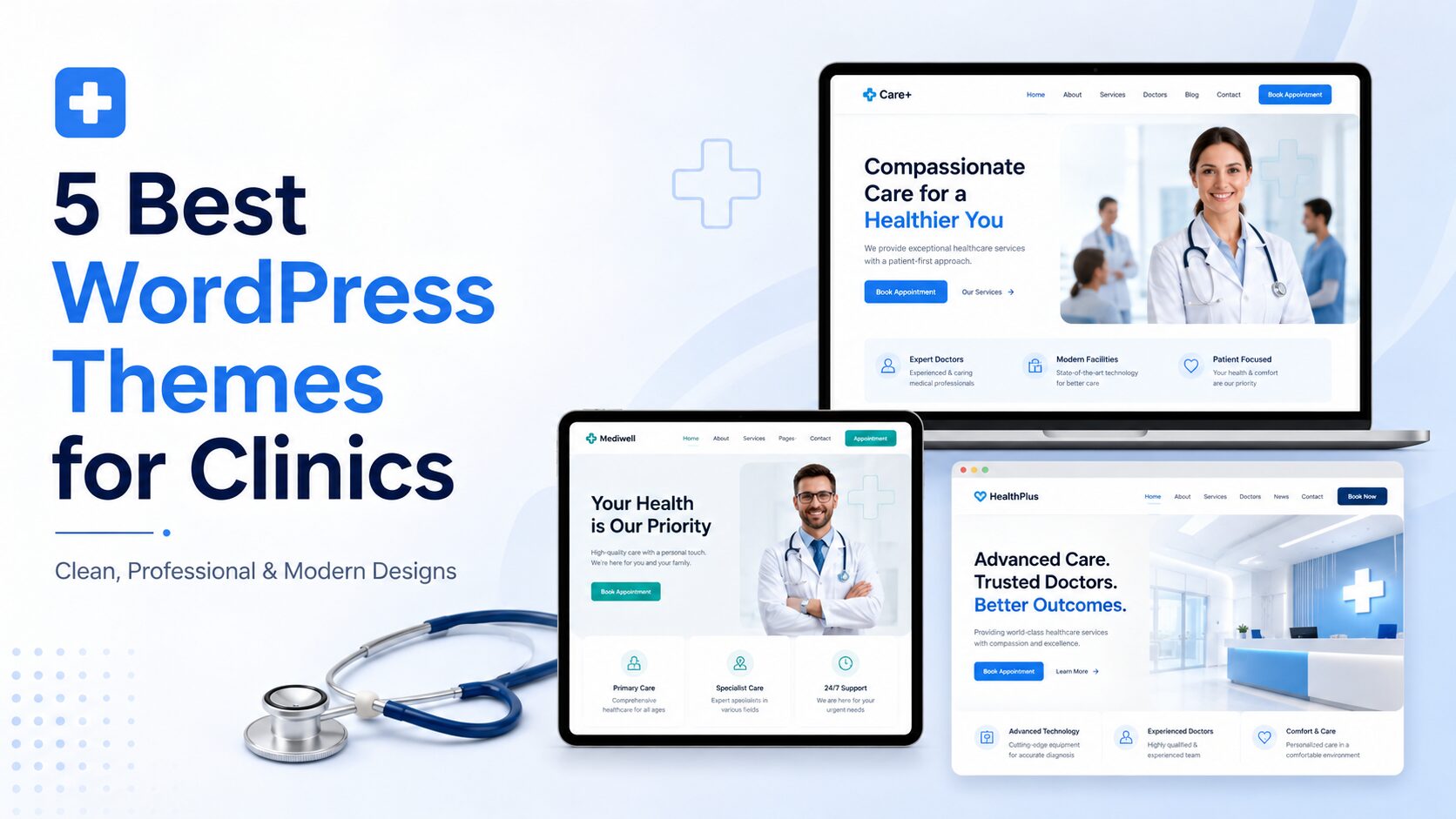
5 Best WordPress Themes for Clinics
A clinic website is often the first interaction a patient has with a healthcare provider. Before calling or booking an appointment, visitors may use the website to understand the clinic’s services, meet its doctors, check opening hours, and decide whether the organization appears trustworthy. That makes the website’s design especially important. The best WordPress themes…
-

5 Best WordPress Themes for Photographers
A photography website should do more than display beautiful images. It should present your work professionally, explain your services, build trust, and make it easy for potential clients to contact you. The challenge is that many WordPress themes either look too generic or include unnecessary features that distract from the photography. A good photography theme…
-

How to Create a Law Firm Website with AI (WordPress Theme)
A law firm’s website has one job above all others: make a stressed, uncertain visitor feel like they’ve found someone they can trust. That’s a tall order for a template. Prospective clients are usually searching for a lawyer during one of the more difficult moments in their life — a divorce, an injury, a criminal…
-
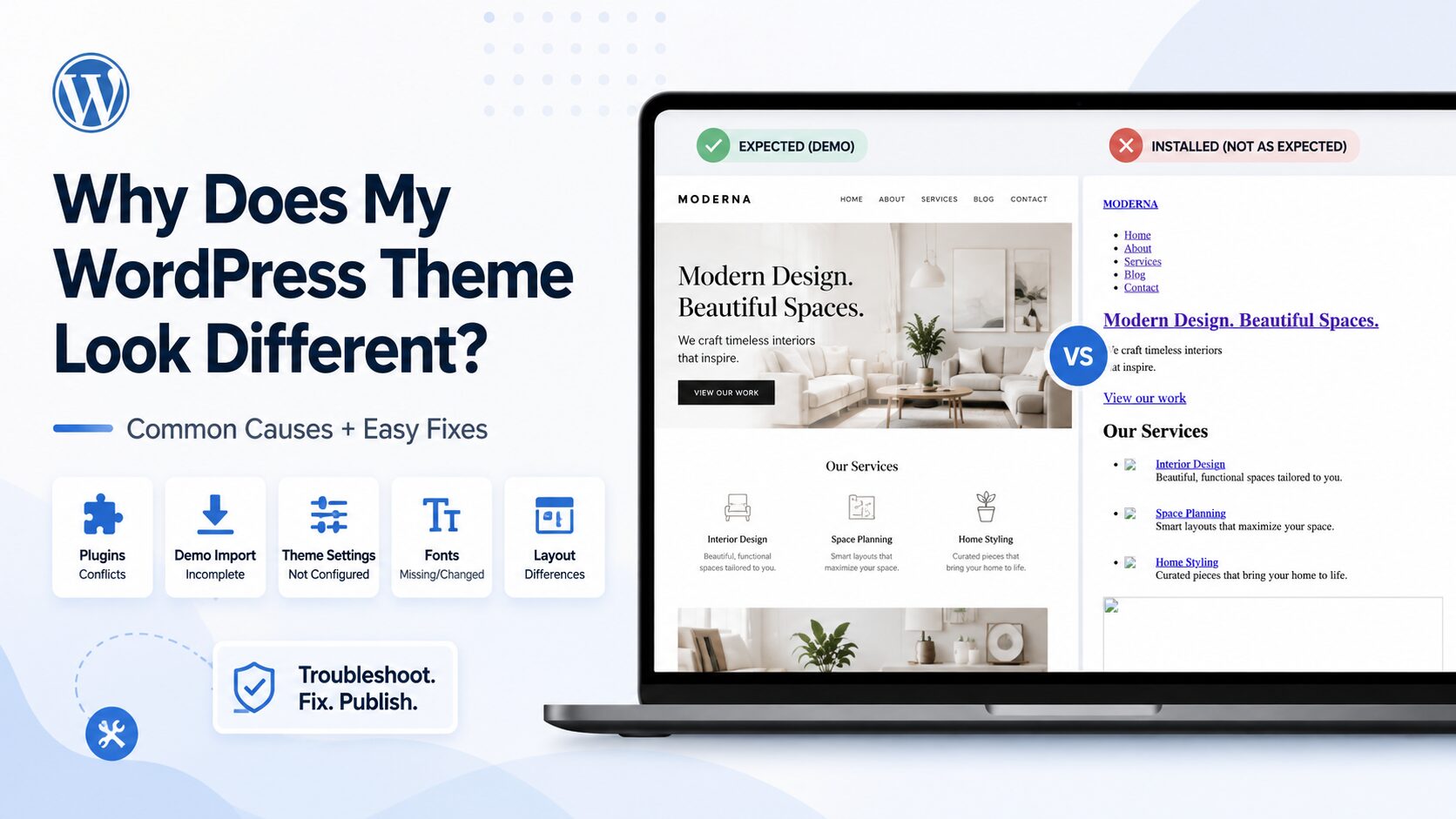
Why Does My WordPress Theme Look Different After Installing It?
You found the theme. It looked exactly right in the preview — clean layout, great spacing, images in all the right places. You clicked install, hit activate, and refreshed your site. It’s… not the same thing. Colors are slightly off. A section is missing. An image looks stretched or replaced entirely. If you’ve ever felt…
-
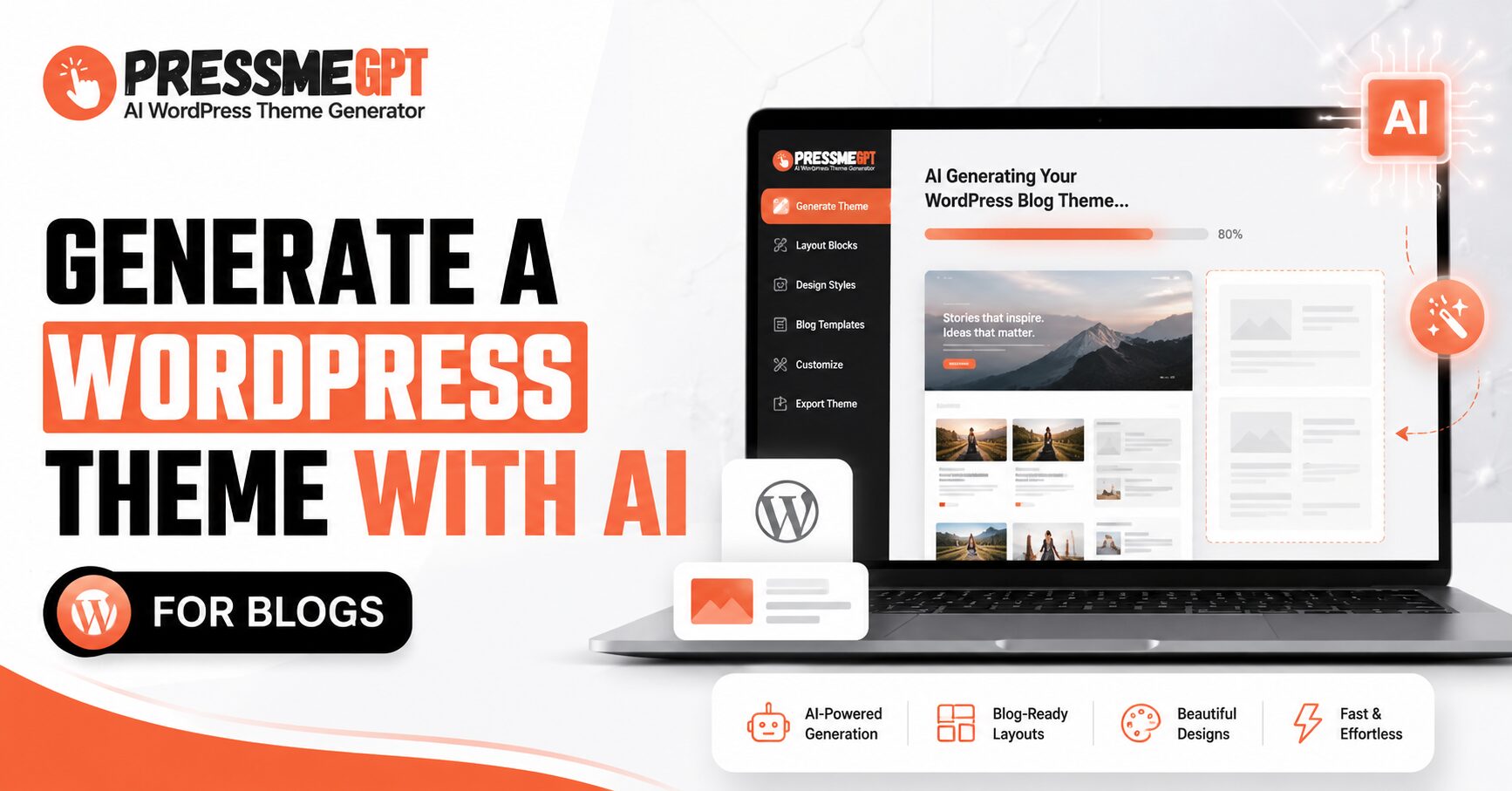
How to Generate a WordPress Theme with AI for Blogs
Building a WordPress theme used to mean one of three things: hiring a developer, wrestling with page builders for a weekend, or settling for a generic template that looks like everyone else’s blog. AI theme generators have quietly changed that equation. Instead of starting from a blank Gutenberg canvas or digging through thousands of ThemeForest…
-

How to Create an Ecommerce Website with AI in Minutes
Starting an ecommerce website sounds exciting, but the actual process can feel overwhelming. You need a good design, product sections, a homepage that looks professional, mobile-friendly pages, clear buttons, and a layout that makes people trust your store. A few years ago, this usually meant hiring a designer, buying a WordPress theme, installing multiple plugins,…
-

How to Create an AI WordPress Theme for a Travel Website in Minutes
Building a travel website used to take a lot of time. You had to choose a theme, customize the layout, edit pages, adjust colors, add images, set up booking sections, and sometimes hire a developer just to make everything look professional. But now, with AI WordPress theme generators like PressMeGPT, you can create a custom…
-
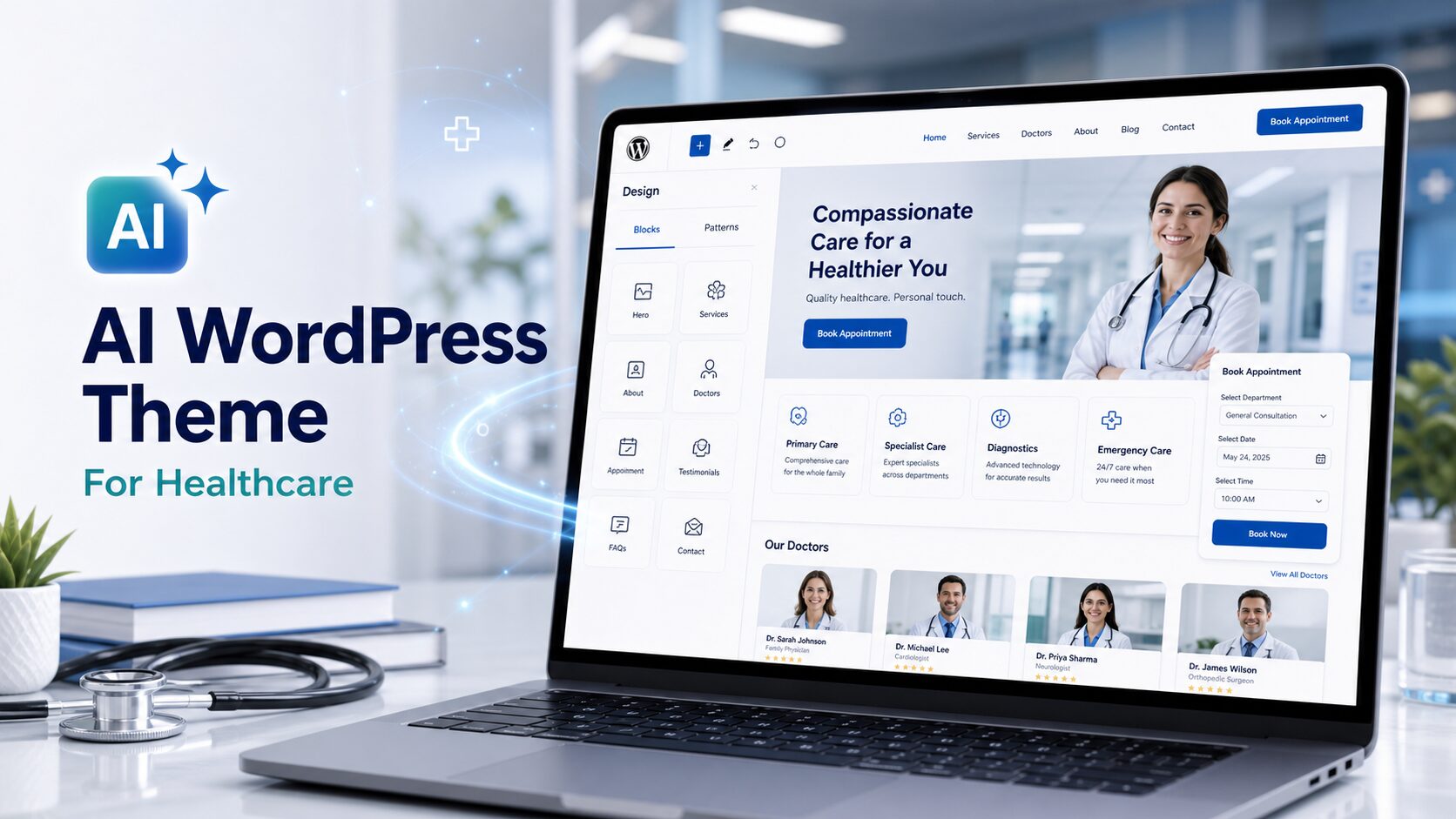
How to Generate a WordPress Theme with AI for Healthcare — Real Examples
Building a website for a healthcare practice has always carried a specific kind of pressure. It’s not just about looking professional — it’s about earning trust instantly. Patients arriving at a clinic’s website are often already anxious. A clunky layout, an outdated design, or a template that feels lifted from a generic business site can…