
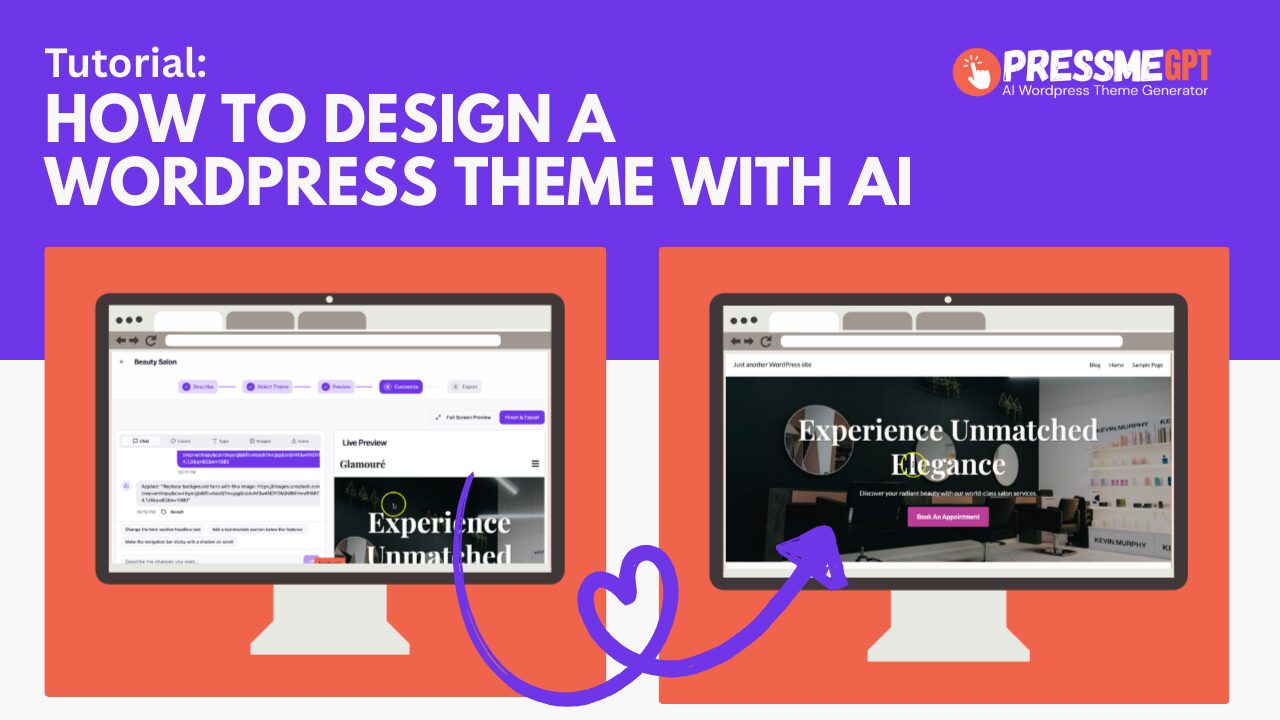
In this video we test https://PressMeGPT.com, a free AI WordPress theme generator. The platform includes a limited free tier that allows you to build up to 3 sites for free.
Every time you build a theme, it actually creates 3 options to pick from which is better than most AI WordPress theme generators we’ve tested which only generate 1 option.
Also, unlike the other tools we tested it allows you to edit the theme with AI which is a game changer. So many of these tools only generate the initial theme but then you have to know how to manually edit the theme.
Some of the other benefits of PressMeGPT is the fact you can upload images and logos from the start of the design. This is nice because you can really see what the design looks like with a logo without having to install the theme and customize first. It is a big time saver.
PressMe also integrates with Unsplash for stock photography which is really handy for initial design concepts while building sites for clients. Visual imagery is key in design.
Fonts on this AI WordPress builder are powered by none other than Google Fonts, which is pretty common these days.
There is also support for the icon sets Lucide React and Font Awesome.
I like that PressMeGPT has some optionality on not only WordPress Classic theme exports because many web designers and marketing agencies are still using classic themes to support thousands of clients.
That being said, I also really like that you can export to Gutenberg Blocks and Full Site Editor (which also makes it compatible with Kadence).
Try it out for yourself for free!