
Category: How To
-
Which WordPress Export Format is Best?
PressMeGPT is an AI-powered WordPress website builder that allows you to design WordPress themes and sites using chat prompts. Tell it what to build, give it context, and it will design it for you. As of late 2026, we support the three most popular WordPress export formats: Classic, Gutenberg, and Elementor. But this also creates…
-
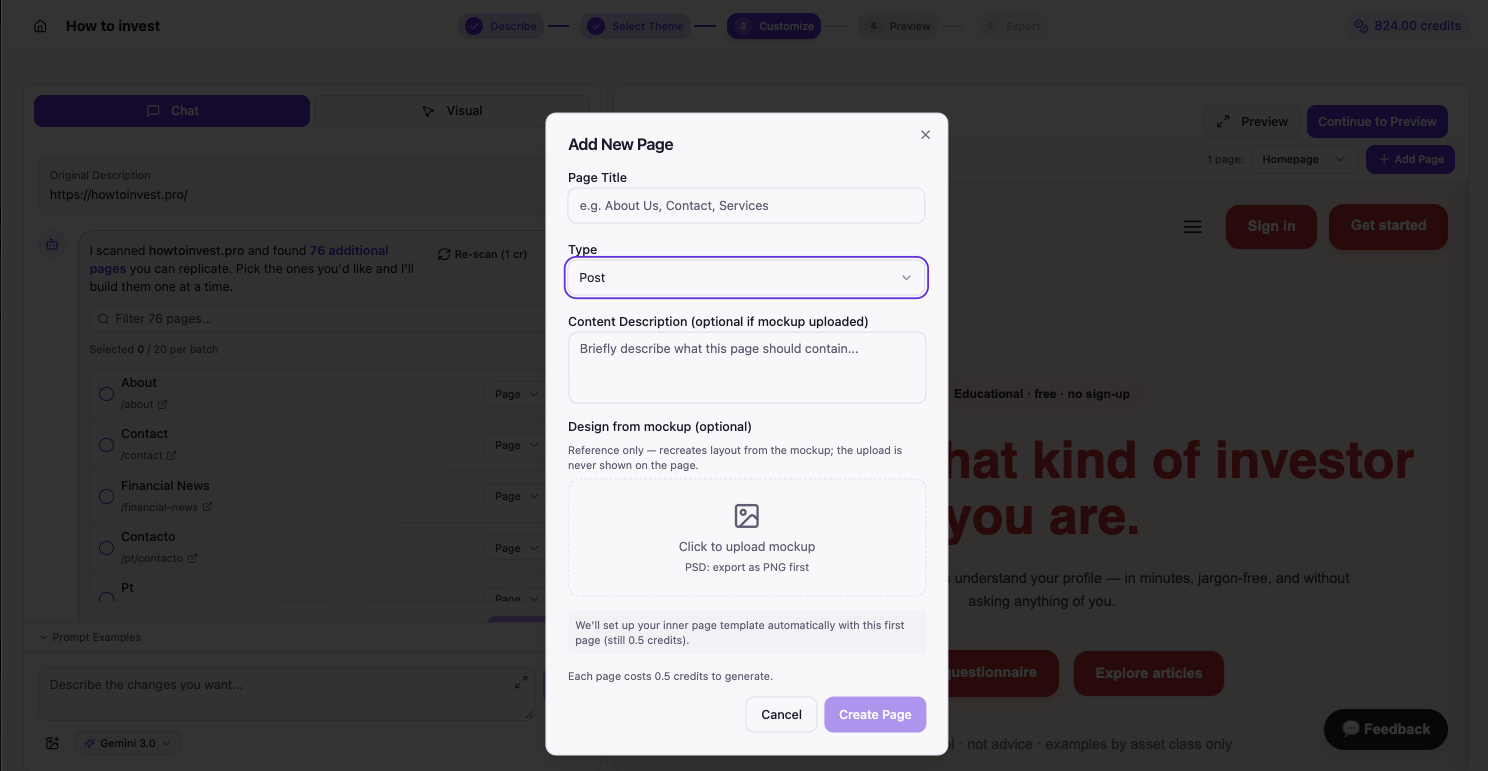
How do I create new WordPress posts?
When you are designing a website with AI, the design isn’t limited to just the homepage. Elements like the header, footer, logo, and styles carries through to the other pages AND posts on the site. This is exactly why we added a multi-page builder into PressMeGPT. Now users can not only design the homepage (often…
-
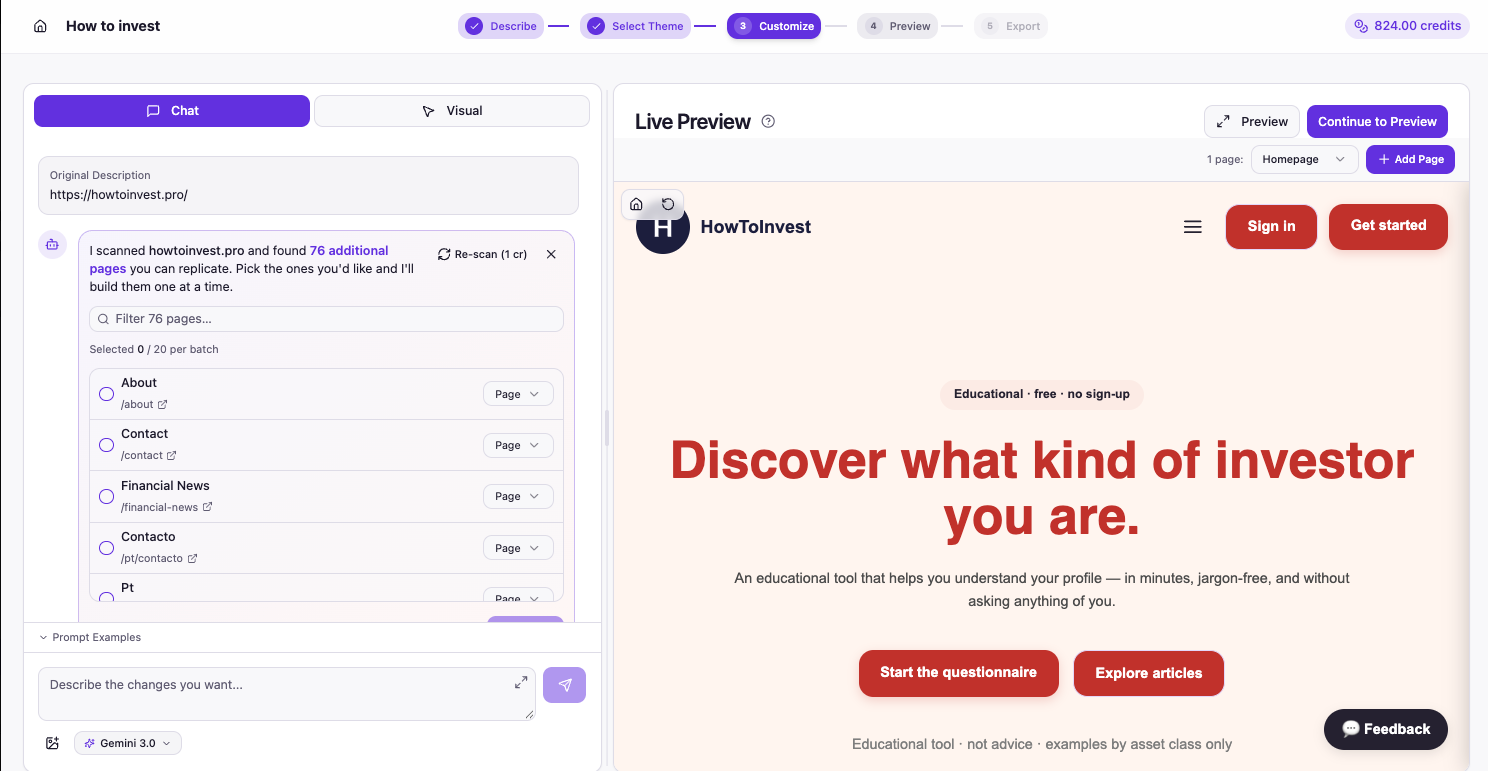
How do I create new WordPress pages?
When you are designing a website, the design isn’t limited to just the homepage. Elements like the header, footer, logo, and styles carries through to the other pages on the site. This is exactly why we added a multi-page builder into PressMeGPT. Now users can not only design the homepage (often the starting point and…
-
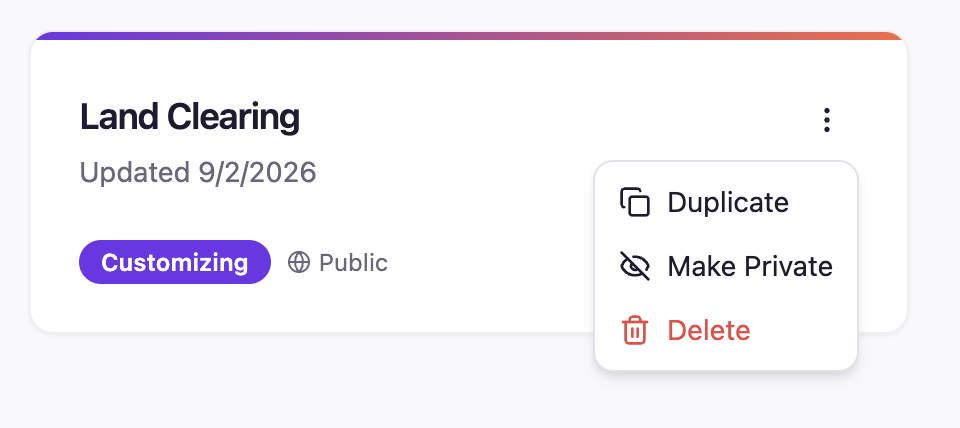
How do I make my WordPress theme private
Yes, any paid users can make the themes they generate with AI private from the public WordPress theme directory, which allows other users to view, remix, and download derivative themes and website designs. There are three places to do this: 1: On the initial Describe screen When you are initially describing what you want AI…
-
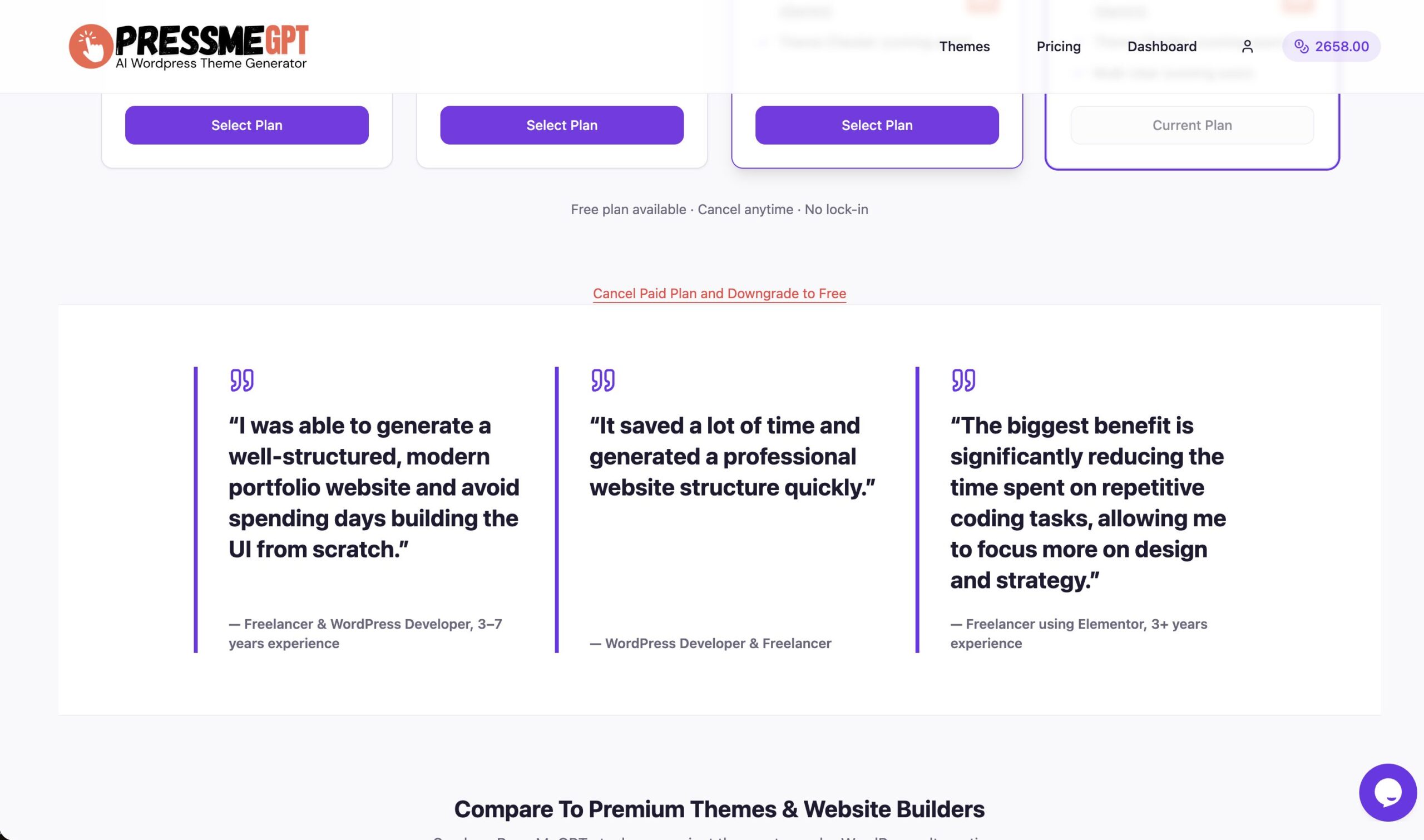
Can I cancel PressMeGPT once my website is live?
Yes, you can cancel your at any time although there are some advantages of keeping it. One thing we wanted to do when starting PressMeGPT is to be really flexible. Unlike many other WordPress website builders that charge a subscription or have per-site fees, one of the benefits of building your website with PressMeGPT is…
-
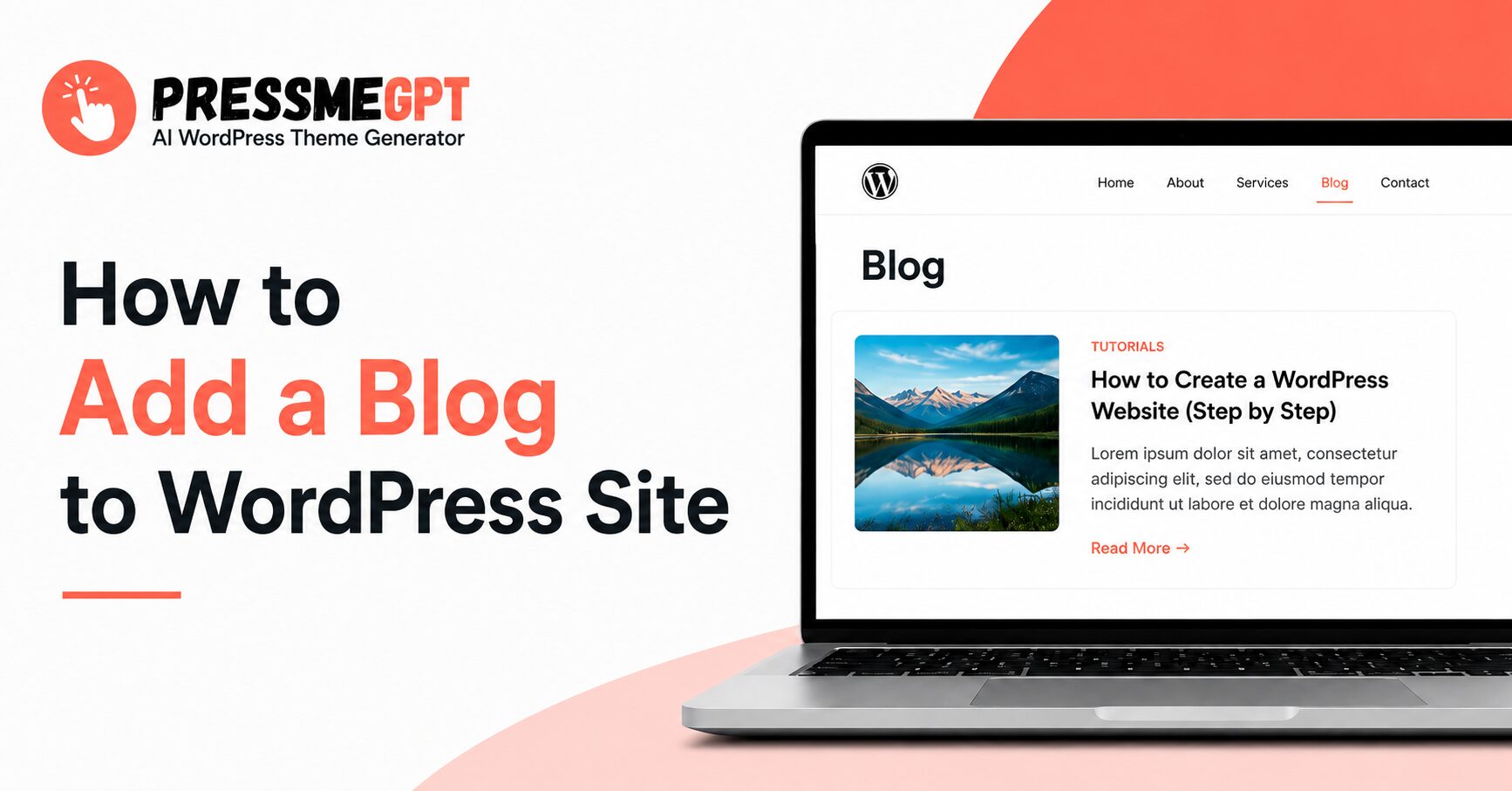
How to Add a Blog to WordPress Site | Step By Step Guide
Imagine you own a restaurant, local business, agency, clinic, or service-based company, and you have already created a clean WordPress website with PressMeGPT. Your website may already have the important pages visitors need, such as: Now, you want to add a dedicated Blog page where you can publish helpful articles, updates, tutorials, tips, and industry-related…
-

Create a WordPress Site Inspired by Another Website Design
One of the hardest parts of building a website is starting with a blank page. You may know the type of site you want to create, but explaining the layout, colors, spacing, typography, and overall feel from scratch can still take hours. That’s why we added one of the most requested features to PressMeGPT: the…
-
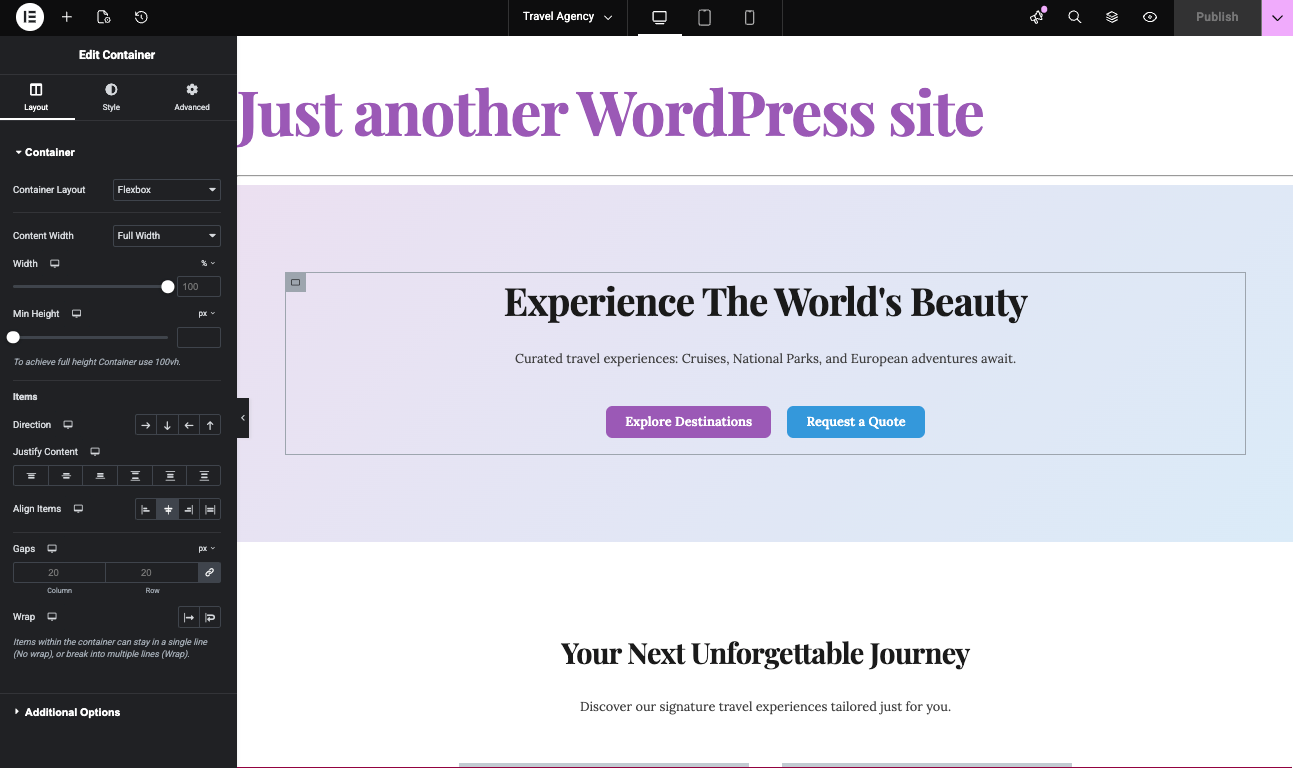
How to Generate Elementor Templates with AI: An Alternative to Elementor One
If you’re exploring ways to build and customize WordPress sites, Elementor is probably already on your radar. Elementor One offers a unified experience for site design and management, but its features and pricing can motivate users to look for new alternatives. This guide and video above focuses on how artificial intelligence can revolutionize Elementor template…
-

How to Convert a Base44 Vibe-Coded Project to WordPress Using AI (Step-by-Step Video & Tutorial)
If you’ve created a project with Base44 using vibe coding and want to turn it into a fully functional WordPress theme, this tutorial shows you how to do it quickly using AI. What is Base44? Base44 is a vibe-coding platform that allows you to generate websites and web apps through prompts. Instead of dragging and…
-

How To Convert a Blink.new Website to WordPress in Minutes Using AI (Step-by-Step Tutorial)
If you’ve built a website with Blink.new and you’re wondering how to bring that design into WordPress without rebuilding everything from scratch, this video walks you through the entire process in under two minutes. In this video, I demonstrate how to use PressMeGPT to convert a Blink.new website into a WordPress theme using AI with…