
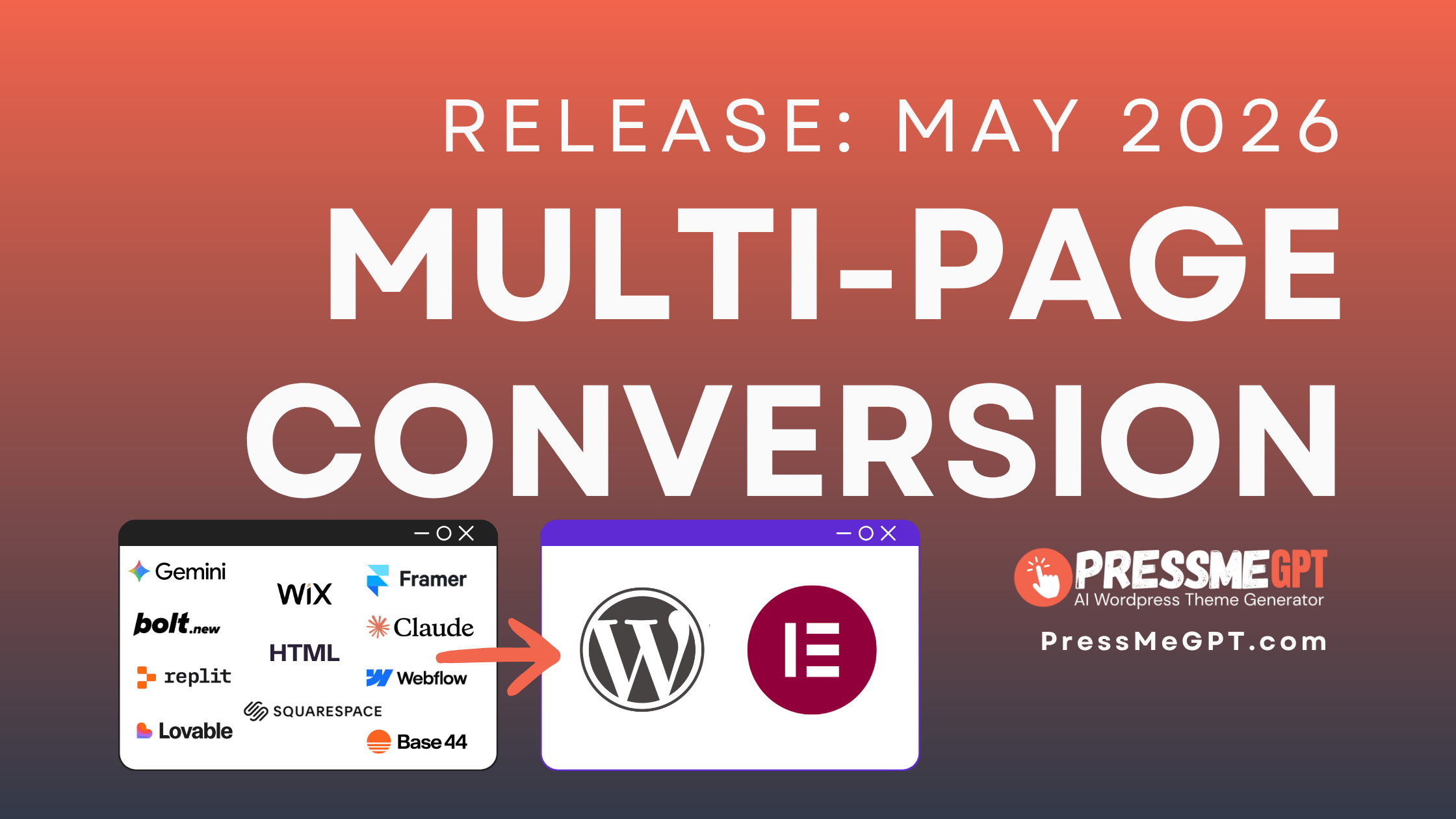
One of the things I’m seeing more frequently now is clients and even professional web designers starting websites with AI: Claude, Gemini, Base44, Lovable, Bolt.new, v0.dev – pick your poison.
These tools can spit out a website in seconds.
And it looks professional in most instances. It is amazing how quickly the world has changed.
What most newbies quickly discover is that these tools do not create SEO-friendly, crawlable websites. They create single-page applications (SPA as we call them in the industry) that is more of a web app. A single page where the content changes based on what is clicked.
Once people discover this, they scratch their head thinking about how to get this beautiful site, that the client loves by the way, over to a CMS like WordPress.
So we built the Multi-Page Converter.
Now you can take a live URL, drop it into PressMeGPT, and it will analyze the structure, pull the key pages, and rebuild it into a WordPress-ready theme.

What used to take me hours of rebuilding is now much closer to:
- Generate with AI
- Paste into PressMeGPT
- Make any changes with AI
- Export to WordPress
This has become one of our users’ favorite workflows inside the platform.
Especially for:
- – rebuilding outdated sites
- – migrating from another platform
- – creating quick client mockups
- – or starting from a structure that already works
It even works with moving outdated client sites on website platforms like Wix and Squarespace.
And because the output is WordPress-ready, you can still export it into Gutenberg, Classic, or Elementor and continue customizing from there.
This is the kind of workflow we originally wanted when we started building PressMeGPT. Design a website anywhere. Launch it on WordPress.