
Category: How To
-

How to Edit Your WordPress Footer in Full Site Editor on a AI Generated WordPress Theme
In this video, I’ll show you how to edit your website footer using WordPress’s Full Site Editor (FSE) on an AI-generated WordPress theme created with PressMeGPT. If you’ve ever generated a WordPress site with AI and then struggled to customize the header or footer afterward, this video explains why that happens—and why PressMeGPT handles it…
-
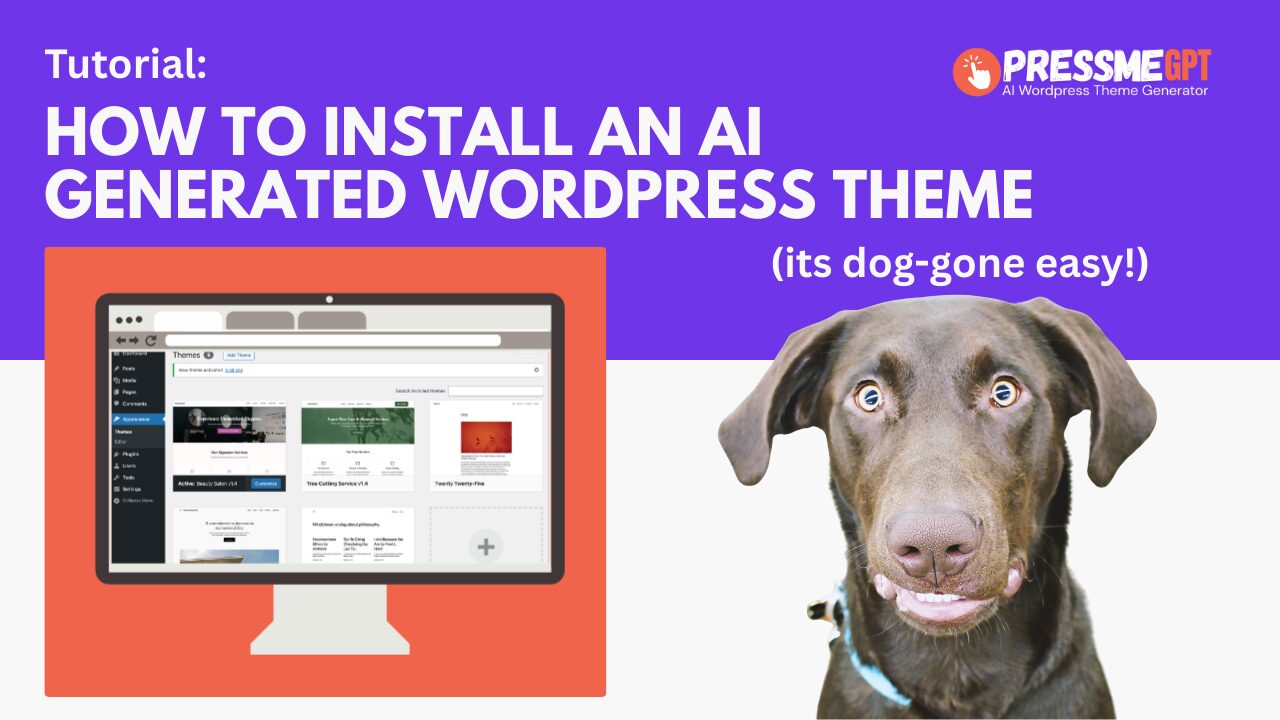
How to Install an AI Generated Theme in WordPress (Without Plugins or Builders)
Installing a WordPress theme should be simple—but many modern themes require page builders, multiple plugins, and extensive configuration before they look anything like the demo. PressMeGPT changes that. In this guide, we’ll show you how to install an AI-generated WordPress theme created with PressMeGPT and explain why this approach is fundamentally different from most WordPress…
-
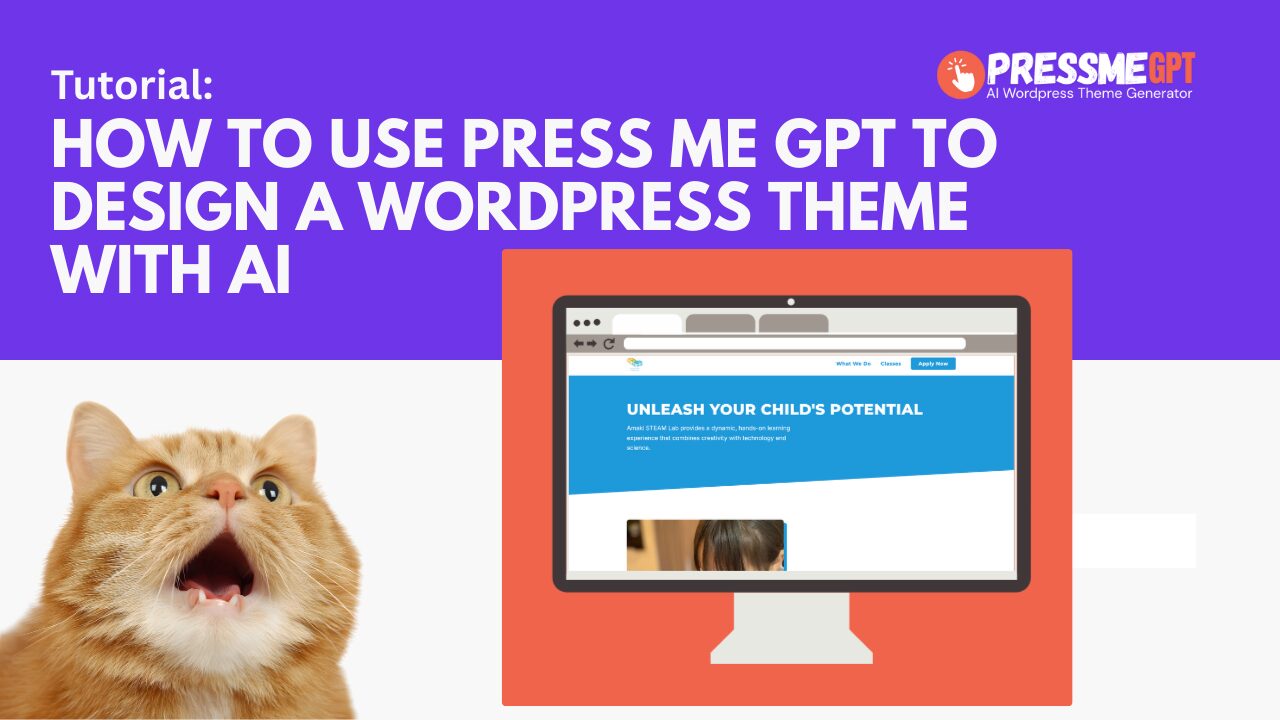
How to Use PressMeGPT to Create a WordPress Theme with AI
PressMeGPT helps you generate an AI-powered WordPress homepage theme that you can create, customize, and extend directly inside WordPress. At this time, PressMeGPT focuses on generating a homepage-based WordPress theme, not a full multi-page website. This is intentional. Most designers spend 80–90% of their time perfecting the homepage, then reuse those design elements across the…
-
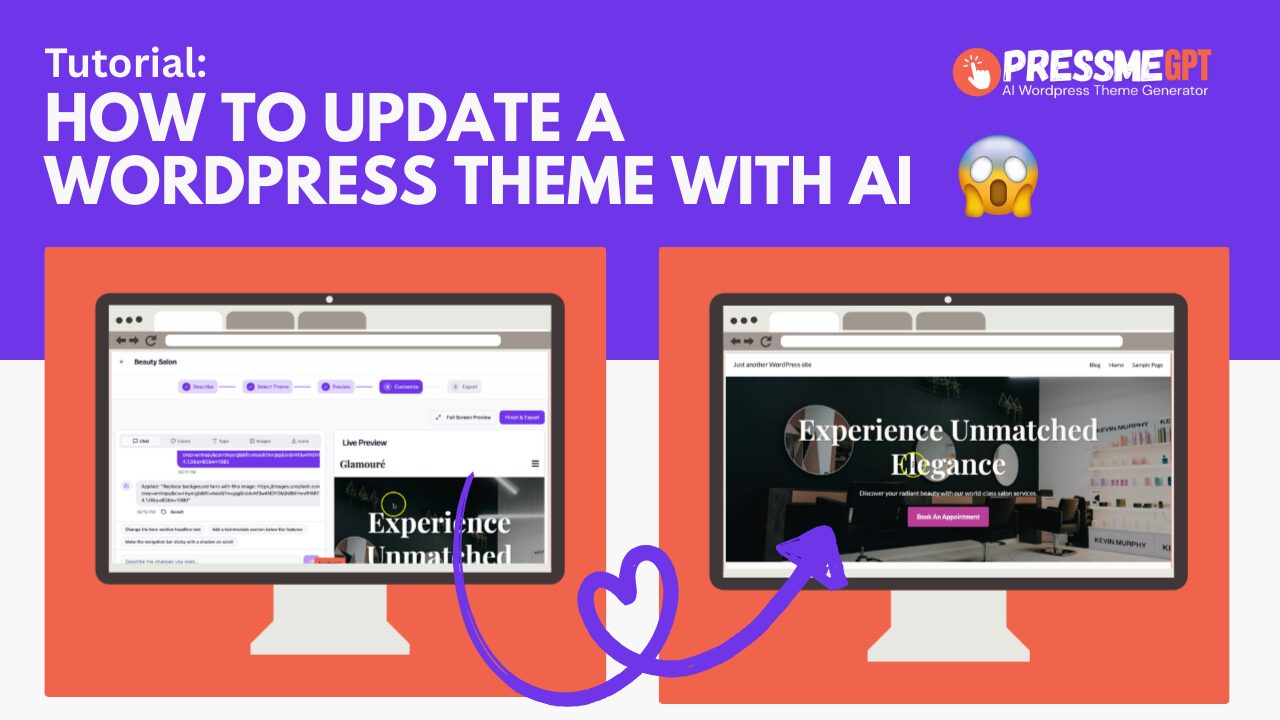
How to update a WordPress Theme with AI the easy way
Its no secret, most vibe coding tools don’t yet support WordPress themes. This means that you have to either buy a theme (that often requires heavy customization to get it to look right) or use a WordPress website builder like Blocks, Elementor, Divi, Spectra, or Beaver Builder – which who has time for that these…
-
How to convert HTML to a Wordpess Theme with AI Generator
How to Convert HTML to a WordPress Theme (the Easy Way with an AI generator) If you’re looking to turn HTML into a WordPress theme without writing everything from scratch, check out https://PressMeGPT.com — a free AI-powered WordPress theme builder. Unlike most WordPress AI theme generators that only create a single theme and lock you…
-

How to use Font Awesome Icons in AI Generated WordPress Themes
PressMeGPT.com now supports Font Awesome icons in all AI-generated WordPress themes in addition to Lucide React icons, giving creators more control over visual hierarchy, usability, and modern UI design—without writing code. Font Awesome is one of the most widely used icon libraries on the web, trusted by millions of WordPress sites for clean, scalable, and…
-

WordPress AI Website Builder & Theme Generator – Quick Demo
See how easy it is to design, customize and build a WordPress theme with AI and launch a Gutenburg website with PressMeGPT. Check out https://PressMeGPT.com, a free WordPress AI website builder. Each WordPress theme generate uses AI to design 3 themes to pick from which is nice because others only create one theme at a…