
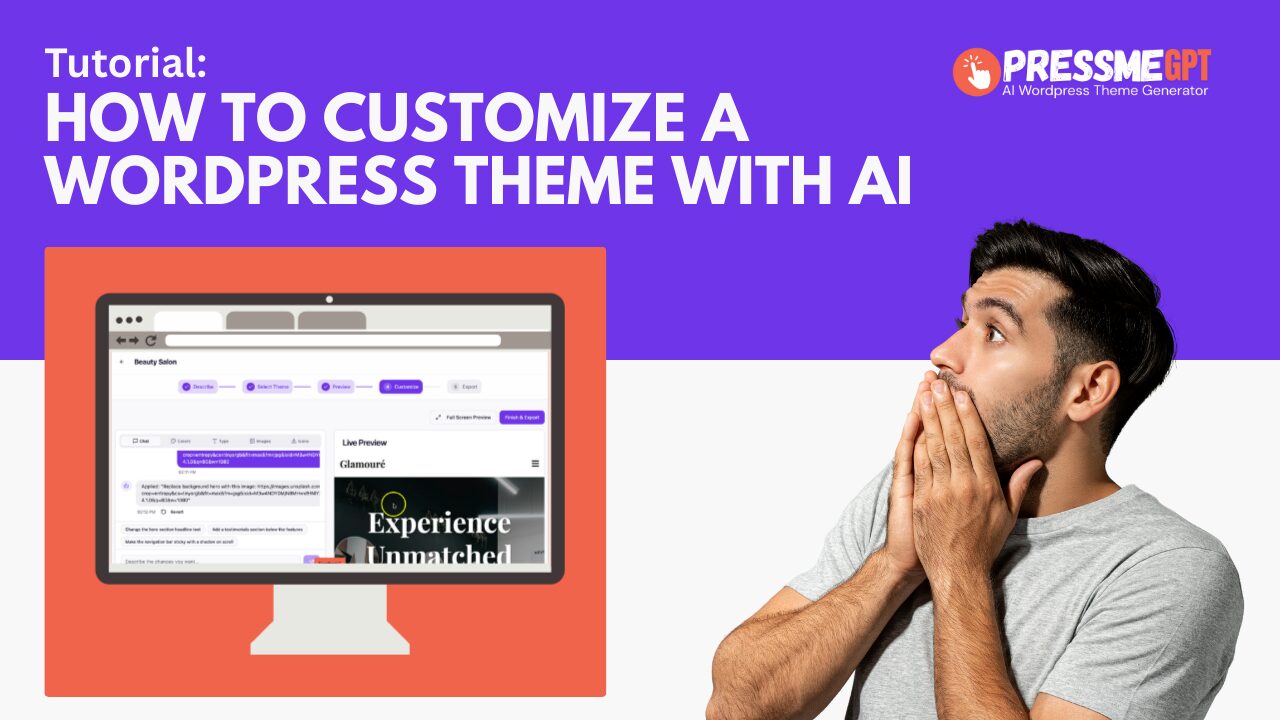
In this video, you’ll learn how to customize WordPress themes built with PressMeGPT.com using AI, simple prompts, and zero code. If you’ve ever felt stuck tweaking a theme, editing templates, or worrying about breaking something in WordPress, this walkthrough shows a faster, safer, and far more flexible way to make your site your own.
PressMeGPT is designed to help you start with a professionally structured homepage theme and then refine it using natural language. Instead of digging through PHP files, CSS, or block settings, you can describe what you want to change and let AI handle the heavy lifting. Want a different layout, new copy, improved spacing, updated colors, or a more conversion-focused hero section? You can do all of that with prompts.
In this tutorial, we cover how to:
• Open an existing WordPress theme generated by PressMeGPT
• Use AI prompts to modify layout, typography, colors, and content
• Update sections like hero areas, feature blocks, testimonials, and calls to action
• Refine the design while staying fully compatible with WordPress and Gutenberg
• Iterate quickly without reinstalling themes or starting over
This video focuses on editing and improving themes that were originally generated by PressMeGPT. You’ll see how small prompt changes can dramatically improve clarity, visual hierarchy, and messaging, without needing a designer or developer. This makes it ideal for founders, marketers, agencies, and DIY site builders who want professional results without the usual learning curve.
Another key benefit you’ll see is speed. Most WordPress customization workflows involve trial and error, theme options panels, or third-party builders. With PressMeGPT, you can experiment freely, roll forward confidently, and keep your site clean and lightweight. The AI respects WordPress best practices, so your theme remains maintainable and future-proof.
If you want to move faster, avoid code, and still have full creative control over your WordPress site, this video will show you exactly how to do it. By the end, you’ll understand how to use AI as your design and development partner, turning simple prompts into real, production-ready WordPress theme updates.
Perfect for beginners and experienced WordPress users alike, this tutorial demonstrates how PressMeGPT bridges the gap between ideas and execution, helping you build and customize themes with confidence.