-
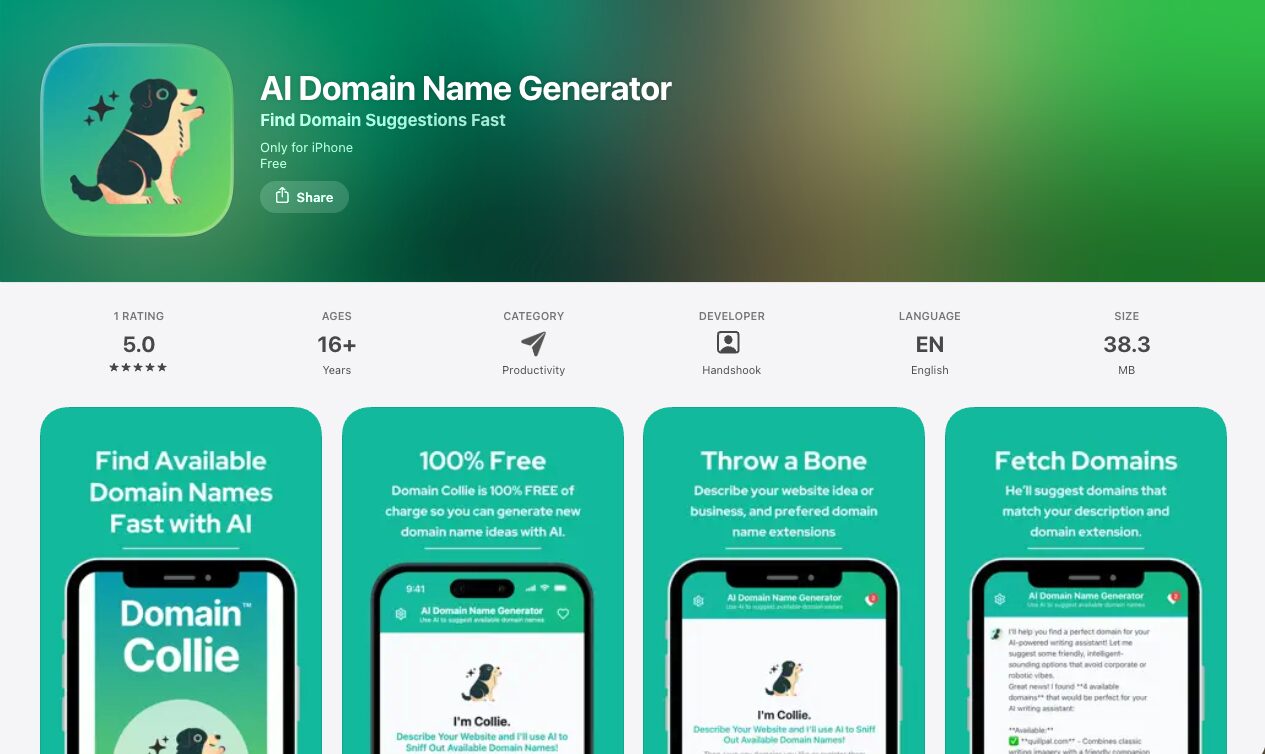
Case Study: How Domain Collie Built a Professional WordPress Site Quickly with PressMeGPT — While Keeping Focus on Their iOS App
When the team behind Domain Collie set out to launch their AI-powered domain name generator app, they had a clear priority: dedicate the majority of their development time to perfecting the mobile experience. The app, now available for iOS, helps users generate creative domain name ideas from natural-language descriptions, checks availability instantly, and allows them…
-
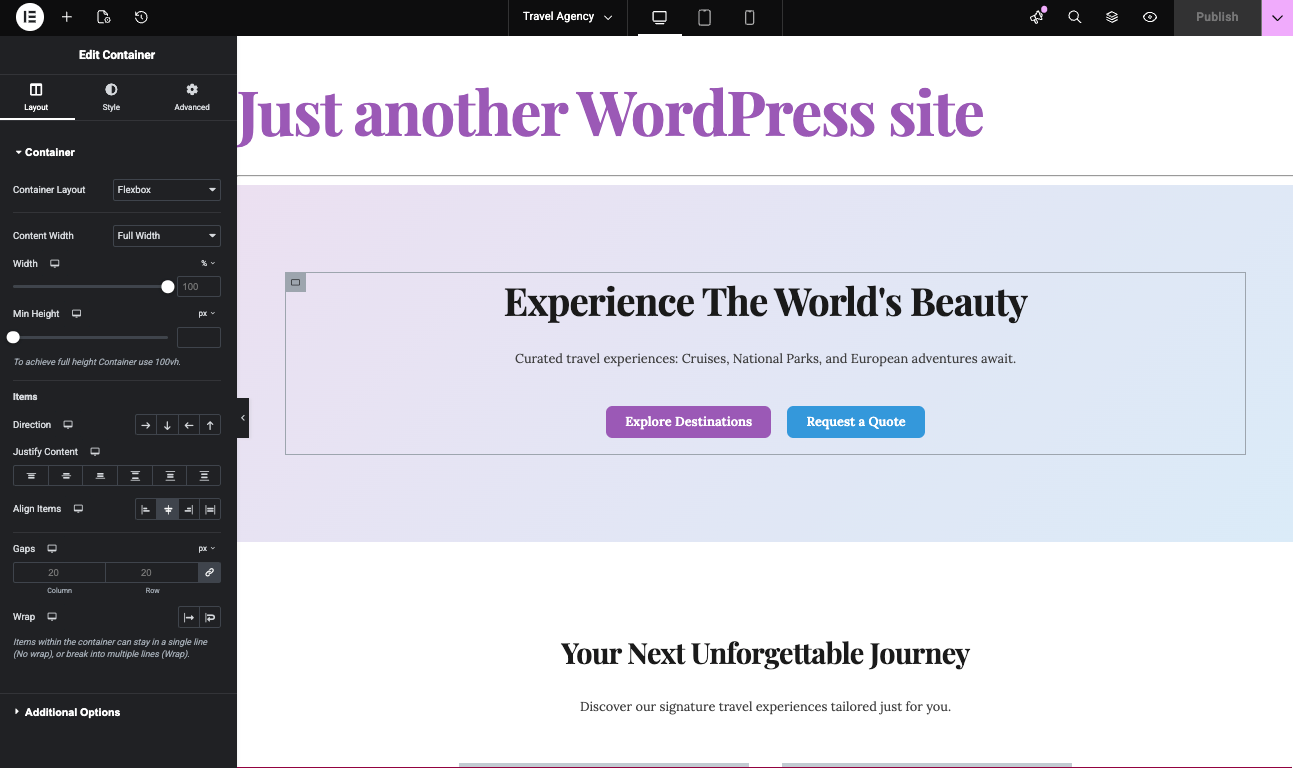
How to Generate Elementor Templates with AI: An Alternative to Elementor One
If you’re exploring ways to build and customize WordPress sites, Elementor is probably already on your radar. Elementor One offers a unified experience for site design and management, but its features and pricing can motivate users to look for new alternatives. This guide and video above focuses on how artificial intelligence can revolutionize Elementor template…
-

PressMeGPT vs Neve: AI Custom Themes vs The Starter Site Champion
Compare AI-generated WordPress themes with Neve’s massive starter site library. Find out which offers better value for your website projects.
-
Greenshift Review: One of the Best Modern Gutenberg Plugins for Animations & Page Speed
Comprehensive review of Greenshift, the powerful Gutenberg plugin for animations and dynamic content. Learn how it works with PressMeGPT for the ultimate WordPress workflow.
-

Otter Blocks vs. PressMeGPT: Complete Themes vs Gutenberg Enhancement
Compare AI-generated WordPress themes with Otter Blocks, the popular Gutenberg block collection. Learn when to use each approach.
-

PressMeGPT Now Exports to Elementor: Generate Elementor Templates Instantly with AI
TL;DR: PressMeGPT may just be the ultimate alternative and ally (or “frenemy” as the cool kids say) to Elementor for WordPress. Instead of extending its functionality like most plugins, it makes building an Elementor site much faster and cheaper by generating the base design with AI, then allowing you to edit with Elementor or Gutenberg.…
-

Move Media Files The Easy Way When Migrating Website Providers with PressMeGPT
One of the Biggest Migration Headaches: Media Files When people migrate a website from one platform to another, most of the attention goes toward the design and layout. But one of the most tedious and commonly overlooked parts of a website migration is downloading and relinking media files. This includes: If these files are not…
-
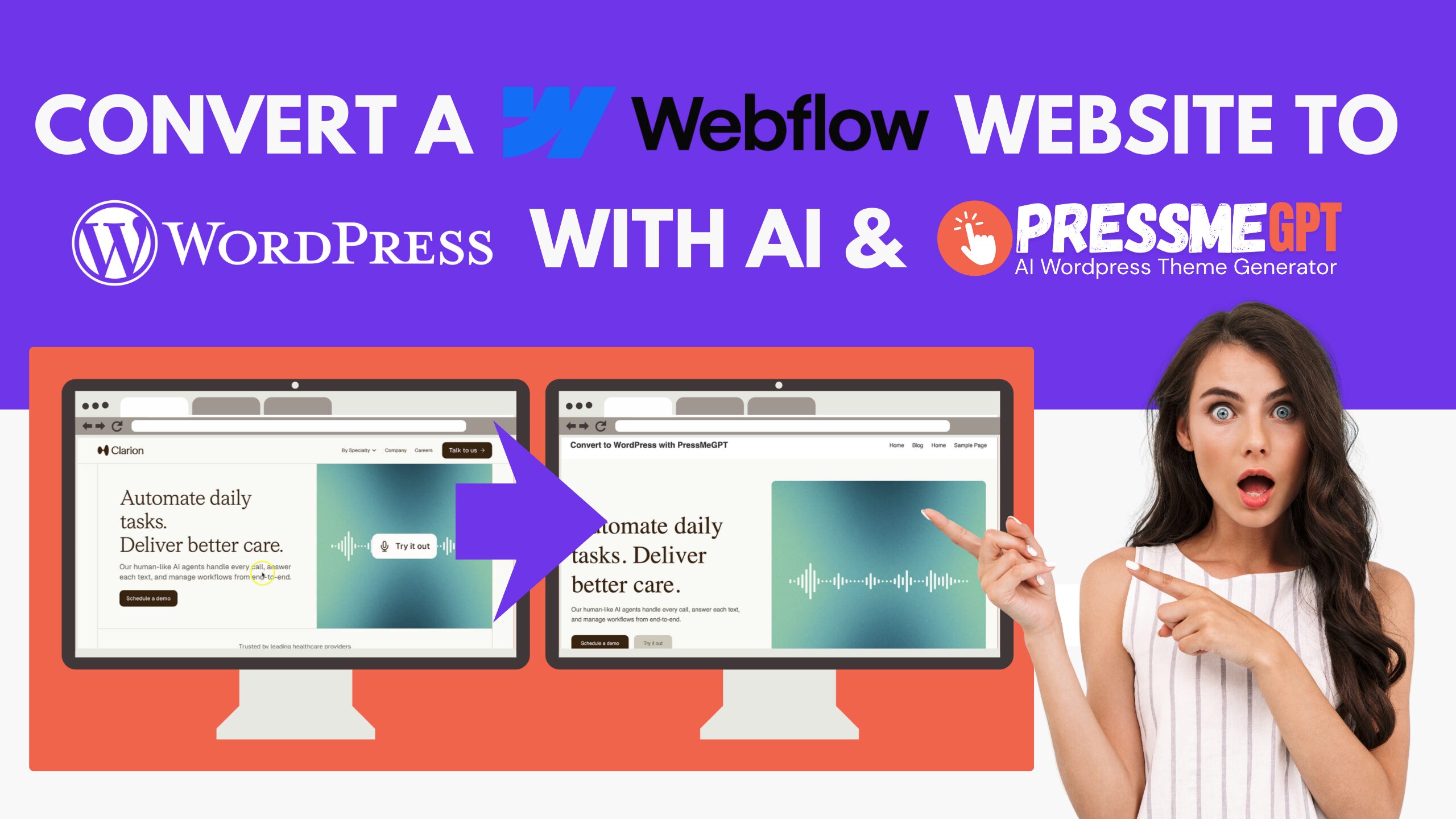
How to Migrate a WebFlow Website to WordPress with AI & PressMeGPT
Webflow is a popular modern website builder that allows designers and developers to create visually impressive websites using a powerful visual editor. It combines design tools, hosting, CMS functionality, and animations into a single platform, making it a favorite among designers and agencies who want more control than traditional drag-and-drop builders. Many startups, marketing teams,…
-
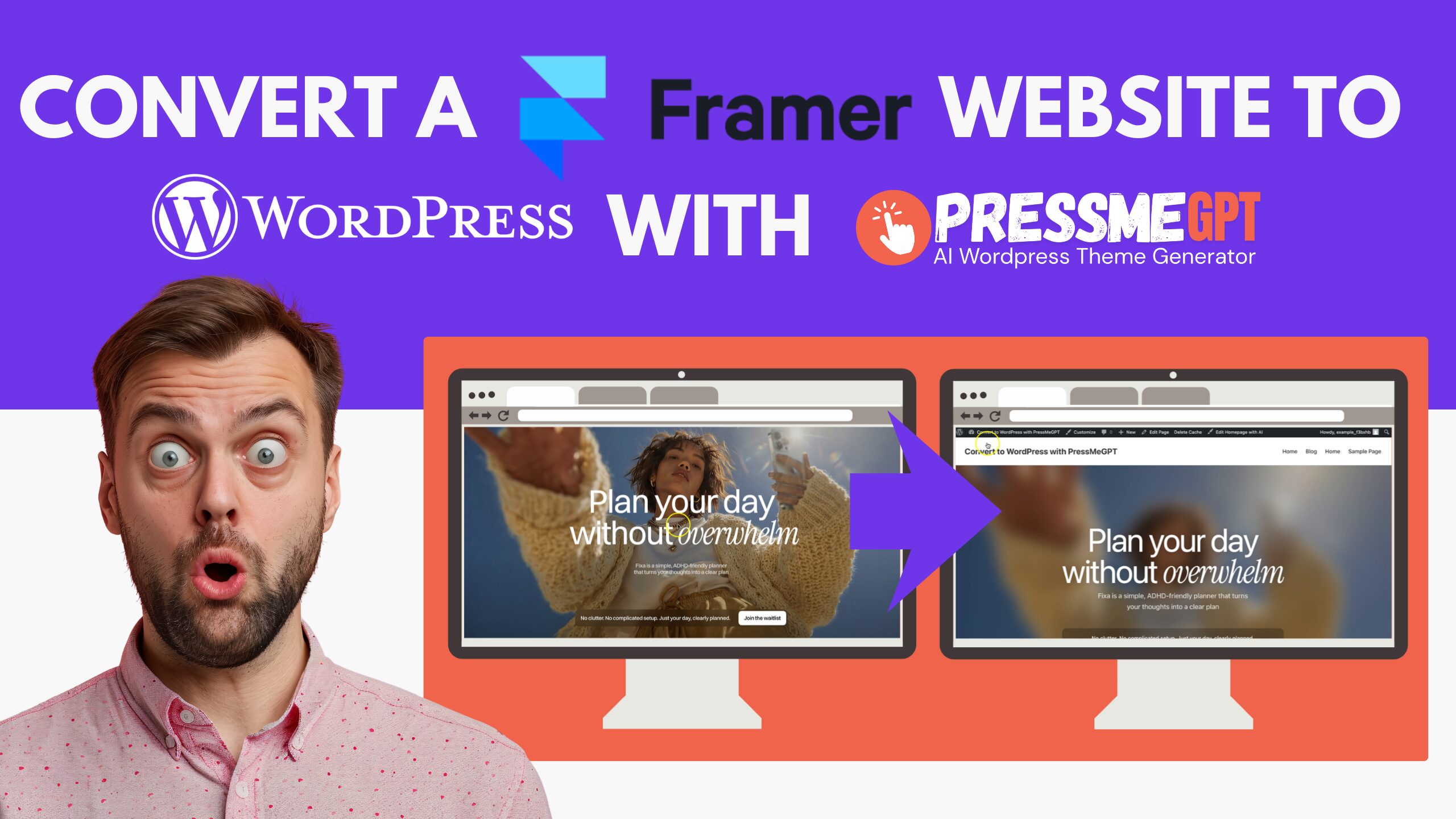
How to Migrate a Framer Website to WordPress with AI & PressMeGPT
Framer has become one of the go-to tools for launching a beautiful marketing site or landing page fast, without touching code. But plenty of businesses eventually outgrow it and look toward WordPress for more control. Framer doesn’t offer a direct HTML export, so until recently, moving off it meant paying a developer to rebuild your…
-

How to Convert Lovable to WordPress Using PressMeGPT
Lovable.dev makes it easy to create websites and web applications using AI prompts. It works well for landing pages, startup websites, prototypes, and other projects where you want to build quickly. But once your lovable.dev website is ready to grow, you may want an easier way to manage pages, blog posts, images, menus, plugins, and…
