

A couple of weeks ago we rolled out a small but powerful update on PressMeGPT: mobile-friendliness.
You can now design and customize full WordPress themes directly from your phone or tablet.
That includes both iPhone/iPad and Android devices.
Before you throw fruit and remind me of the “mobile-first” movement of the 2010s, when we first built PressMeGPT, we assumed most users would create sites from a desktop or laptop.
But over the last several months, we noticed more and more web designers, freelancers, and agency owners testing ideas, making edits, and even building client websites entirely from mobile devices.
So we decided to fully embrace it.
Here’s What’s New: Mobile-Optimized Theme Design Interface
We’ve redesigned key parts of the interface to make working on smaller screens dramatically easier.
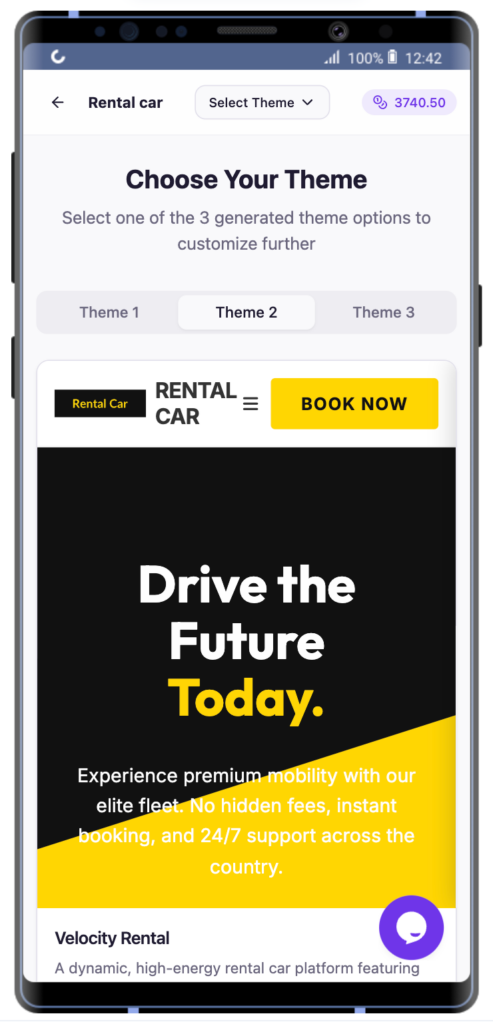
Tabbed Website Designs
Generated websites are now displayed in tabs so you can quickly switch between full design variations without endless scrolling in your mobile browser.
This makes comparing layouts and reviewing AI-generated concepts much faster on phones and tablets.
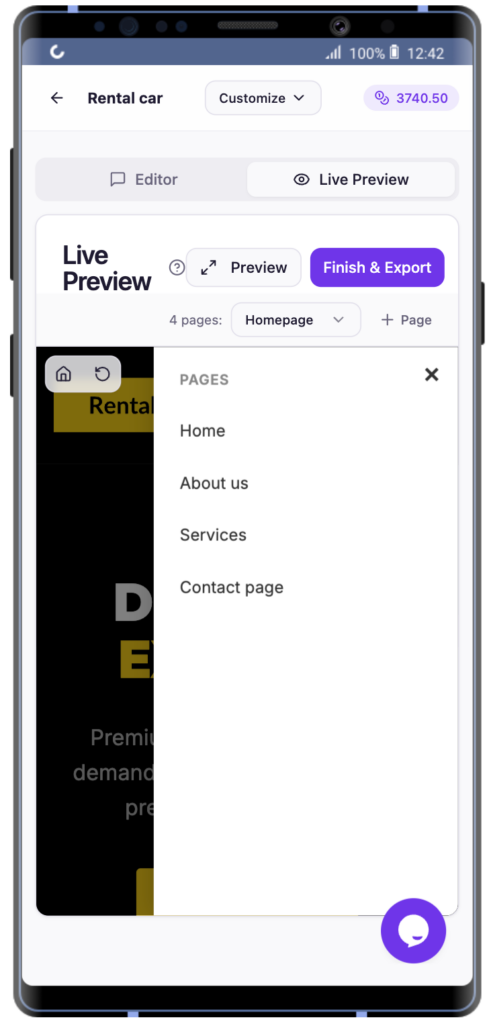
Shared Header + Breadcrumb Navigation
Breadcrumb navigation now shares a single compact header bar with the main application.
This frees up valuable vertical screen space and gives you more room to actually design and preview your site.
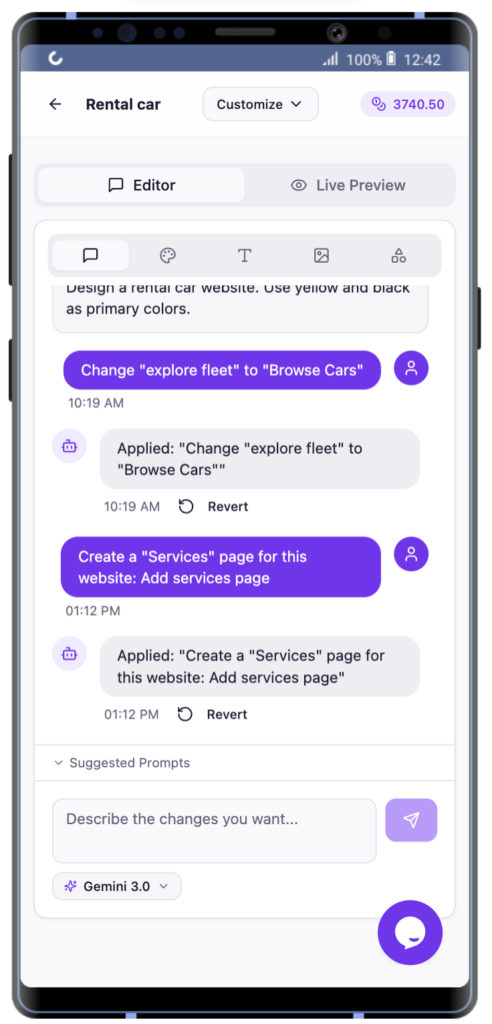
Tabbed AI Prompt Changes
AI-generated changes to your website are now also organized into tabs.
You can easily toggle between:
– The chat interface
– AI-generated previews
This makes iterative design workflows much more manageable on mobile devices.
Preview in WordPress
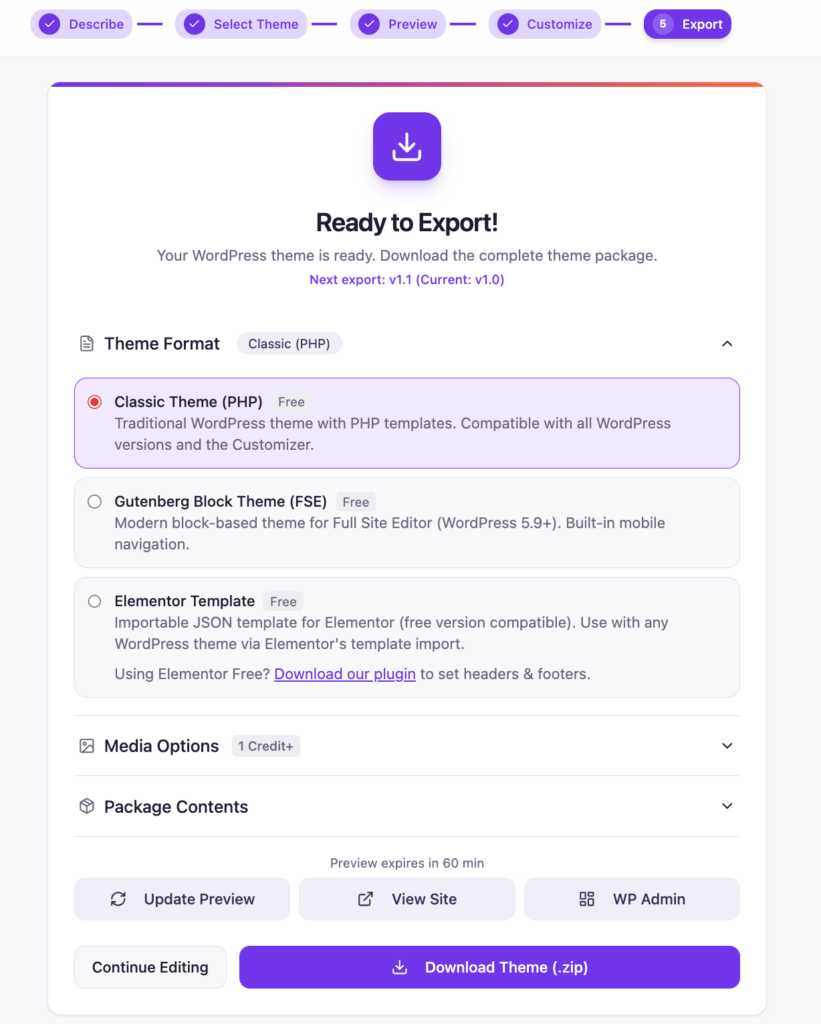
One of the biggest additions is our new Preview in WordPress feature.
With a single click, PressMeGPT can now:
– Spin up a bare WordPress test environment.
– Install your generated theme.
– Let you preview the design inside a real WordPress instance.
– You can even access WP Admin on your test instance with one-click.
🤯
This removes a huge amount of friction when working from a mobile device since you no longer need to manually export, upload, and configure WordPress just to test a design.
More freelancers and web designers are working remotely, traveling, or quickly prototyping ideas away from their desk.
With these mobile updates, PressMeGPT makes it easier to:
– Start a client project from your phone
– Generate WordPress themes while traveling
- – Copy and convert a public site to a WordPress theme
– Make AI-powered design changes from a tablet
– Preview themes in WordPress instantly
– Export later from your desktop when ready
And because PressMeGPT generates native WordPress themes and Elementor templates, you still own the final result and can host it anywhere. Try it for free!