
Category: Getting Started
-
Directory of AI Website Providers & AI Website Builders
PressMeGPT allows you to easily migrate a website built and hosted with another provider, or generated by AI to WordPress. Here is a list of website providers, AI website builders, and web hosts we’ve tested in copying a site to a WordPress theme. Website Providers AI Website Builders For a tutorial on how to convert…
-
Migrate Any Website to WordPress in 5 Minutes
In this post we’ll walk you through step-by-step how easy it is to migrate nearly any website to a WordPress theme with AI in minutes. Which website providers can I migrate a website to WordPress from? We’ve tested several popular website providers including Wix, Squarespace, Framer, and WebFlow, WordPress.com, and AI website creation tools including…
-
Generate a WordPress Theme with AI in 5 Minutes
In this post we’ll walk you through step-by-step how easy it is to create a custom WordPress theme with AI in minutes and export to the theme ecosystem of your choice. Step 1) Create a free account or sign in Step 2) From the dashboard, click “New Project” > “New Theme” Step 3) Enter a…
-
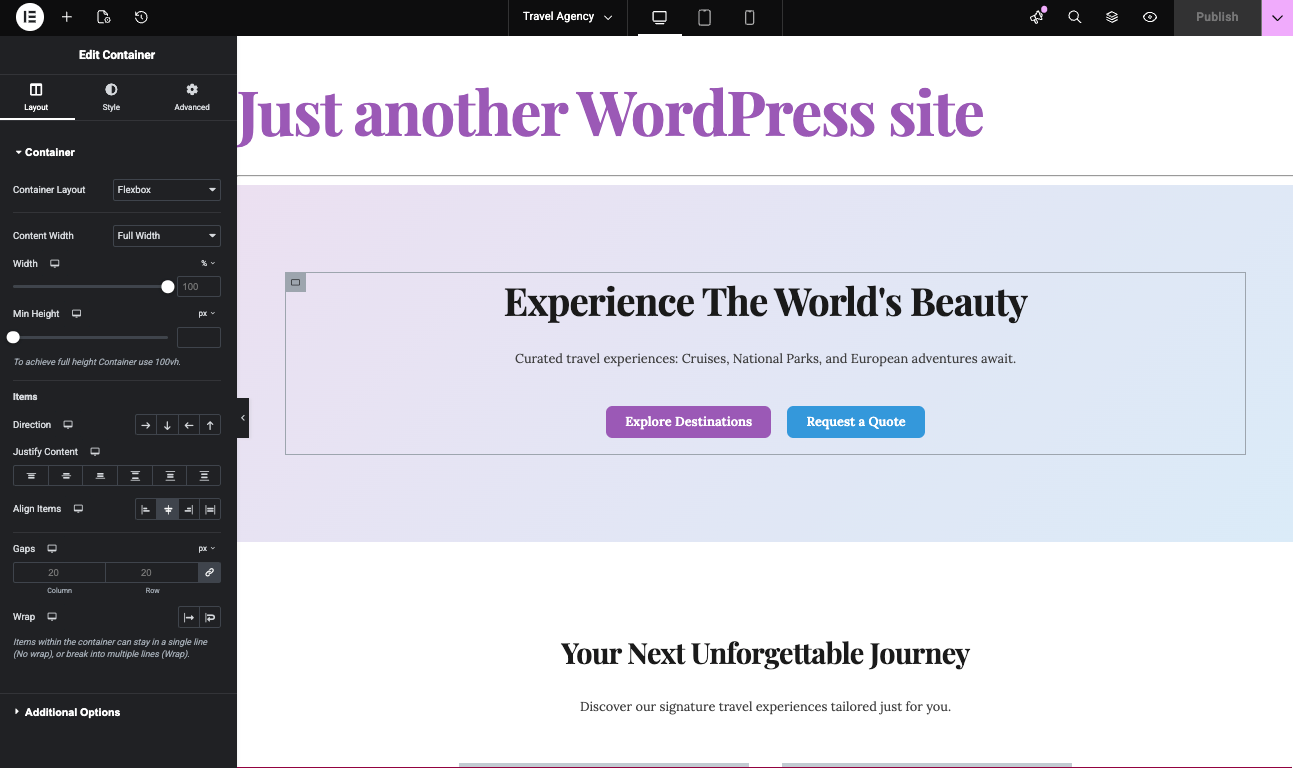
How to Generate Elementor Templates with AI: An Alternative to Elementor One
If you’re exploring ways to build and customize WordPress sites, Elementor is probably already on your radar. Elementor One offers a unified experience for site design and management, but its features and pricing can motivate users to look for new alternatives. This guide and video above focuses on how artificial intelligence can revolutionize Elementor template…
-

PressMeGPT Now Exports to Elementor: Generate Elementor Templates Instantly with AI
TL;DR: PressMeGPT may just be the ultimate alternative and ally (or “frenemy” as the cool kids say) to Elementor for WordPress. Instead of extending its functionality like most plugins, it makes building an Elementor site much faster and cheaper by generating the base design with AI, then allowing you to edit with Elementor or Gutenberg.…
-

Generate Gutenberg WordPress Themes Instantly with AI
TL;DR: PressMeGPT doesn’t replace Gutenberg or extend it like the many Block plugins available. It just makes it faster and easier to build Gutenberg themes by generating a web theme with AI instead of tinkering with traditional drag-and-drop builders. Building WordPress websites has always involved a balance between flexibility and speed. WordPress is incredibly powerful,…
-
Migrating Media (Images & Video)
When exporting an AI web design to WordPress, we offer an option to also migrate the media to local paths. By default, all images and video will export with remote paths like: https://cdn.unsplash.com/path-to-stock-photo Selecting this at export simply downloads the web design’s media and zips it for import into your WordPress installation. In addition it…
-
Free Accounts & Email Verification
When you first sign up for a free PressMeGPT account, you’ll be asked to verify your email. This security step is to help keep the community safe. If you don’t receive an email confirmation when you sign up for a PressMeGPT account, please try the following steps: If you are still having an issue, contact…
-
What is PressMeGPT & How Does It Work?
PressMeGPT started as an AI-powered WordPress theme generator to make it faster for freelancers, web developers, and agencies to design custom web designs quickly and easily port them over to WordPress. However, now it is a full fledged AI Website Builder for WordPress that gives the ability to not only design websites with words, but…
-
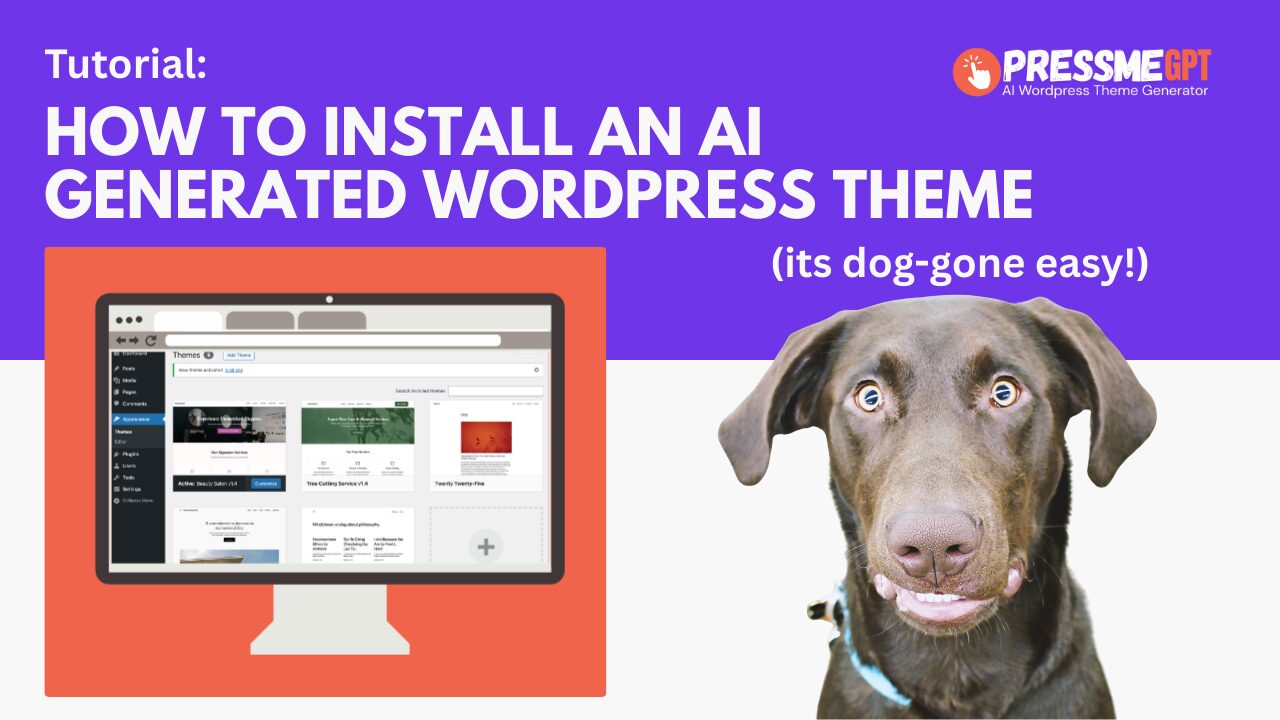
How to Install an AI Generated Theme in WordPress (Without Plugins or Builders)
Installing a WordPress theme should be simple—but many modern themes require page builders, multiple plugins, and extensive configuration before they look anything like the demo. PressMeGPT changes that. In this guide, we’ll show you how to install an AI-generated WordPress theme created with PressMeGPT and explain why this approach is fundamentally different from most WordPress…