-
We Fixed the Most Annoying Thing About AI Website Builders: Credit Transparency
There was something that kept bothering me with AI builders in general….Credits. Most AI products make you guess. You click something… generate… experiment a little… and only then find out how many credits you just burned through. I’ve run into this constantly myself with many products including Claude, Gemini, Lovable, Base44 and others. I understand…
-
Otter Blocks + PressMeGPT: Build Conversion-Focused Business Websites Faster
Comprehensive review of Otter Blocks, the business-focused Gutenberg plugin. Learn how 300,000+ users build lead-generating websites with forms, pricing tables, and testimonials with PressMeGPT integration.
-

Unlimited Elements for Elementor + PressMeGPT: Two Different Ways to Create Custom WordPress Sites Together
Comprehensive review of Unlimited Elements for Elementor. Learn how 200+ creative widgets, multiple builder compatibility, and PressMeGPT integration create unique design workflows.
-
Directory of AI Website Providers & AI Website Builders
PressMeGPT allows you to easily migrate a website built and hosted with another provider, or generated by AI to WordPress. Here is a list of website providers, AI website builders, and web hosts we’ve tested in copying a site to a WordPress theme. Website Providers AI Website Builders For a tutorial on how to convert…
-
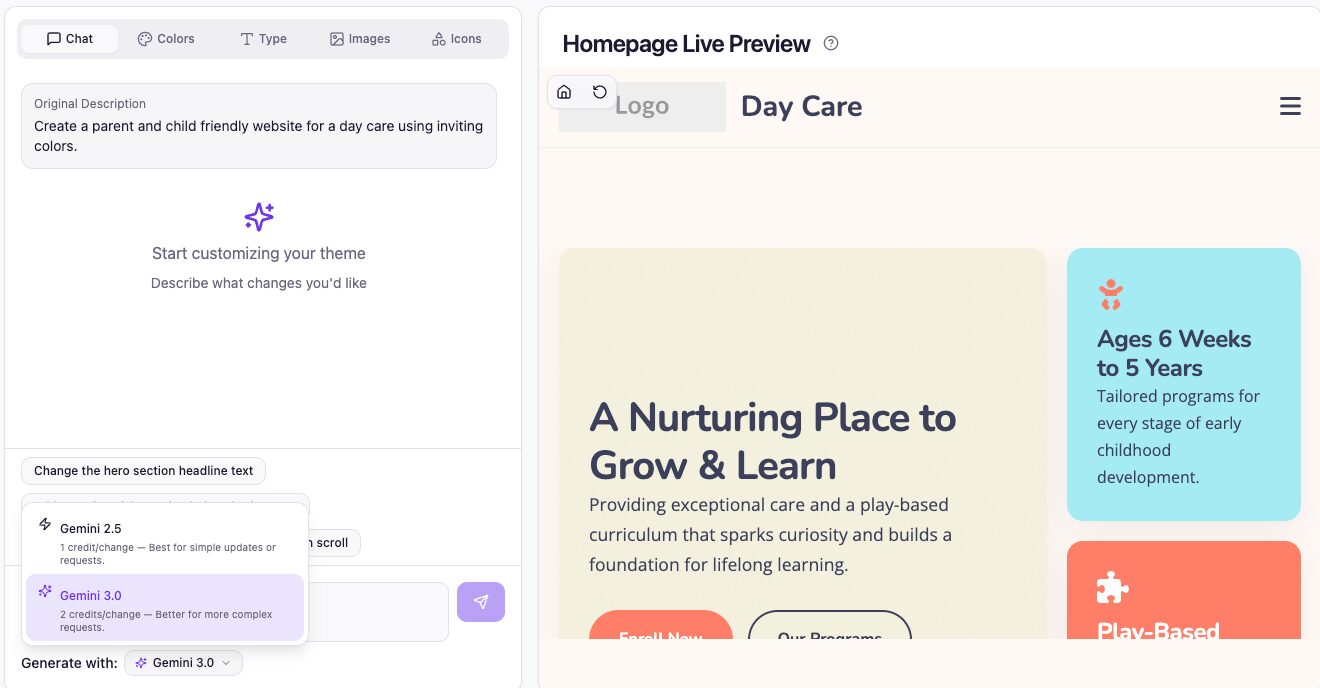
🚀 New Release: Gemini 3.0 + Model Switching in PressMeGPT
We’ve just rolled out one of the most impactful upgrades to PressMeGPT yet: This gives you more control than ever—use cutting-edge AI when you need it, and save credits when you don’t. Gemini 3.0 Is Here (And It’s a Big Leap) Gemini 3.0 represents a meaningful jump forward in how AI understands, generates, and structures…
-
Migrate Any Website to WordPress in 5 Minutes
In this post we’ll walk you through step-by-step how easy it is to migrate nearly any website to a WordPress theme with AI in minutes. Which website providers can I migrate a website to WordPress from? We’ve tested several popular website providers including Wix, Squarespace, Framer, and WebFlow, WordPress.com, and AI website creation tools including…
-
Generate a WordPress Theme with AI in 5 Minutes
In this post we’ll walk you through step-by-step how easy it is to create a custom WordPress theme with AI in minutes and export to the theme ecosystem of your choice. Step 1) Create a free account or sign in Step 2) From the dashboard, click “New Project” > “New Theme” Step 3) Enter a…
-
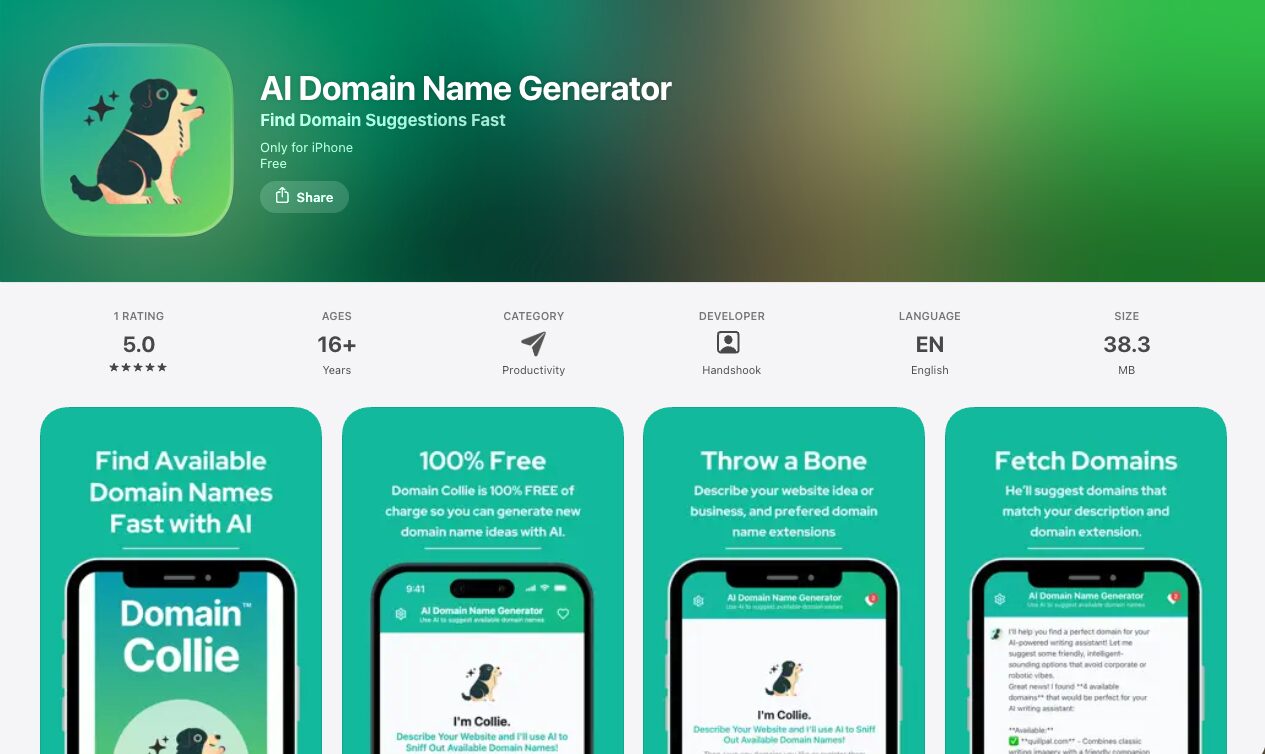
Case Study: How Domain Collie Built a Professional WordPress Site Quickly with PressMeGPT — While Keeping Focus on Their iOS App
When the team behind Domain Collie set out to launch their AI-powered domain name generator app, they had a clear priority: dedicate the majority of their development time to perfecting the mobile experience. The app, now available for iOS, helps users generate creative domain name ideas from natural-language descriptions, checks availability instantly, and allows them…
-
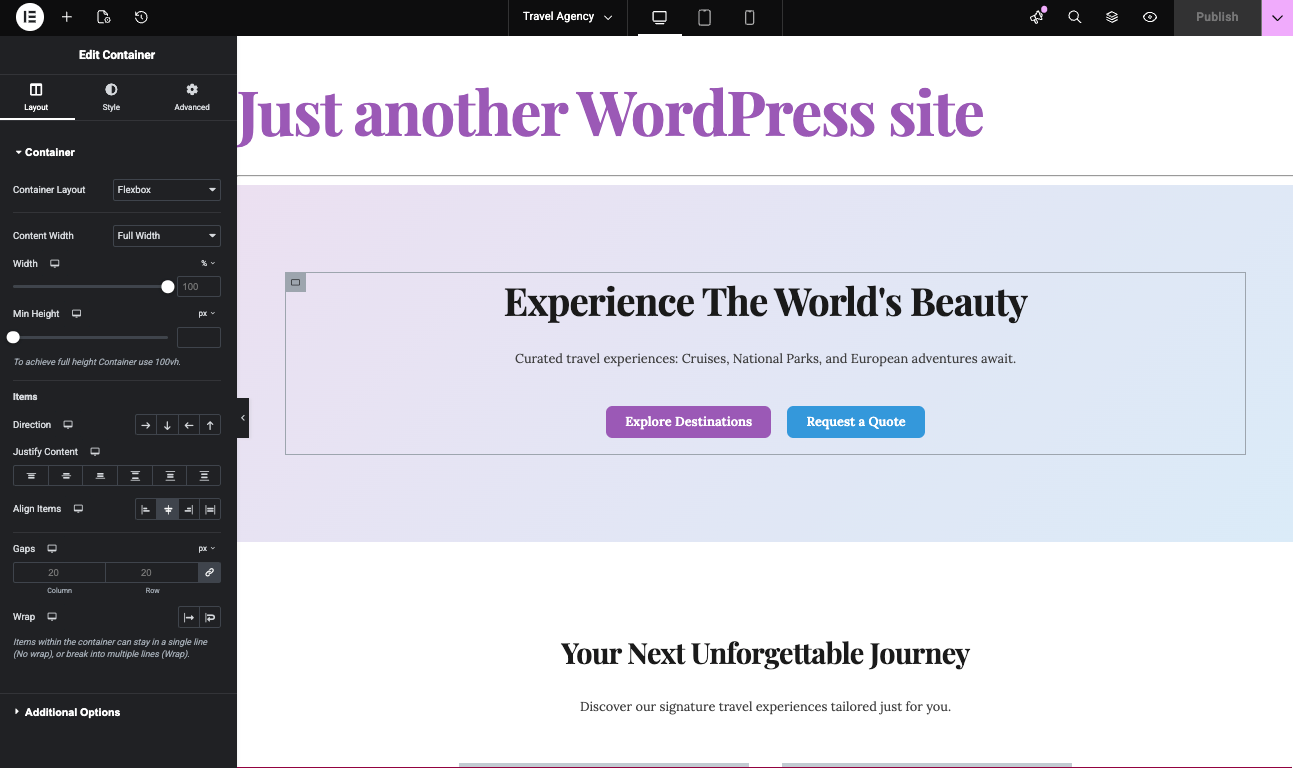
How to Generate Elementor Templates with AI: An Alternative to Elementor One
If you’re exploring ways to build and customize WordPress sites, Elementor is probably already on your radar. Elementor One offers a unified experience for site design and management, but its features and pricing can motivate users to look for new alternatives. This guide and video above focuses on how artificial intelligence can revolutionize Elementor template…
-

PressMeGPT vs Neve: AI Custom Themes vs The Starter Site Champion
Compare AI-generated WordPress themes with Neve’s massive starter site library. Find out which offers better value for your website projects.
