-

Release Notes – Jan 27, 2026
We are excited to announce our latest release which includes: Varied, Creative Theme Generation Now PressMeGPT generates 3 different types of website styles with AI instead of 3 random designs. The 3 design patterns are Traditional, Modern, and Creative to give users the choice of the style of their website. Filter by Theme Type and…
-

AI Can Design Beautiful Websites But It Can’t SEO (Which Is Why We Created PressMeGPT)
I’ve noticed a surge in people using vibe coding—AI-assisted, low-code tools like Lovable, v0, and Base44—to quickly build websites for small businesses. Just check out these Subreddits: It’s tempting because on the surface you can create beautiful websites in minutes, so I dove in myself to examine closer. But here’s the harsh reality: most of…
-
What is PressMeGPT & How Does It Work?
PressMeGPT started as an AI-powered WordPress theme generator to make it faster for freelancers, web developers, and agencies to design custom web designs quickly and easily port them over to WordPress. However, now it is a full fledged AI Website Builder for WordPress that gives the ability to not only design websites with words, but…
-
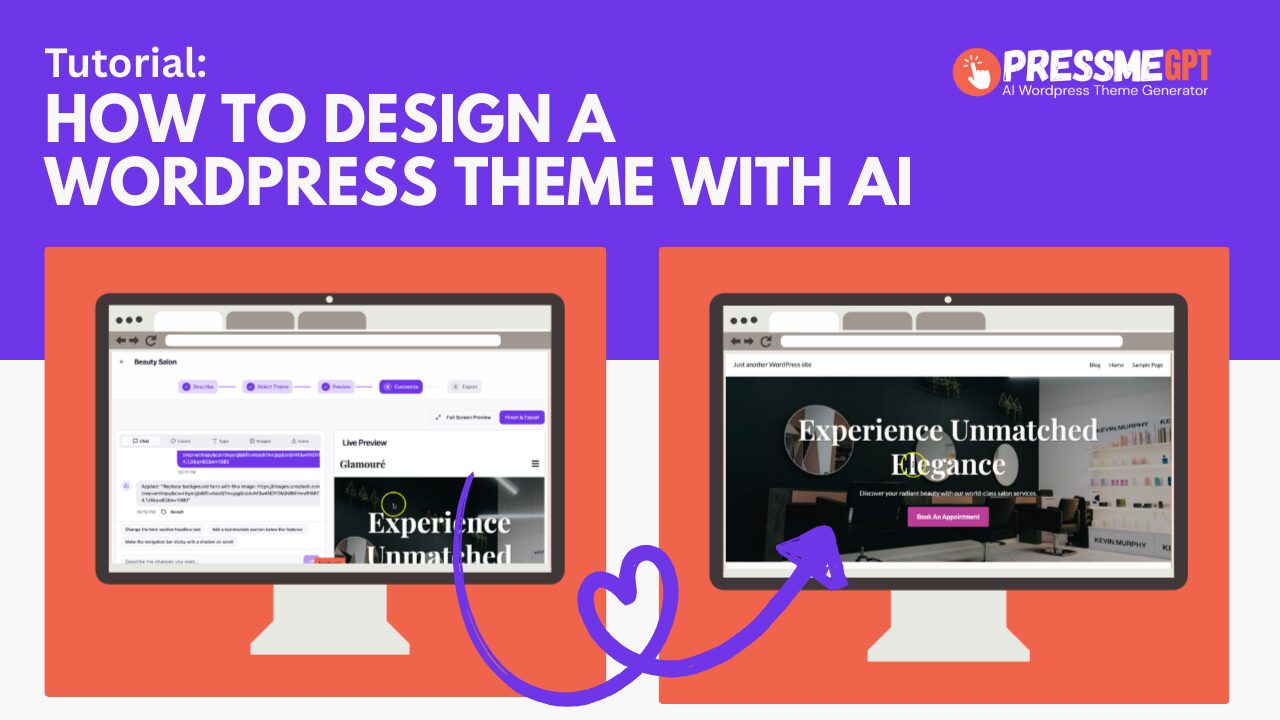
How to Design a WordPress Theme with Nothing but AI
In this video we test https://PressMeGPT.com, a free AI WordPress theme generator. The platform includes a limited free tier that allows you to build up to 3 sites for free. Every time you build a theme, it actually creates 3 options to pick from which is better than most AI WordPress theme generators we’ve tested…
-
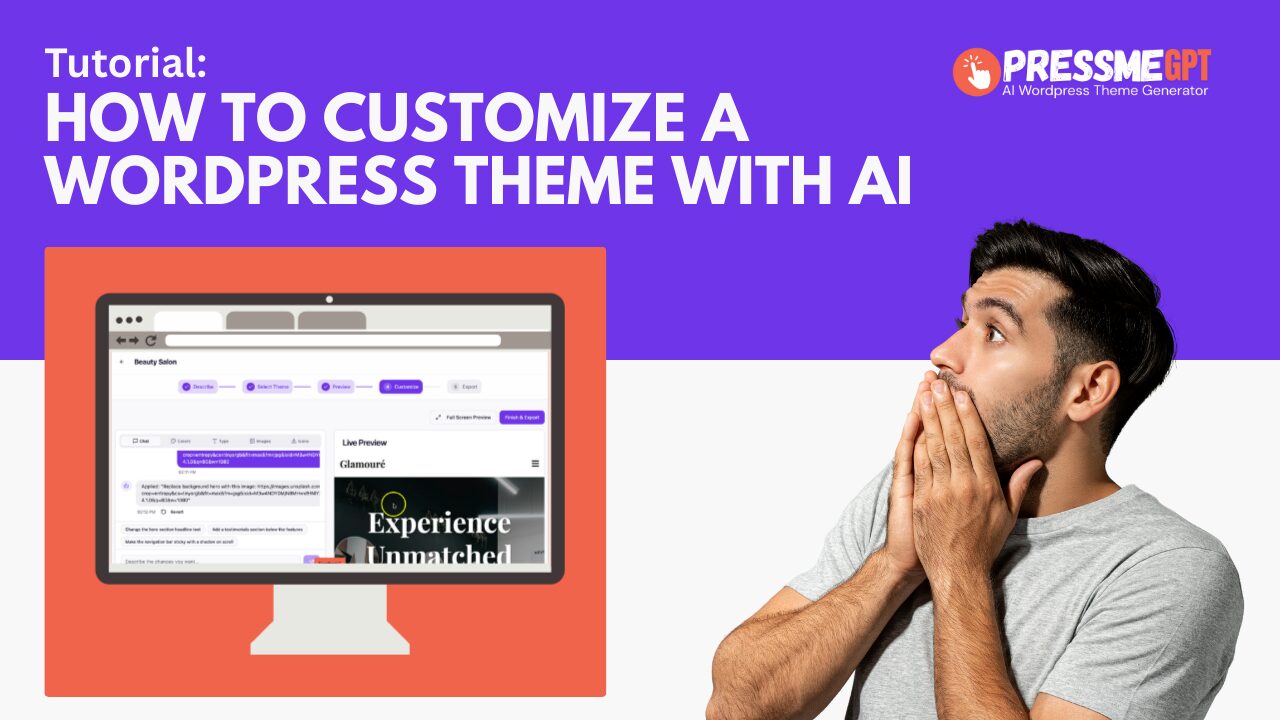
How to Customize a WordPress Theme with AI and PressMeGPT
In this video, you’ll learn how to customize WordPress themes built with PressMeGPT.com using AI, simple prompts, and zero code. If you’ve ever felt stuck tweaking a theme, editing templates, or worrying about breaking something in WordPress, this walkthrough shows a faster, safer, and far more flexible way to make your site your own. PressMeGPT…
-
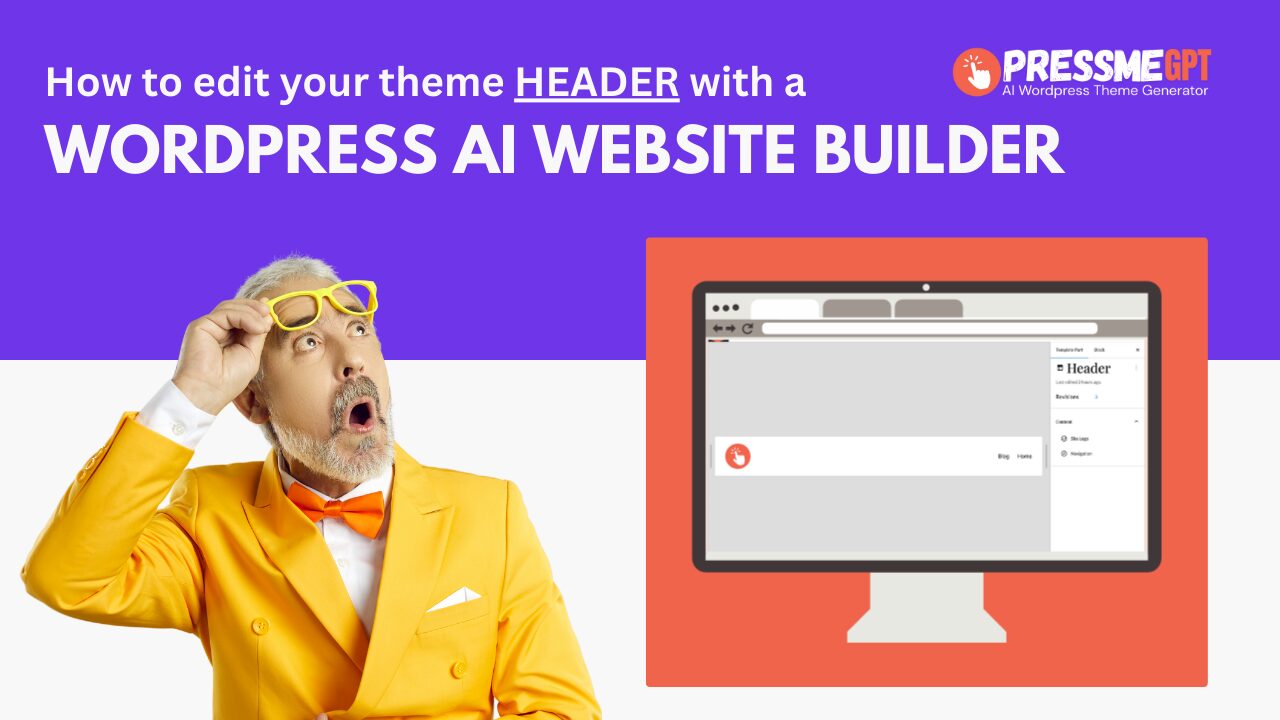
How to Edit Your WordPress Header & Menu in Full Site Editor on a AI Generated WordPress Theme
In this video, I’ll show you how to edit your website header using WordPress’s Full Site Editor (FSE) on an AI-generated WordPress theme created with PressMeGPT. If you’ve ever generated a WordPress site with AI and then struggled to customize the header or footer afterward, this video explains why that happens—and why PressMeGPT handles it…
-
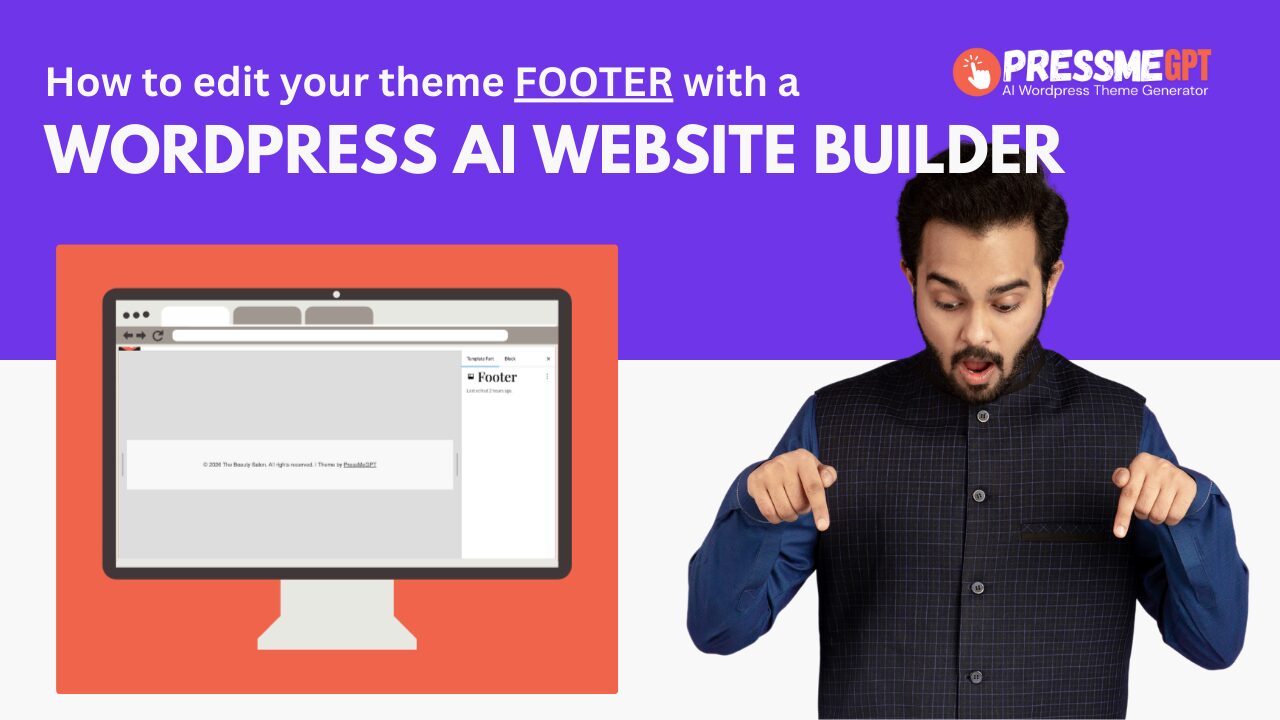
How to Edit Your WordPress Footer in Full Site Editor on a AI Generated WordPress Theme
In this video, I’ll show you how to edit your website footer using WordPress’s Full Site Editor (FSE) on an AI-generated WordPress theme created with PressMeGPT. If you’ve ever generated a WordPress site with AI and then struggled to customize the header or footer afterward, this video explains why that happens—and why PressMeGPT handles it…
-
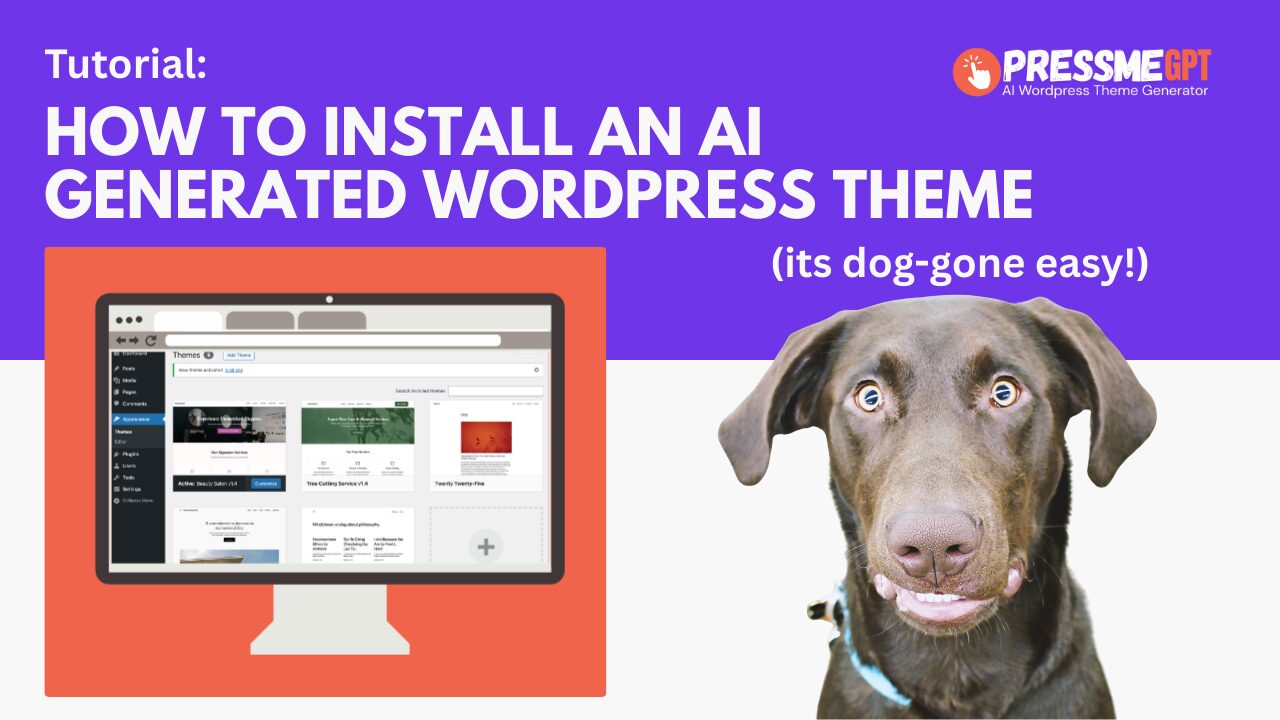
How to Install an AI Generated Theme in WordPress (Without Plugins or Builders)
Installing a WordPress theme should be simple—but many modern themes require page builders, multiple plugins, and extensive configuration before they look anything like the demo. PressMeGPT changes that. In this guide, we’ll show you how to install an AI-generated WordPress theme created with PressMeGPT and explain why this approach is fundamentally different from most WordPress…
-
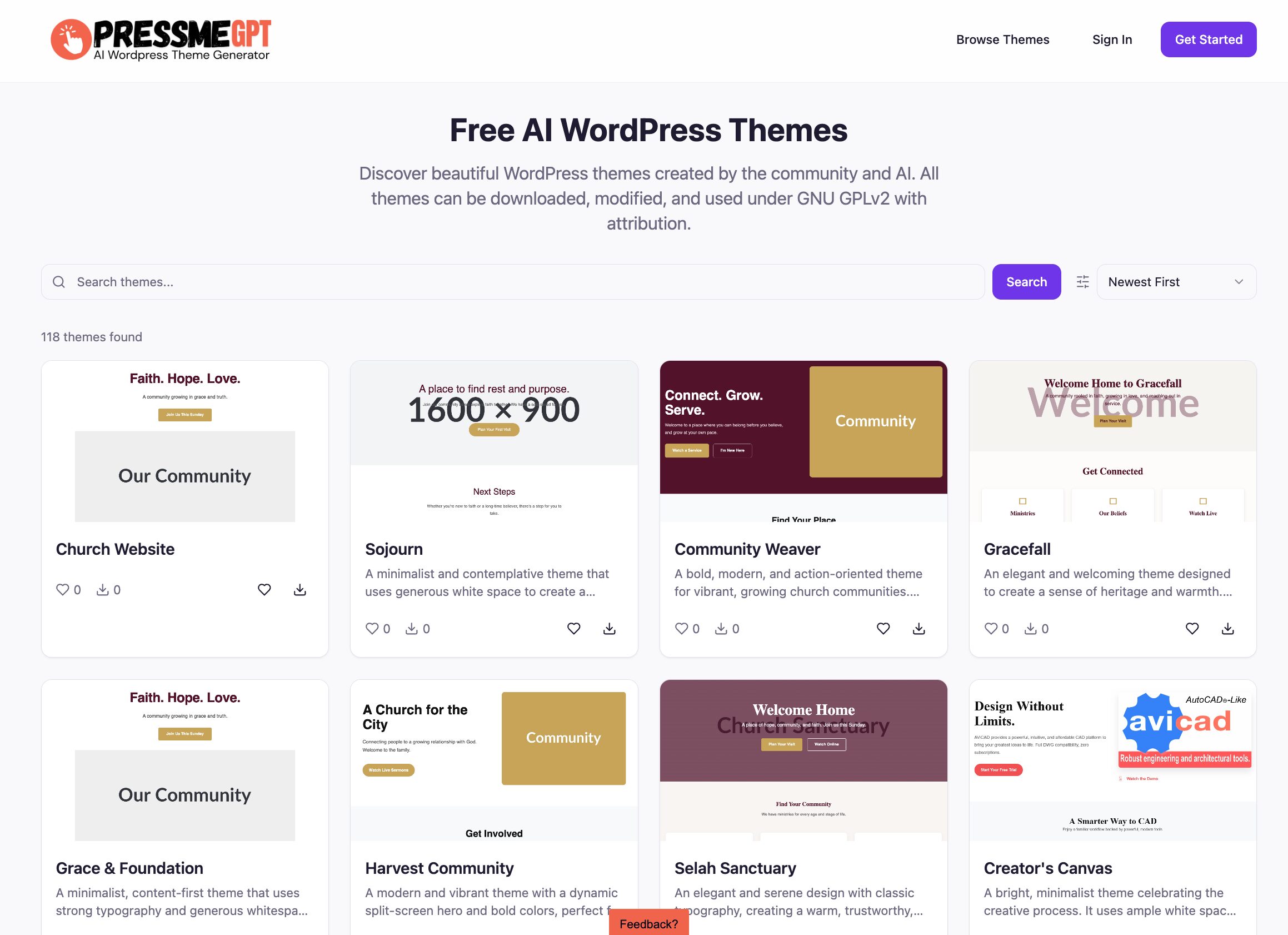
PressMeGPT Adds AI WordPress Theme Directory
We’re excited to announce a major new feature: PressMeGPT now includes a WordPress Theme Directory. This update makes it easier than ever to discover, download, and remix AI-generated WordPress themes — all built natively for modern WordPress and ready to use. A New WordPress Theme Directory Powered by AI The new WordPress Theme Directory inside…
-
How to Use PressMeGPT to Create a WordPress Theme with AI
PressMeGPT helps you generate an AI-powered WordPress homepage theme that you can create, customize, and extend directly inside WordPress. At this time, PressMeGPT focuses on generating a homepage-based WordPress theme, not a full multi-page website. This is intentional. Most designers spend 80–90% of their time perfecting the homepage, then reuse those design elements across the…
