
We just shipped the largest PressMeGPT update since launch — with major improvements to how websites are copied, edited, previewed, and shared.
Update 1: More Accurate Website Copies
Previously, PressMeGPT relied primarily on one method to understand and recreate a website originally built on AI sites like Base44, Lovable, Bolt.new, and and Claude.
Now, we combine screenshots, Markdown, HTML, and CSS to better understand the original site before rebuilding it.
The result: more accurate layouts, styling, content, and overall website copies.
But that’s just the beginning.
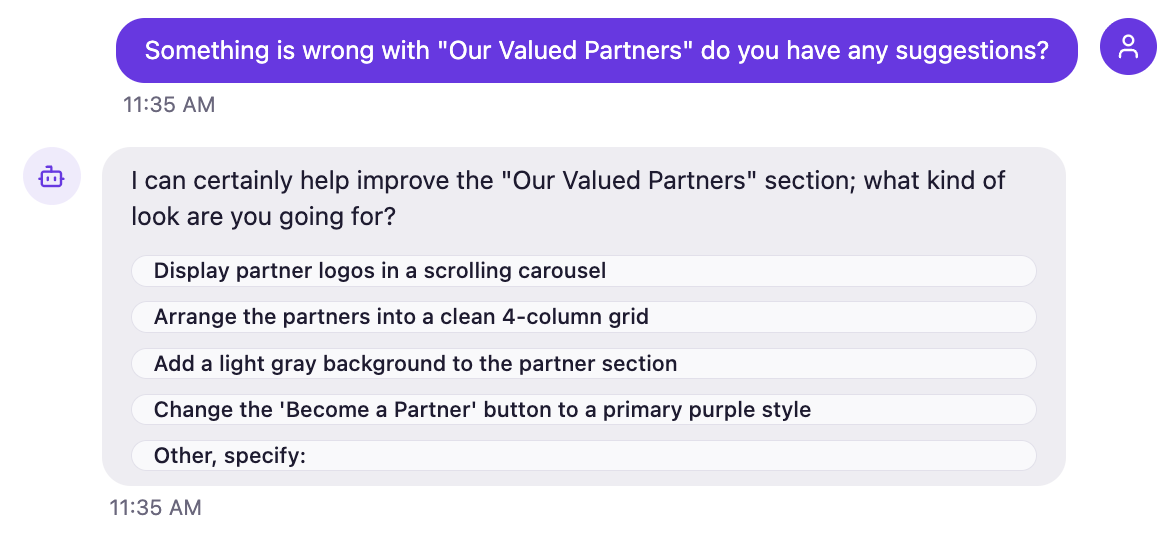
Update 2: Smarter Chat & Interactive Changes
Chat is now more intelligent and interactive. PressMeGPT can suggest improvements, give you options, and make it easier to refine your site through conversation instead of manually editing everything.
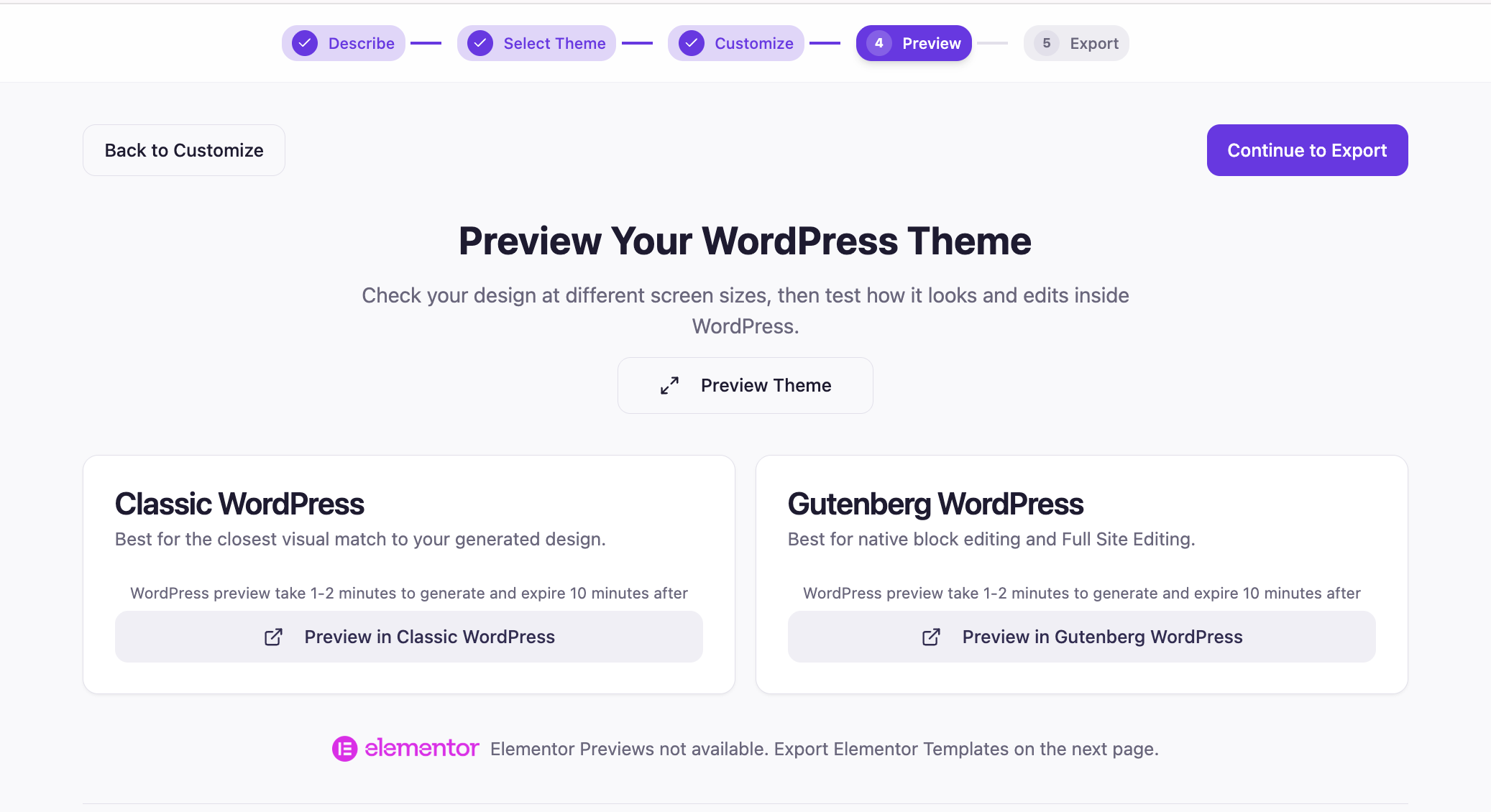
Update 3: Instant WordPress previews without having to install yourself
You can now preview your generated site inside an actual WordPress installation — including native WordPress and Gutenberg previews.
See how the site really looks and works in WordPress before you export it – saving you at least an hour from having to install WordPress, wait for DNS to propagate and then having to install a theme just to preview your work.
Update 4: Share Progress with Clients: Export Full-Screen Mockups
Need client approval before installing anything?
You can now export full-page website mockups to share with clients. Get feedback and make changes in PressMeGPT first, then move the finished design into WordPress.

Update 5: Expandable Chat
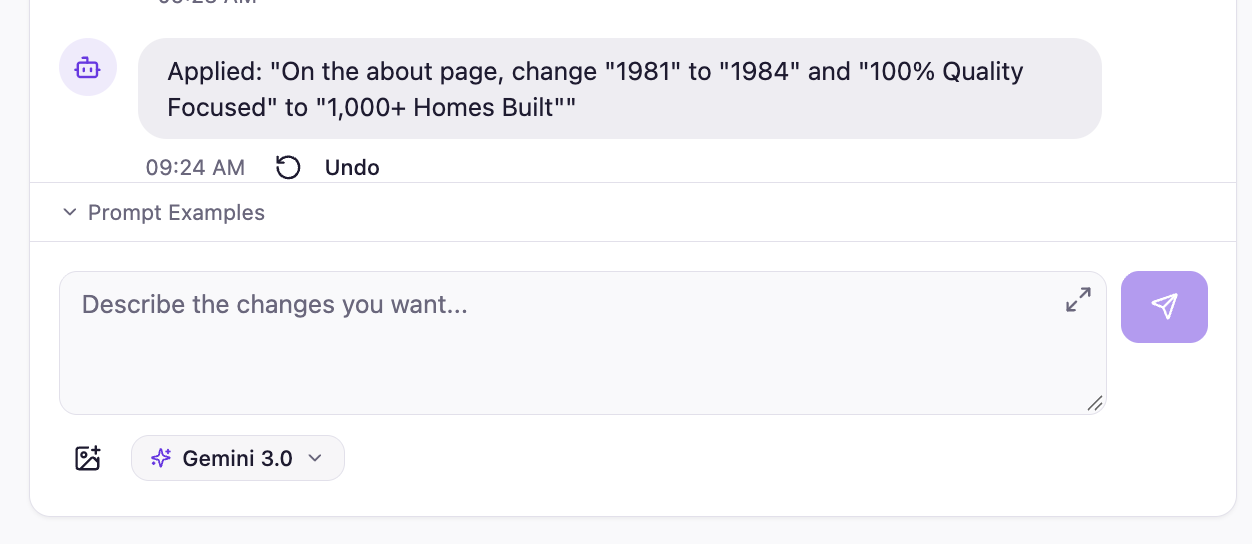
Need more room to work? You can now resize the chat panel in the top and bottom right corner, giving you more space when you’re making detailed changes or long form content and less when you want to focus on the website.
Update 6: Upload Multiple Image at Once
You’re no longer limited to a single image or switching tabs – image uploads are in the bottom left of the chat box. Upload up to five images at a time to give PressMeGPT more context when creating or modifying a site.
This is our biggest step forward since launching PressMeGPT.
Whether you’re converting an existing website to WordPress, recreating a design, or building something completely new with AI, the goal of this update is simple:
Better website copies. Easier edits. A faster path to a WordPress site.
One user put it best:
“IT GAVE ME 80% OF WHAT I NEEDED IN JUST ONE CLICK”
— WordPress Blogger, 7+ years experience