
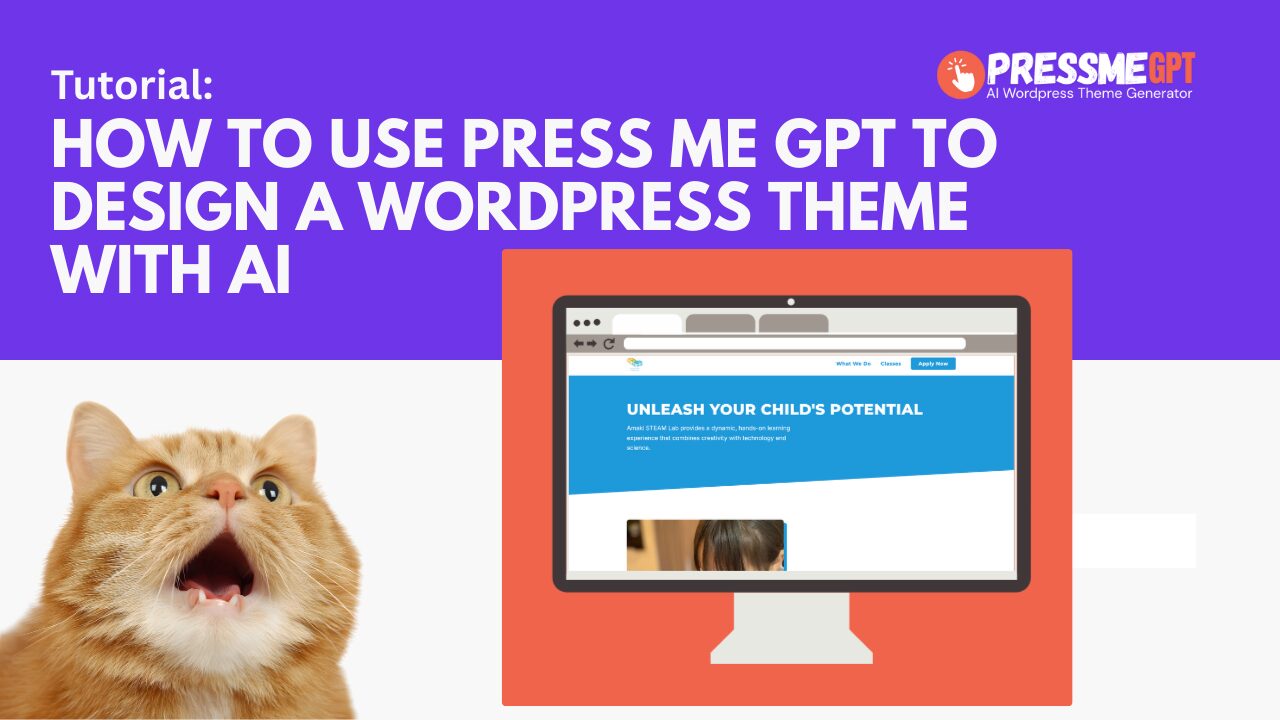
PressMeGPT helps you generate an AI-powered WordPress homepage theme that you can create, customize, and extend directly inside WordPress.
At this time, PressMeGPT focuses on generating a homepage-based WordPress theme, not a full multi-page website. This is intentional. Most designers spend 80–90% of their time perfecting the homepage, then reuse those design elements across the rest of the site.
1. Generate a Homepage Theme
Start by using the Homepage Theme Generator in PressMeGPT.
PressMeGPT creates a complete homepage design and packages it as a real WordPress block theme. The theme includes fonts, colors, layout styles, and reusable design patterns that can be applied throughout your site.
Additional pages and menus can be created later directly in WordPress.
2. Customize the Homepage in PressMeGPT
Use the AI chat and available tabs in PressMeGPT to refine your homepage design.
You can adjust the overall look and feel, including layout direction, styling preferences, and visual tone, before exporting the theme.
This step is where you dial in the design before moving it into WordPress.
3. Export the Theme
Once you’re happy with the homepage design, export the theme from PressMeGPT.
The export creates a downloadable WordPress theme file that can be installed like any other block theme.
4. Install and Activate the Theme in WordPress
In your WordPress dashboard, go to:
Appearance → Themes → Add Theme → Upload Theme
Upload the exported theme file, install it, and then click Activate.
Your AI-generated theme is now live on your WordPress site.
5. Edit the Homepage Content
To edit the homepage using WordPress blocks, navigate to:
Pages → Home → Edit
From here, you can:
- Add new blocks using the + icon in the top-left
- Select and edit sections directly on the page
- Customize colors, typography, and block styles in the settings panel on the right
This uses WordPress’s native block editor.
6. Edit the Header, Logo, Menu, or Footer
Global elements like the header and footer are edited using WordPress Full Site Editor (FSE).
To access these:
- Go to Appearance → Editor
- Select Patterns
- Choose the Header or Footer
You can edit these elements visually, just like blocks on a page. Changes made here apply globally across the site.
Summary
PressMeGPT generates a real WordPress block theme centered around a professionally designed homepage.
Once imported, all customization happens inside WordPress using native tools, including the Block Editor and Full Site Editor.
This approach gives you the speed of AI generation without locking you into proprietary editors or workflows.