
Category: Troubleshooting
-
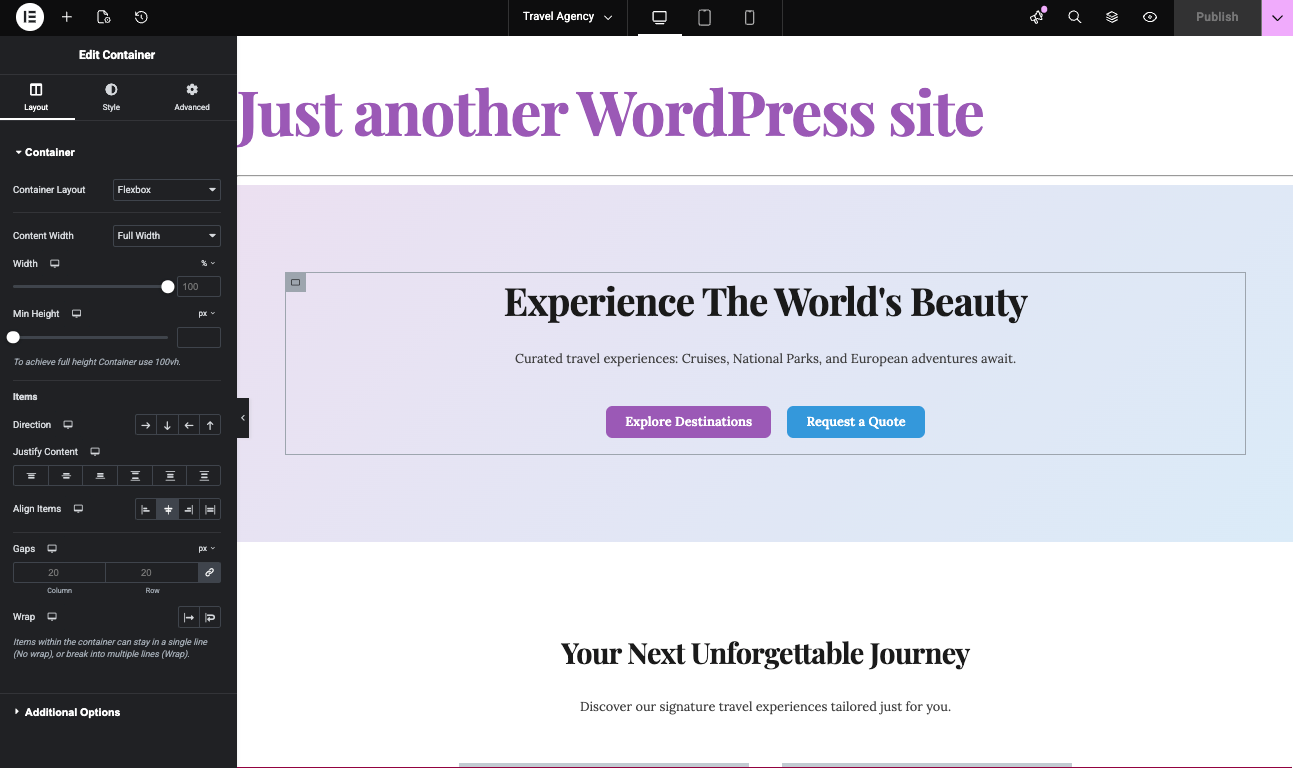
How to Generate Elementor Templates with AI: An Alternative to Elementor One
If you’re exploring ways to build and customize WordPress sites, Elementor is probably already on your radar. Elementor One offers a unified experience for site design and management, but its features and pricing can motivate users to look for new alternatives. This guide and video above focuses on how artificial intelligence can revolutionize Elementor template…
-

Move Media Files The Easy Way When Migrating Website Providers with PressMeGPT
One of the Biggest Migration Headaches: Media Files When people migrate a website from one platform to another, most of the attention goes toward the design and layout. But one of the most tedious and commonly overlooked parts of a website migration is downloading and relinking media files. This includes: If these files are not…
-
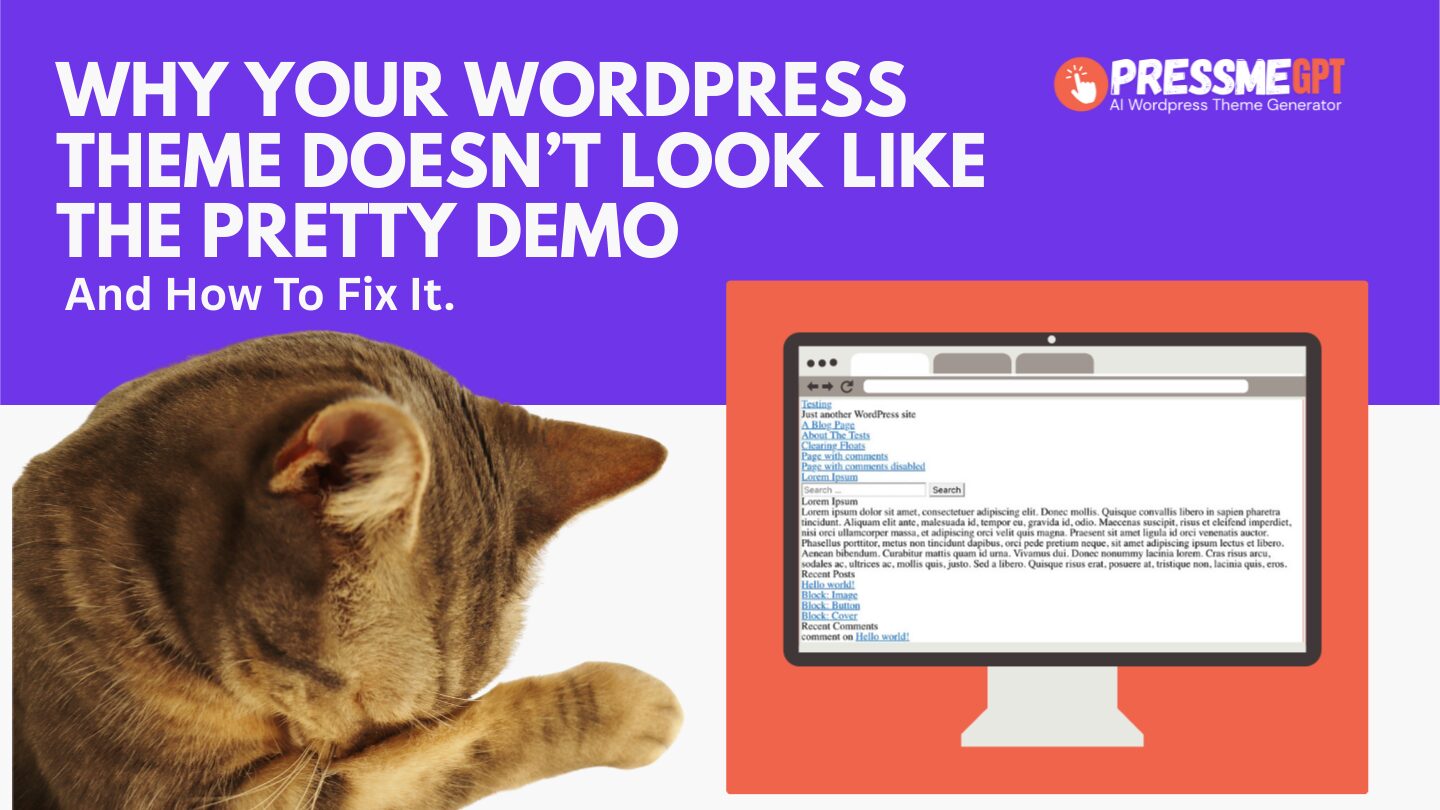
Why Your WordPress Theme Doesn’t Look Like The Pretty Preview (And How To Easily Find One That Does)
If you’ve ever installed a WordPress theme and immediately thought, “Why does this look nothing like the example?” — you’re not crazy, and you’re definitely not alone. This is one of the most common WordPress pain points, and it shows up on Reddit over and over again. You’ll see the same frustration echoed in posts…
-

How to Edit Your WordPress Footer in Full Site Editor on a AI Generated WordPress Theme
In this video, I’ll show you how to edit your website footer using WordPress’s Full Site Editor (FSE) on an AI-generated WordPress theme created with PressMeGPT. If you’ve ever generated a WordPress site with AI and then struggled to customize the header or footer afterward, this video explains why that happens—and why PressMeGPT handles it…
-
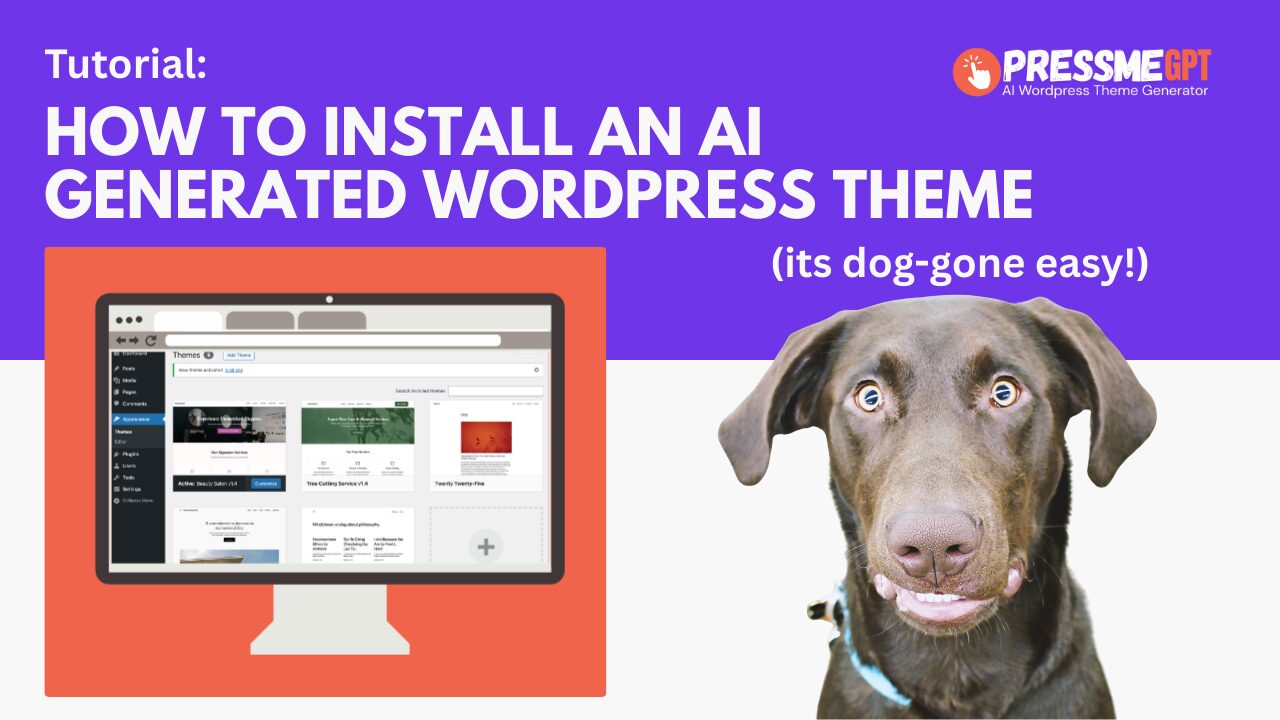
How to Install an AI Generated Theme in WordPress (Without Plugins or Builders)
Installing a WordPress theme should be simple—but many modern themes require page builders, multiple plugins, and extensive configuration before they look anything like the demo. PressMeGPT changes that. In this guide, we’ll show you how to install an AI-generated WordPress theme created with PressMeGPT and explain why this approach is fundamentally different from most WordPress…
-

How to cleanly delete a WordPress Theme generated with AI
How to Delete an AI-Generated WordPress Theme If you’ve ever tried deleting a WordPress theme created with a page builder or AI tool, you know it can get messy — disabled plugins, broken layouts, leftover shortcodes, and cluttered settings. In this video, I’ll show you how to easily delete a WordPress theme generated with AI…
-

How to use Font Awesome Icons in AI Generated WordPress Themes
PressMeGPT.com now supports Font Awesome icons in all AI-generated WordPress themes in addition to Lucide React icons, giving creators more control over visual hierarchy, usability, and modern UI design—without writing code. Font Awesome is one of the most widely used icon libraries on the web, trusted by millions of WordPress sites for clean, scalable, and…