
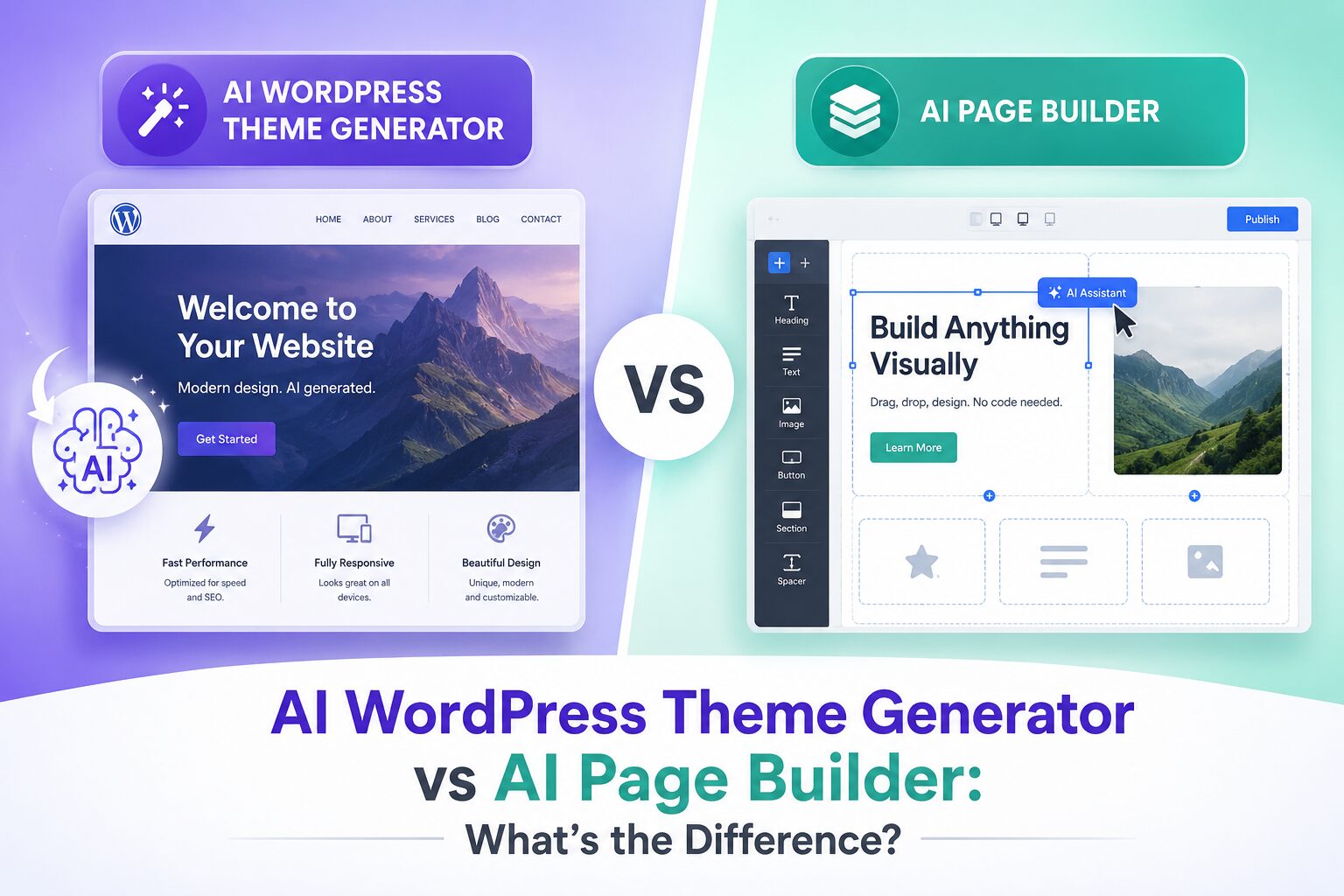
If you’ve been exploring ways to build WordPress websites faster, you’ve probably come across two buzzworthy tools: AI WordPress theme generators and AI page builders. They both promise to save time, cut costs, and make web design accessible to everyone — but they do very different things.
Confusing the two is one of the most common mistakes beginners (and even experienced developers) make before they dive in. This post breaks down exactly what each tool does, where they overlap, and — most importantly — which one you actually need.
What Is an AI WordPress Theme Generator?
An AI WordPress theme generator creates the foundational design layer of your website. Think of it as the architectural blueprint — it defines your site’s overall look, feel, and structure before a single piece of content is added.
When you use an ai wordpress theme generator, you typically:
- – Answer a few questions about your brand, niche, or style preferences
- – Let the AI generate a complete theme with color palettes, typography, header/footer layouts, and global design settings
- – Get a fully functional WordPress theme file (or a theme framework configuration) ready to install
Tools in this space often generate child themes, starter templates, or full theme configurations for frameworks like GeneratePress, Astra, or even custom theme JSON files for the Block Editor (FSE themes).
What it’s good for:
- – Starting a project with a cohesive design identity
- – Avoiding the “blank canvas” paralysis of theme customization
- – Generating brand-consistent styling across your entire site in one shot
What it doesn’t do:
- – Build individual pages or lay out specific content
- – Add your text, images, contact forms, or calls to action
- – Give you granular drag-and-drop control over page sections
What Is an AI Page Builder for WordPress?
An AI page builder wordpress tool works at the page level, not the site level. It’s the tool you use after your theme is set up, to actually construct the pages people will visit — your homepage, landing pages, service pages, blog layouts, and so on.
Traditional page builders like Elementor, Divi, or Bricks Builder let you drag and drop blocks and sections. AI-powered versions take this a step further — you describe what you want in plain language, and the AI assembles the layout, writes placeholder copy, suggests imagery, and arranges sections logically.
When you use an ai page builder for wordpress, you typically:
- – Type a prompt like “Create a landing page for a digital marketing agency with a hero section, services grid, testimonials, and a contact form”
- – Watch the AI generate a full page layout with structured sections
- – Fine-tune the design, swap real content in, and publish
What it’s good for:
- – Building individual pages rapidly without starting from scratch
- – Generating content-rich layouts with smart copy and section suggestions
- – Non-designers creating professional-looking pages without hiring a developer
What it doesn’t do:
- – Set your global brand identity or sitewide styles
- – Generate or install a theme
- – Handle the foundational design decisions that apply across every page
The Key Difference: Site-Wide vs. Page-Level
Here’s the simplest way to think about it:
| AI WordPress Theme Generator | AI Page Builder (WordPress) | |
|---|---|---|
| Scope | Entire website | Individual pages |
| Output | Theme files, global styles, design system | Page layouts, sections, content blocks |
| When to use | At the start of a project | During content creation |
| Controls | Typography, color palette, header/footer, global spacing | Hero sections, grids, forms, CTAs, copy |
| Design level | Macro (sitewide identity) | Micro (page-by-page layout) |
A helpful analogy: the AI theme generator is the architect who designs the building. The AI page builder is the interior designer who furnishes each room. You need both — but for completely different jobs.
Do You Need One or Both?
If you’re starting a new WordPress site from scratch, you’ll likely want to use both in sequence:
- Use an AI WordPress theme generator first to establish your visual identity — colors, fonts, global layout
- Then use an AI page builder to construct each individual page within that framework
If you already have a theme you love, skip the theme generator entirely and go straight to an AI page builder for faster page creation.
If you only need a quick landing page, an AI page builder on its own (often with a minimal base theme) is all you need.
What Tools Are Actually Out There?
AI WordPress Theme Generators
- Qode Theme Generator – lets you describe your site and generates theme settings
- 10Web AI Website Builder – creates themes and initial layouts from a URL or description
- Hostinger AI Website Builder – generates complete site structures including theme styles
AI Page Builders for WordPress
- Elementor AI – integrates AI directly into the Elementor interface for copy, images, and layout suggestions
- Divi AI – generates sections and full layouts within the Divi builder ecosystem
- Brizy AI – prompt-based page generation inside the Brizy editor
- Bricks Builder + AI – increasingly integrating AI features for structure generation
Where PressmeGPT Comes In
If you’re looking for a single platform that bridges the gap between AI-powered theme generation and intelligent page building, PressmeGPT is worth exploring. It’s built specifically for WordPress users who want AI to handle the heavy lifting — from generating design structures to building out complete page layouts — without needing to juggle multiple tools or plugins.
Whether you’re a freelancer spinning up client sites, a solo founder launching a product page, or an agency trying to cut build time in half, PressmeGPT brings both capabilities under one roof in a way that actually makes sense for WordPress workflows.
Common Misconceptions
“An AI page builder replaces the need for a theme.” Not quite. Even the most powerful ai page builder for wordpress still renders within a theme context. Your global styles, header, footer, and site-wide typography still come from the theme layer. Some page builders minimize this dependency, but it never disappears entirely.
“An AI theme generator builds my whole website.” A theme generator sets the design system — it doesn’t populate your pages with real content, build your contact form, or structure your service pages. You still need a page builder (or Gutenberg blocks, at minimum) to do that.
“I only need one or the other.” For anything beyond a simple blog, you’ll want both working together. They serve genuinely different layers of your WordPress site.
Which Should You Start With?
Here’s a simple decision tree:
- Starting fresh with no theme? → AI WordPress theme generator first, then page builder
- Have a theme, need to build pages fast? → AI page builder directly
- Want the fastest end-to-end workflow? → Look for tools like PressmeGPT that combine both
- Building for a client and need consistent branding? → Theme generator first, non-negotiable
Final Thoughts
Both AI WordPress theme generators and AI page builders are genuinely useful tools — they just solve different problems at different layers of your website. Knowing which one to reach for (and when) will save you hours of frustration and rework.
The real power comes when you use them together: let AI handle the sitewide design system, then let AI build your pages within that system. That combination is where the speed and quality gains really start to compound.
If you want to explore how AI can accelerate your entire WordPress build process — from theme to published page — keep an eye on what platforms like PressmeGPT are building. The gap between “I have an idea” and “my site is live” is getting shorter every month.