AI builders like Lovable, Framer, Cursor, Bolt and v0 can turn an idea into a polished website in an afternoon. Then comes the awkward part.
You want the site on WordPress — for the CMS, the plugins, SEO control, WooCommerce, and the freedom to host it anywhere. Suddenly you are facing a rebuild: layouts redone by hand, content copied over, forms reconnected, and “blog cards” that turn out to be hard-coded HTML with no posts behind them.
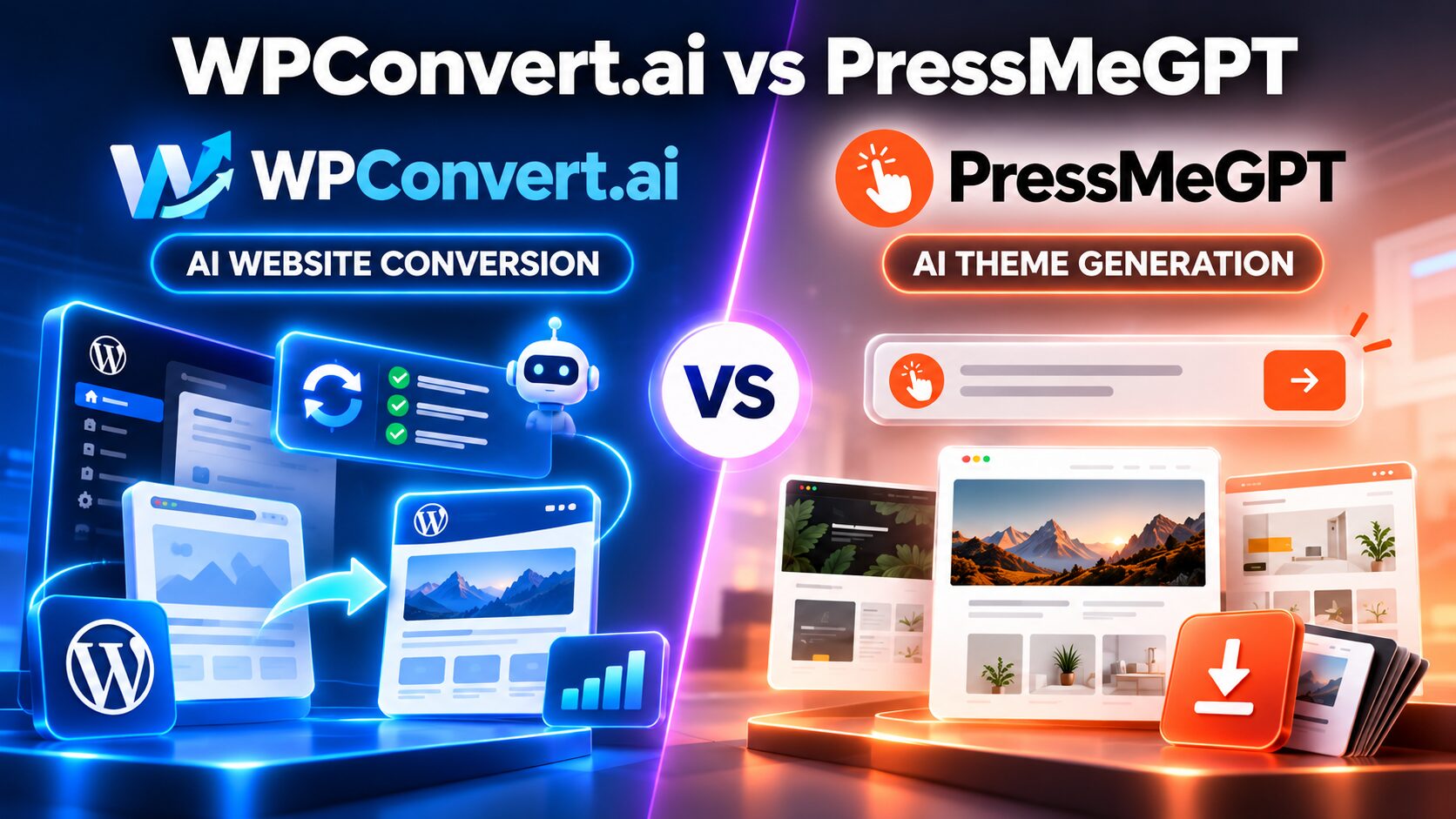
WPConvert.ai and PressMeGPT both promise to shorten that trip. They get mentioned in the same breath, but they solve different problems. Pick the wrong one and you spend your time fighting the tool instead of using it.
The short answer
It comes down to one question: do you already have a website you like?
- Yes → start with WPConvert.ai. It takes your exported project and turns it into a WordPress theme, keeping the design as close to the original as it can.
- No, or you want a fresh design → start with PressMeGPT. It generates design concepts from a prompt, lets you refine one, and exports it as a WordPress theme.
Everything below is detail on top of that one decision.
WPConvert.ai: keep what you already built
WPConvert.ai is a converter, not a designer. You export your site (a ZIP, a project folder, a static HTML site or a supported URL), upload it, preview the result, and download an installable theme ZIP.
What makes it more than an HTML wrapper. AI-built sites keep content in odd places. A product grid is often a JavaScript array; a “blog” is often static markup with no real posts. WPConvert.ai tries to spot these patterns and turn them into real WordPress data:
- – Blog pages become native WordPress posts.
- – Repeated content — services, team members, testimonials, portfolio items — becomes custom post types, with ACF or Meta Box on qualifying tiers.
- – Product catalogs become actual WooCommerce products, with titles, prices, categories and images.
- – Forms are carried over.
That is the difference between a site that looks like WordPress and one you can actually run in WordPress.
Editing after conversion. Converted themes come with a built-in front-end editor for headings, text, images and buttons — no page builder, no PHP. Higher plans add links, lists, backgrounds, video and section visibility. This is handy when you hand a site to a client who just needs to change the copy.
For developers. There is a CLI, an API and an MCP server. An AI agent in Cursor or Claude can submit a local folder, check the job, download the theme and spin up a WordPress Playground preview. Conversion becomes a step in your pipeline instead of a manual upload.
Where it falls short:
- – You need a finished source. It will not come up with a design for you.
- – Output is a standard theme. Elementor and Gutenberg exports are listed as future work for the developer tools.
- – Complex projects can still need testing and cleanup after conversion.
PressMeGPT: figure out what to build
PressMeGPT is a designer first. You describe the business, the audience, the mood, colors and sections you want. It gives you several design concepts, you pick one, and you keep refining it in plain language — “make the hero more editorial,” “warmer palette,” “add a case-study section.” Then you add more pages in the same style and export.
Its real value is the blank page. Most people are better at reacting than inventing. Choosing between three concrete directions is far easier than designing from nothing. That makes it useful for founders launching a new site, agencies pitching concepts to a client, and freelancers who need a mockup by tomorrow.
Export options. You can export for Elementor, Gutenberg or Classic WordPress. The theme is yours to host anywhere, and you do not need a PressMeGPT subscription to keep it running.
It can take an existing site too — but it reinterprets. You can feed it a reference website, and it will build a WordPress theme in that spirit. That is great if you want to clean up or redesign during the move. It is less ideal if the design is already client-approved and must stay pixel-close.
Where it falls short:
- It does not specialize in detecting blogs, custom post types or WooCommerce products in source code.
- A shop design is just the design. Products, prices and checkout are set up in WooCommerce afterwards.
- Results depend heavily on how clear your prompt is.
Side by side
| WPConvert.ai | PressMeGPT | |
|---|---|---|
| Starting point | Existing site, ZIP, folder or URL | A prompt, or a reference site |
| Multiple design concepts | No | Yes |
| Faithfulness to the source design | High — the core goal | Reinterprets it |
| Blog, custom post type and WooCommerce detection | Yes (tier-dependent) | No |
| Export formats | Standard theme | Elementor, Gutenberg, Classic |
| Editing after export | Built-in front-end editor | Standard WordPress tools |
| CLI, API, MCP | Yes | No |
| Subscription needed to keep the theme running | No | No |
Which one for your situation
| Your situation | Pick | Why |
|---|---|---|
| A five-page SaaS site built in Lovable, already approved by the client | WPConvert.ai | The design is decided; you just need it in WordPress intact. |
| An AI-built shop with 40 products hard-coded in the page | WPConvert.ai | The WooCommerce import saves you re-entering every product. |
| A new consulting website, and all you have is a brief | PressMeGPT | You need a design before you need a migration. |
| An agency pitch on Monday that needs three concepts | PressMeGPT | Multiple directions is exactly what it does. |
| A team converting many sites through Cursor or Claude agents | WPConvert.ai | The CLI and MCP tools make conversion repeatable. |
| A client who insists on editing in Elementor | PressMeGPT | It exports Elementor themes today. |
They also work well together: PressMeGPT for new design work, WPConvert.ai for moving finished projects across.
Before you pay
Both tools mix plans and credits, and the details change often, so check the current pricing pages.
- WPConvert.ai offers a free preview, a one-time starter unlock, monthly plans and pay-as-you-go credits. Advanced features like CPTs and developer tools depend on your tier.
- PressMeGPT has a free entry point, then plans and AI credits. Generating, customizing, converting and adding pages each cost credits.
The best test is free: run your real project, or your real brief, through the preview before buying. And whichever you pick, the usual WordPress chores remain yours — hosting, backups, plugin updates and testing.
FAQs
Is WPConvert.ai an AI website builder?
Not really. It is a conversion tool: it turns a site you already have into WordPress.
Can PressMeGPT convert my Lovable or Bolt site?
Yes, but expect a reinterpretation rather than a faithful copy.
Do I need Elementor to edit a WPConvert.ai theme?
No. Everyday edits happen in its built-in front-end editor.
Will my site stop working if I cancel either subscription?
No. Both give you a normal theme ZIP that lives in your own WordPress install.