Yes, you can cancel your at any time although there are some advantages of keeping it. One thing we wanted to do when starting PressMeGPT is to be really flexible.
Unlike many other WordPress website builders that charge a subscription or have per-site fees, one of the benefits of building your website with PressMeGPT is that you are not required to keep your subscription in order to maintain your live website once you publish it to WordPress.
Instead, whatever you design with AI on our platform becomes your code and your theme that you are welcome to install on as many WordPress installations as you’d like and host with whatever WordPress web host you prefer. Since the theme resides on your servers, not ours, you are welcome to modify it manually via a familiar website builder like Gutenberg or Elementor (depending on the format that you exported).
That being said, keeping your PressMeGPT subscription has some advantages if you build websites frequently or need to modify your website, or will be adding pages and posts.
For example, most users who aren’t developers like the ease of entering a prompt in order to make modifications to a website. However, if you would like to cancel below you’ll find the steps.
How to cancel my PressMeGPT account?
Step 1) Sign into your PressMeGPT account.
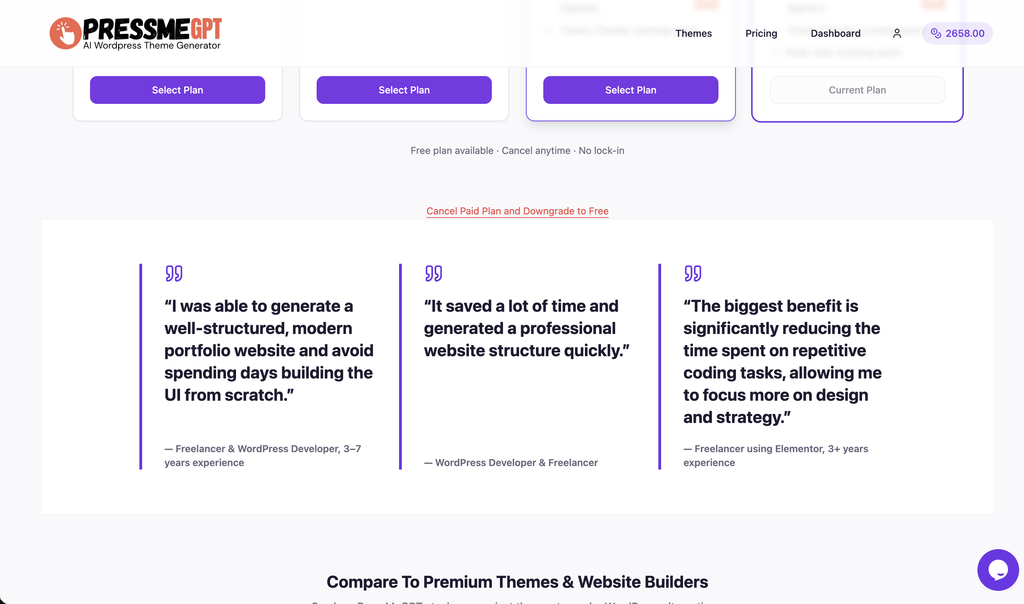
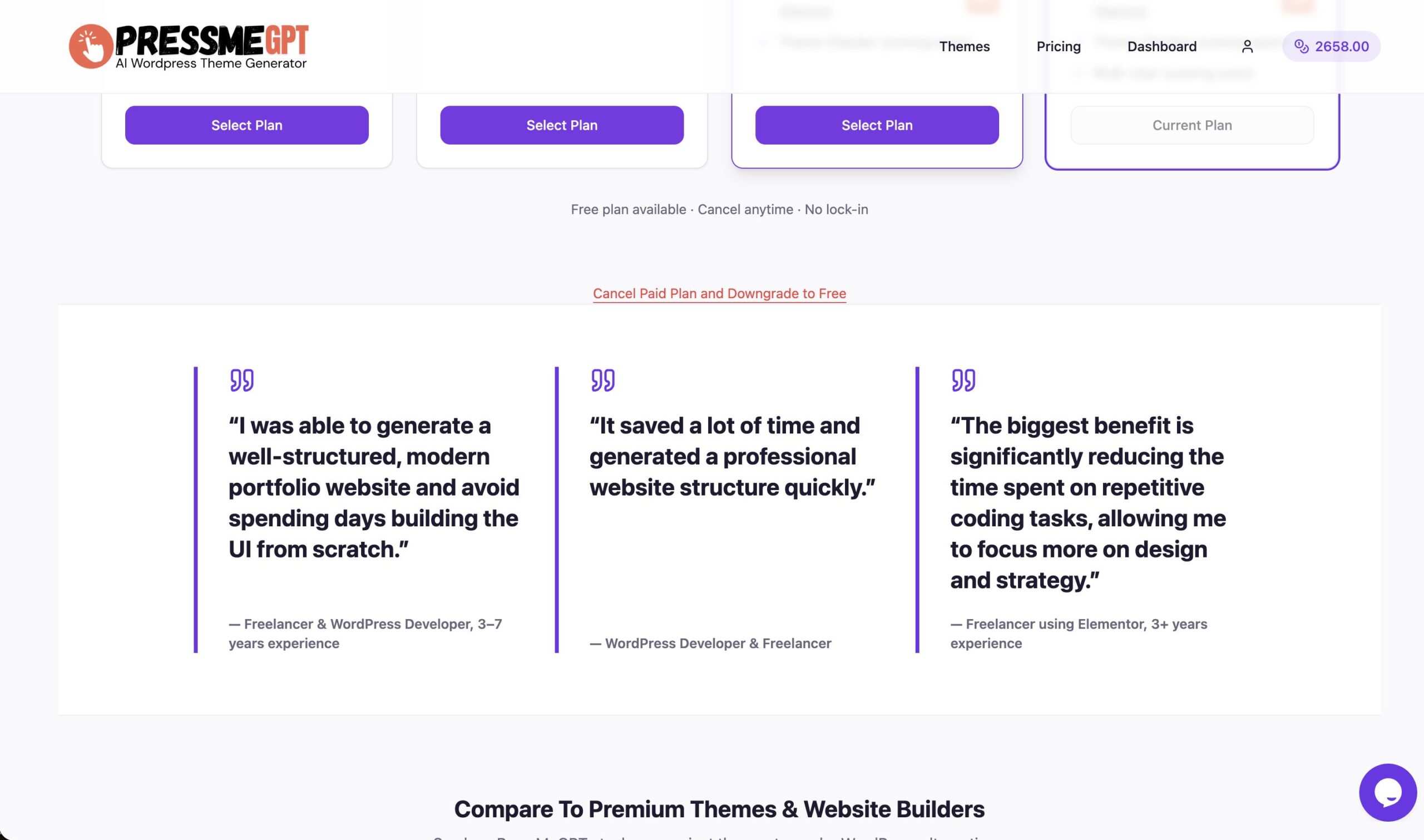
Step 2) Once signed in, visit the Pricing page.
Step 3) Below the pricing table, you’ll see an option to cancel.