Tag: wordpress
-
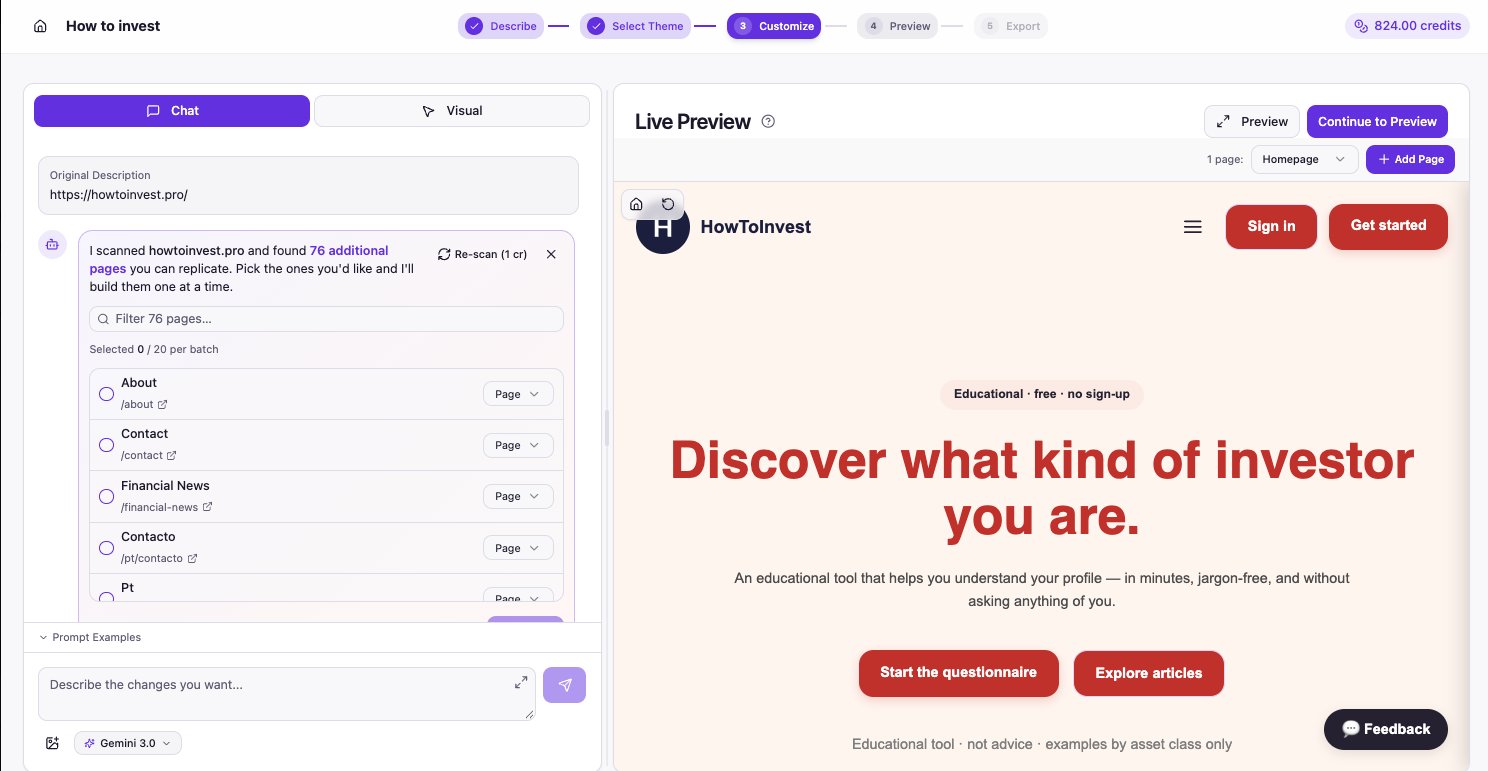
How do I create new WordPress pages?
When you are designing a website, the design isn’t limited to just the homepage. Elements like the header, footer, logo, and styles carries through to the other pages on the site. This is exactly why we added a multi-page builder into PressMeGPT. Now users can not only design the homepage (often the starting point and…
-
Convert a Vibe Coded Gemini Website to WordPress in Minutes
If you’ve created a website using Google Gemini and want to move it into WordPress without rebuilding everything manually. This tutorial walks you through the entire process using AI. Google Gemini allows you to generate websites, landing pages, and structured layouts using AI prompts. First, build it with Gemini You simply describe the structure, style,…
-
How to set a Sitewide Header and Footer with Elementor Free
Elementor is one of the most popular WordPress website builders for a reason. It gives users a visual drag and drop editing experience that makes building websites dramatically easier than traditional WordPress workflows. For freelancers, agencies, and business owners, Elementor can significantly speed up website design and content editing. But there’s one major limitation with…
-
Directory of AI Website Builders Compatible with PressMeGPT and WordPress
PressMeGPT allows you to easily migrate a website built and hosted with another provider, or generated by AI to WordPress. Here is a list of website providers, AI website builders, and web hosts we’ve tested in copying a site to a WordPress theme. Hosted Website Builders Below are a directory of tutorials to convert websites…
-

How to Convert a Base44 Vibe-Coded Project to WordPress Using AI (Step-by-Step Video & Tutorial)
If you’ve created a project with Base44 using vibe coding and want to turn it into a fully functional WordPress theme, this tutorial shows you how to do it quickly using AI. What is Base44? Base44 is a vibe-coding platform that allows you to generate websites and web apps through prompts. Instead of dragging and…
-

Big News: Copy Nearly Any Website Homepage to a Native WordPress Theme with AI
On the heals of our “big update” last week (pardon our humor), we actually do have a big update this week. Now PressMeGPT.com has the ability to use any existing website as either design inspiration, or even create a fully functional copy of the site (with permission and disclaimers of course) – no matter where…
-
Free Accounts & Email Verification
When you first sign up for a free PressMeGPT account, you’ll be asked to verify your email. This security step is to help keep the community safe. If you don’t receive an email confirmation when you sign up for a PressMeGPT account, please try the following steps: If you are still having an issue, contact…
-
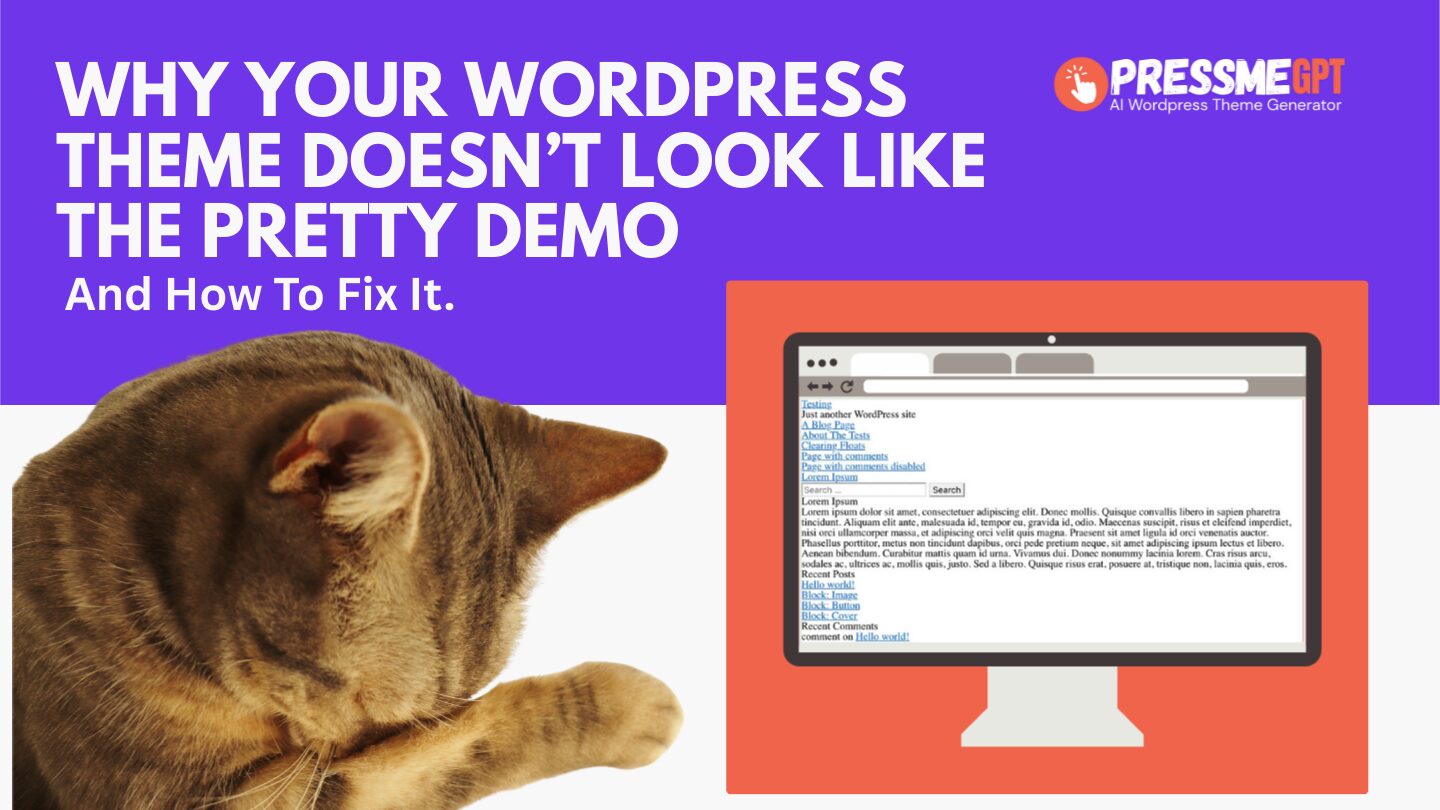
Why Your WordPress Theme Doesn’t Look Like The Pretty Preview (And How To Easily Find One That Does)
If you’ve ever installed a WordPress theme and immediately thought, “Why does this look nothing like the example?” — you’re not crazy, and you’re definitely not alone. This is one of the most common WordPress pain points, and it shows up on Reddit over and over again. You’ll see the same frustration echoed in posts…
-

Release Notes – Jan 27, 2026
We are excited to announce our latest release which includes: Varied, Creative Theme Generation Now PressMeGPT generates 3 different types of website styles with AI instead of 3 random designs. The 3 design patterns are Traditional, Modern, and Creative to give users the choice of the style of their website. Filter by Theme Type and…
-
How to Edit Your WordPress Header & Menu in Full Site Editor on a AI Generated WordPress Theme
In this video, I’ll show you how to edit your website header using WordPress’s Full Site Editor (FSE) on an AI-generated WordPress theme created with PressMeGPT. If you’ve ever generated a WordPress site with AI and then struggled to customize the header or footer afterward, this video explains why that happens—and why PressMeGPT handles it…