
Tag: ai
-

AI Can Design Beautiful Websites But It Can’t SEO (Which Is Why We Created PressMeGPT)
I’ve noticed a surge in people using vibe coding—AI-assisted, low-code tools like Lovable, v0, and Base44—to quickly build websites for small businesses. Just check out these Subreddits: It’s tempting because on the surface you can create beautiful websites in minutes, so I dove in myself to examine closer. But here’s the harsh reality: most of…
-

How to Edit Your WordPress Header & Menu in Full Site Editor on a AI Generated WordPress Theme
In this video, I’ll show you how to edit your website header using WordPress’s Full Site Editor (FSE) on an AI-generated WordPress theme created with PressMeGPT. If you’ve ever generated a WordPress site with AI and then struggled to customize the header or footer afterward, this video explains why that happens—and why PressMeGPT handles it…
-

How to Edit Your WordPress Footer in Full Site Editor on a AI Generated WordPress Theme
In this video, I’ll show you how to edit your website footer using WordPress’s Full Site Editor (FSE) on an AI-generated WordPress theme created with PressMeGPT. If you’ve ever generated a WordPress site with AI and then struggled to customize the header or footer afterward, this video explains why that happens—and why PressMeGPT handles it…
-
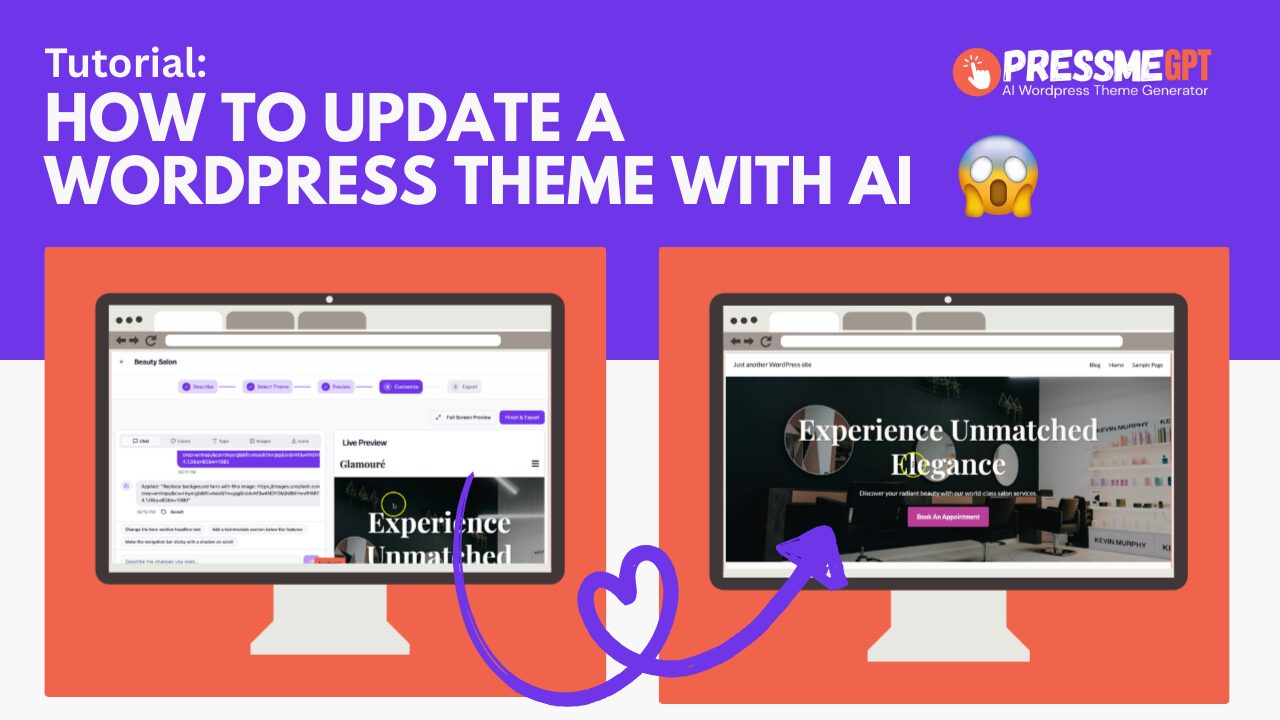
How to update a WordPress Theme with AI the easy way
Its no secret, most vibe coding tools don’t yet support WordPress themes. This means that you have to either buy a theme (that often requires heavy customization to get it to look right) or use a WordPress website builder like Blocks, Elementor, Divi, Spectra, or Beaver Builder – which who has time for that these…
-

How to cleanly delete a WordPress Theme generated with AI
How to Delete an AI-Generated WordPress Theme If you’ve ever tried deleting a WordPress theme created with a page builder or AI tool, you know it can get messy — disabled plugins, broken layouts, leftover shortcodes, and cluttered settings. In this video, I’ll show you how to easily delete a WordPress theme generated with AI…
-
How to convert HTML to a Wordpess Theme with AI Generator
How to Convert HTML to a WordPress Theme (the Easy Way with an AI generator) If you’re looking to turn HTML into a WordPress theme without writing everything from scratch, check out https://PressMeGPT.com — a free AI-powered WordPress theme builder. Unlike most WordPress AI theme generators that only create a single theme and lock you…