
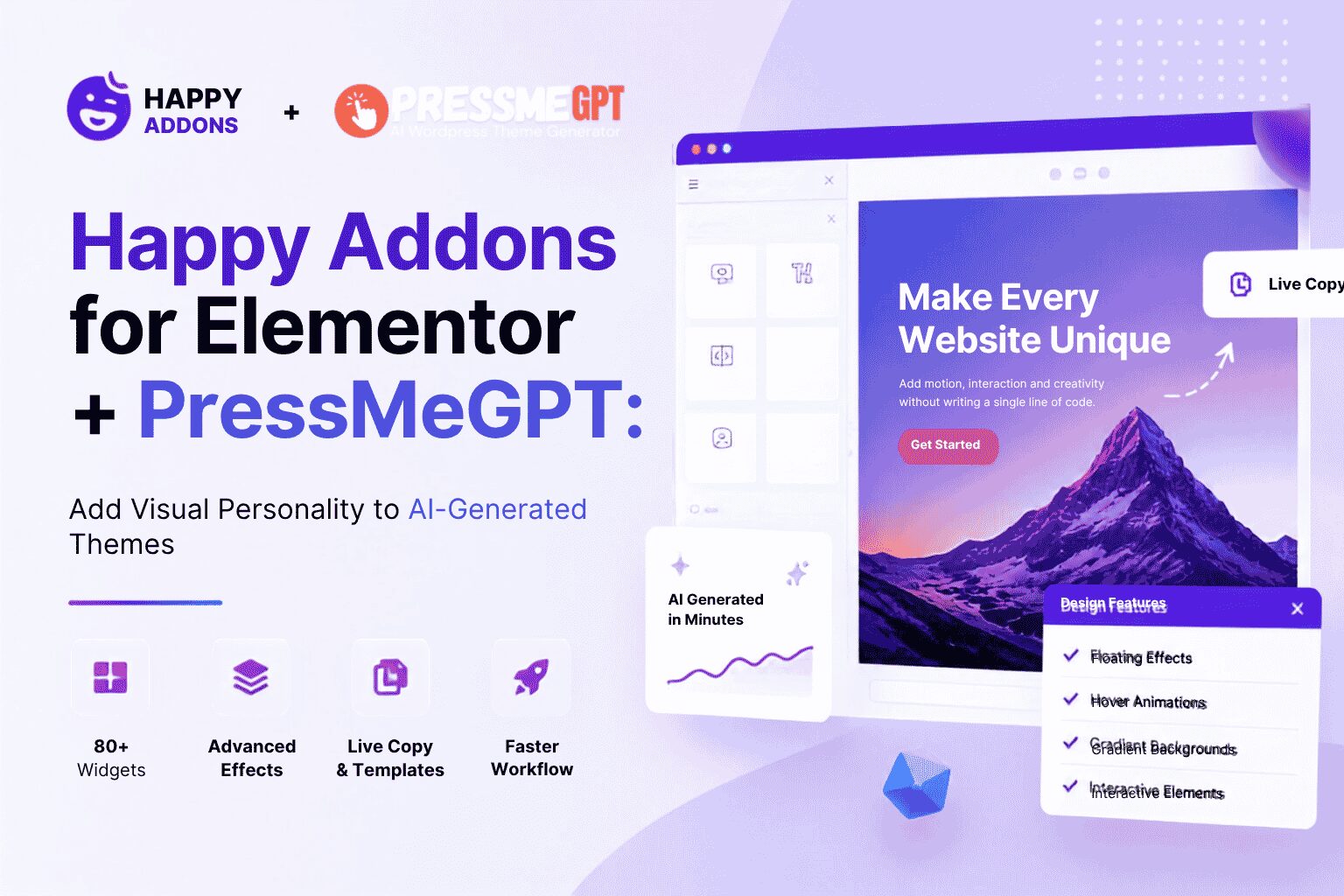
Rating: 4.8/5 stars | 100,000+ Active Installations | Creative Elementor Enhancements for AI-Generated Websites
AI website builders have changed how fast modern websites can be created.
Tools like PressMeGPT can now generate complete WordPress themes, Elementor layouts, responsive structures, and professional page foundations in minutes instead of days.
But there’s still one major problem with many AI-generated websites:
They often feel… generic.
- The structure is there.
- The content is there.
- The layout works.
But the website lacks personality.
That’s where Happy Addons for Elementor becomes incredibly valuable.
Instead of rebuilding websites from scratch, Happy Addons helps designers, agencies, and creators add motion, interaction, advanced UI elements, and visual polish to AI-generated websites — without needing custom JavaScript or advanced frontend development.
When paired with PressMeGPT, the workflow becomes extremely powerful:
- – PressMeGPT generates the website foundation
- – Elementor controls the layout
- – Happy Addons adds engagement, interaction, and visual personality
The result is a website that feels less like an AI template and more like a professionally crafted digital experience.
The Biggest Problem With AI-Generated Websites
AI can generate layouts quickly.
But most AI-generated websites still struggle with:
- – repetitive designs
- – flat visuals
- – lack of interaction
- – generic user experience
- – minimal engagement
- – “template-like” appearance
This is especially noticeable in:
- – SaaS landing pages
- – agency websites
- – portfolios
- – ecommerce stores
- – personal brands
Many AI-generated websites are technically correct… but emotionally forgettable.
And that matters more than most people realize.
Because users remember experiences — not layouts.
Why Visual Personality Matters
Modern websites compete for attention.
A clean layout alone is no longer enough.
The websites that stand out usually include:
- – subtle motion
- – hover interactions
- – depth effects
- – animated transitions
- – interactive sections
- – scroll-based storytelling
- – visual hierarchy enhancements
These details make websites feel:
- – modern
- – premium
- – alive
- – custom-built
That’s exactly the area where Happy Addons excels.
What Is Happy Addons for Elementor?
Happy Addons is an Elementor addon plugin focused heavily on:
- – creative effects
- – advanced UI components
- – workflow acceleration
- – Elementor enhancements
- – interactive design features
It includes:
- – 80+ widgets
- – advanced animation systems
- – creative hover effects
- – dynamic content controls
- – template importing
- – cross-site copy/paste
- – advanced sliders
- – interactive layouts
- – visual enhancements Elementor doesn’t offer by default
Instead of replacing Elementor, Happy Addons expands what Elementor can do.
And for AI-generated themes from PressMeGPT, that becomes extremely useful.
The PressMeGPT + Happy Addons Workflow
This combination makes a lot of sense for modern WordPress workflows.
Step 1: Generate the Website Structure With PressMeGPT
PressMeGPT can generate:
- – Elementor-compatible layouts
- – complete WordPress themes
- – responsive page structures
- – section layouts
- – headers and footers
- – content foundations
This removes hours of repetitive setup work.
Instead of starting from a blank canvas, you begin with a functional website structure immediately.
Step 2: Add Visual Personality With Happy Addons
Once the structure exists, Happy Addons helps transform it into something visually memorable.
This includes:
- – floating animations
- – gradient effects
- – hover interactions
- – animated text
- – image masking
- – before/after sliders
- – hotspot interactions
- – creative headings
- – motion effects
- – advanced sliders
- – modern UI elements
This is where AI-generated websites start feeling custom-made.
Step 3: Refine the Experience Instead of Rebuilding Everything
Instead of manually coding:
- – animations
- – hover effects
- – parallax
- – sticky interactions
- – dynamic sections
- – advanced layouts
Happy Addons provides visual controls directly inside Elementor.
That dramatically reduces development time.
One of the Most Valuable Features: Live Copy
One of Happy Addons’ strongest workflow features is Live Copy.
This feature allows users to:
- – browse demo sections
- – copy complete Elementor layouts
- – paste them directly into their own website
- – customize them instantly
This is incredibly useful for AI-generated workflows.
For example:
You generate a homepage structure with PressMeGPT.
Then instead of designing every section manually, you can:
- – copy a professionally designed testimonial section
- – paste an advanced pricing block
- – import animated feature sections
- – add creative CTA layouts
All within minutes.
This significantly speeds up:
- – website refinement
- – client delivery
- – design iteration
- – Elementor workflows
For agencies building multiple sites, this can save enormous amounts of time.
Cross-Domain Copy Paste: Extremely Useful for Agencies
Another underrated feature is cross-domain copy/paste.
This allows designers to copy Elementor sections between different websites.
That means:
- – reusable hero sections
- – reusable CTAs
- – reusable pricing layouts
- – reusable conversion sections
- – reusable landing page blocks
For agencies using PressMeGPT to generate multiple client websites, this creates a highly scalable workflow.
Instead of rebuilding layouts repeatedly, teams can reuse successful designs across projects.
That’s a major productivity advantage.
Happy Addons Solves Many Elementor Limitations
A surprising amount of modern UI functionality is difficult to create in Elementor alone.
Happy Addons simplifies many things that normally require:
- – custom CSS
- – JavaScript
- – extra plugins
- – advanced frontend work
Examples include:
- – circular buttons
- – text outlines
- – wrapper links
- – advanced nested layouts
- – animated interactions
- – sticky videos
- – image hotspots
- – advanced hover effects
- – creative sliders
- – floating animations
For non-developers, this is extremely valuable.
Creative Features That Make AI Websites Feel Premium
Floating Effects
Floating animations create subtle movement throughout the page.
Elements can:
- – gently bob
- – drift slightly
- – respond visually
- – attract attention naturally
This works especially well for:
- – CTA buttons
- – product mockups
- – icons
- – badges
- – hero graphics
Small motion often makes websites feel dramatically more modern.
Gradient Effects & Animated Backgrounds
Happy Addons includes:
- – animated gradients
- – gradient headings
- – gradient overlays
- – moving background effects
These effects help AI-generated websites avoid the “flat template” feeling many Elementor sites struggle with.
They work especially well for:
- – SaaS websites
- – startup landing pages
- – creative portfolios
- – agencies
- – modern ecommerce stores
Before & After Sliders
One of the plugin’s most practical interactive widgets is the image comparison slider.
Perfect for:
- – renovation companies
- – fitness brands
- – beauty businesses
- – photographers
- – designers
- – marketers
This creates highly engaging interaction with minimal setup.
Hotspots & Interactive Images
Hotspots allow clickable points to appear on images.
This is useful for:
- – product showcases
- – feature explanations
- – ecommerce
- – real estate
- – SaaS walkthroughs
- – UI demos
Instead of static screenshots, websites become interactive experiences.
Sticky Videos & Modal Popups
Happy Addons also includes advanced engagement features like:
- – sticky video playback
- – modal popups
- – advanced sliders
- – interactive overlays
These are valuable for:
- – sales funnels
- – landing pages
- – product demos
- – educational websites
- – conversion optimization
Especially when combined with AI-generated landing pages from PressMeGPT.
Display Conditions Make Websites More Dynamic
One feature many users overlook is conditional display logic.
Happy Addons allows sections to appear based on:
- – login status
- – user roles
- – date ranges
- – browser type
- – device type
- – day/time conditions
This helps create more personalized experiences.
For example:
- – showing promotions only during sales
- – displaying member-only content
- – creating device-specific layouts
- – scheduling limited-time offers
This adds another layer of sophistication to AI-generated websites.
Performance Matters: On-Demand Asset Loading
Many Elementor users worry about performance.
That’s understandable.
Some addon plugins load unnecessary scripts across the entire website.
Happy Addons approaches this more intelligently.
Users can:
- – disable unused widgets
- – load only required assets
- – reduce unnecessary frontend code
This is especially important for:
- – Core Web Vitals
- – SEO
- – mobile performance
- – faster page loading
For websites generated with AI tools like PressMeGPT, this helps maintain performance while still adding advanced visual functionality.
400+ Templates & Prebuilt Sections
Happy Addons includes:
- – 400+ blocks
- – 70+ full-page templates
- – Elementor-ready layouts
- – reusable UI sections
This dramatically speeds up workflow.
Instead of designing:
- – pricing tables
- – testimonial sections
- – feature grids
- – hero layouts
- – FAQ sections
- – service blocks
from scratch every time, designers can import and customize quickly.
Combined with PressMeGPT, this creates a very efficient production workflow:
- – AI generates the structure
- – templates accelerate customization
- – creative widgets refine presentation
Real-World Use Cases
Agency Websites
Agencies often need websites that feel:
- – modern
- – premium
- – interactive
- – visually impressive
Happy Addons helps agencies create:
- – animated service sections
- – interactive portfolios
- – advanced navigation
- – creative hover effects
- – engaging landing pages
without custom frontend development.
SaaS Landing Pages
SaaS websites benefit heavily from:
- – motion
- – visual storytelling
- – feature interactions
- – animated UI
Happy Addons makes it easier to create:
- – animated feature showcases
- – floating product visuals
- – sticky demos
- – conversion-focused CTAs
- – advanced pricing layouts
on top of PressMeGPT-generated structures.
Ecommerce Websites
Interactive product experiences matter.
Features like:
- – hotspots
- – carousels
- – image comparisons
- – advanced sliders
- – hover effects
can improve engagement significantly.
Who Should Use Happy Addons?
Happy Addons is especially valuable for:
- – agencies
- – freelancers
- – marketers
- – SaaS builders
- – ecommerce brands
- – Elementor users
- – AI website creators
- – designers wanting more creative freedom
It’s particularly strong for people who:
- – want faster workflows
- – dislike repetitive Elementor work
- – need modern UI effects
- – want more engaging websites
- – build websites at scale
Final Verdict
Happy Addons for Elementor is more than just another Elementor widget plugin.
Its biggest strength is helping websites feel more alive, interactive, and visually memorable — while also improving Elementor workflow efficiency.
When combined with PressMeGPT, the workflow becomes extremely practical:
- – PressMeGPT generates the structure
- – Happy Addons enhances the experience
- – Elementor handles customization
Together, they create a faster way to build modern WordPress websites that don’t feel generic or AI-generated.
For agencies, freelancers, and creators building Elementor websites regularly, Happy Addons can dramatically reduce development time while increasing visual quality at the same time.
If your AI-generated websites already have good structure but still feel like they’re missing personality, interaction, or polish, Happy Addons is one of the strongest Elementor enhancement plugins currently available.
Related Resources
– Complete Guide to Elementor Compatible Plugins & Addons
– Essential Addons for Elementor + PressMeGPT
– Unlimited Elements for Elementor + PressMeGPT
– PressMeGPT Now Exports to Elementor
– Happy Addons Official Website
– Happy Addons Documentation
Sources & References
– WordPress.org Plugin Repository: https://wordpress.org/plugins/happy-elementor-addons/
– Happy Addons Official Website: https://happyaddons.com/
– Happy Addons Documentation: https://happyaddons.com/docs/
– Customer testimonials from WordPress.org and Happy Addons community
– Performance and engagement data from agency case studies